Hello,
Thank you for contacting us and sorry for any inconvenience that might have been caused due to that.
Could you please try saving the settings for the Analytics with a different browser such as Google Chrome? We have seen reports of some people not able to save the settings with Safari or Firefox browser.
If you are already using Chrome, please try using it in Incognito mode just to save the settings.
Let us know how it goes.
Thank you.
Going Incognito mode did nothing.

Hello,
Thank you for your patience.
Please note that you may need to choose the property https://domain.com/ and not the sc:domain.com upon connecting your site.
The URL-prefix property also helps keep your sitemap in sync with Google Search Console as we submit it automatically for you. In addition, the domain property won’t work correctly on some sections of the Analytics module such as the IndexStatus.
In this case, please follow our guide here to create the URL Prefix property
https://rankmath.com/kb/google-site-verification/#num-1-1-open-google-search-console
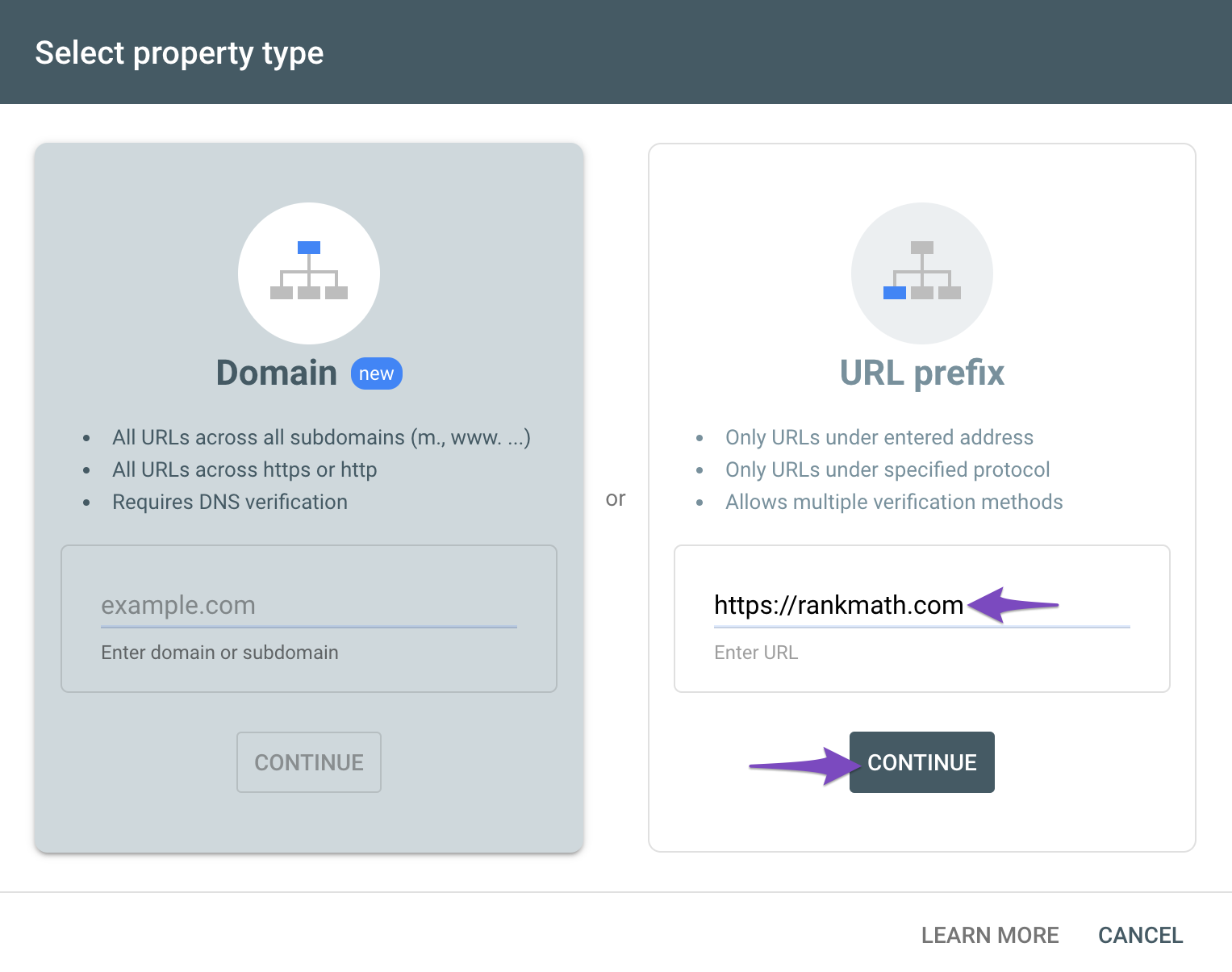
Then reconnect your site on your WordPress dashboard > Rank Math > General Settings > Analytics.
Hope that helps.
Thank you.
Hello,
Since we did not hear back from you for 15 days, we are assuming that you found the solution. We are closing this support ticket.
If you still need assistance or any other help, please feel free to open a new support ticket, and we will be more than happy to assist.
Thank you.



