Blank slot under Search Console and Analytics

#881135
Viewing 4 replies - 1 through 4 (of 4 total)
  • Hello, we apologize for the issue you are facing with connecting to Search Console and Analytics. It seems like there might be a glitch in the connection with your Google account.

    To resolve this, please follow these steps:

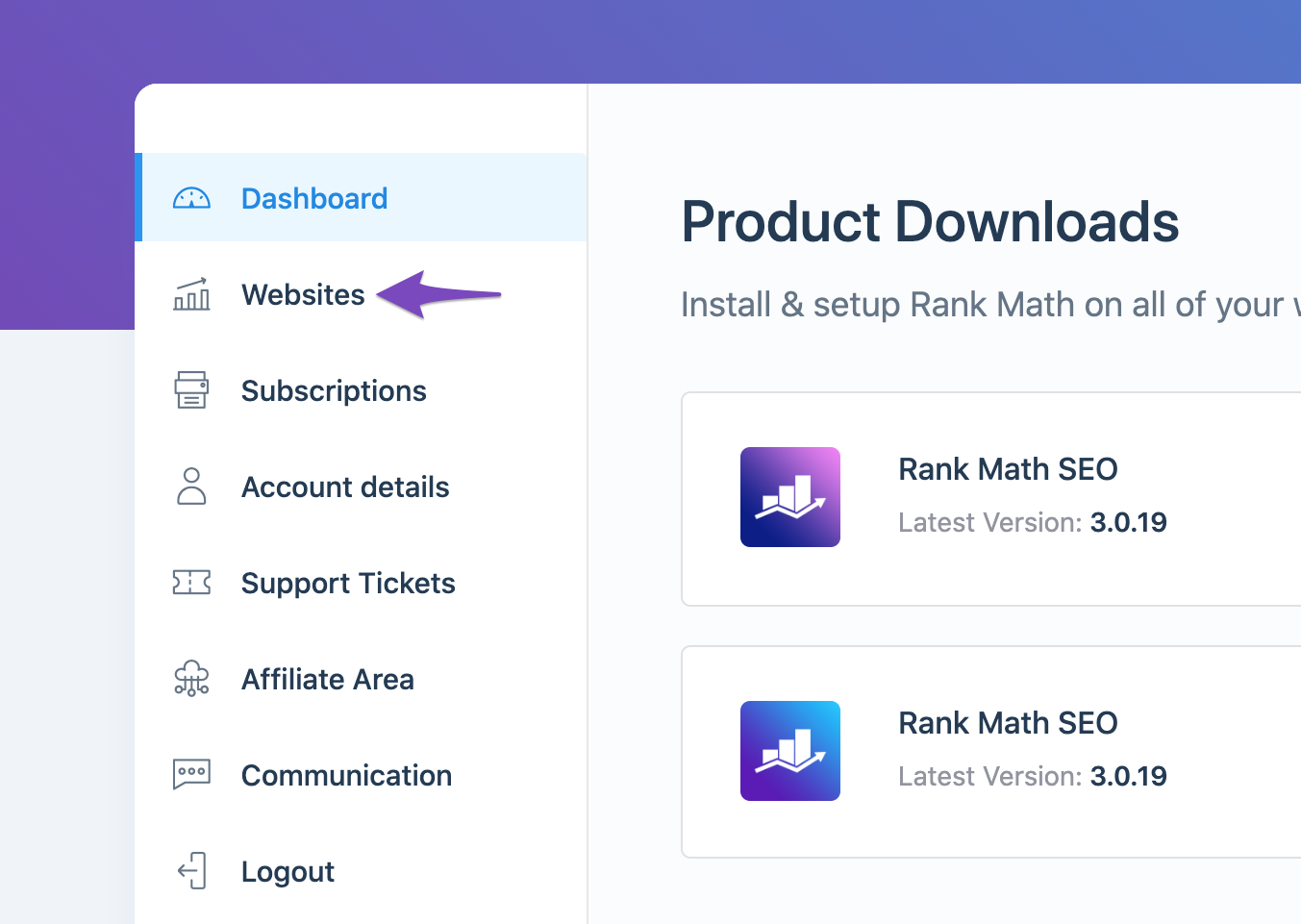
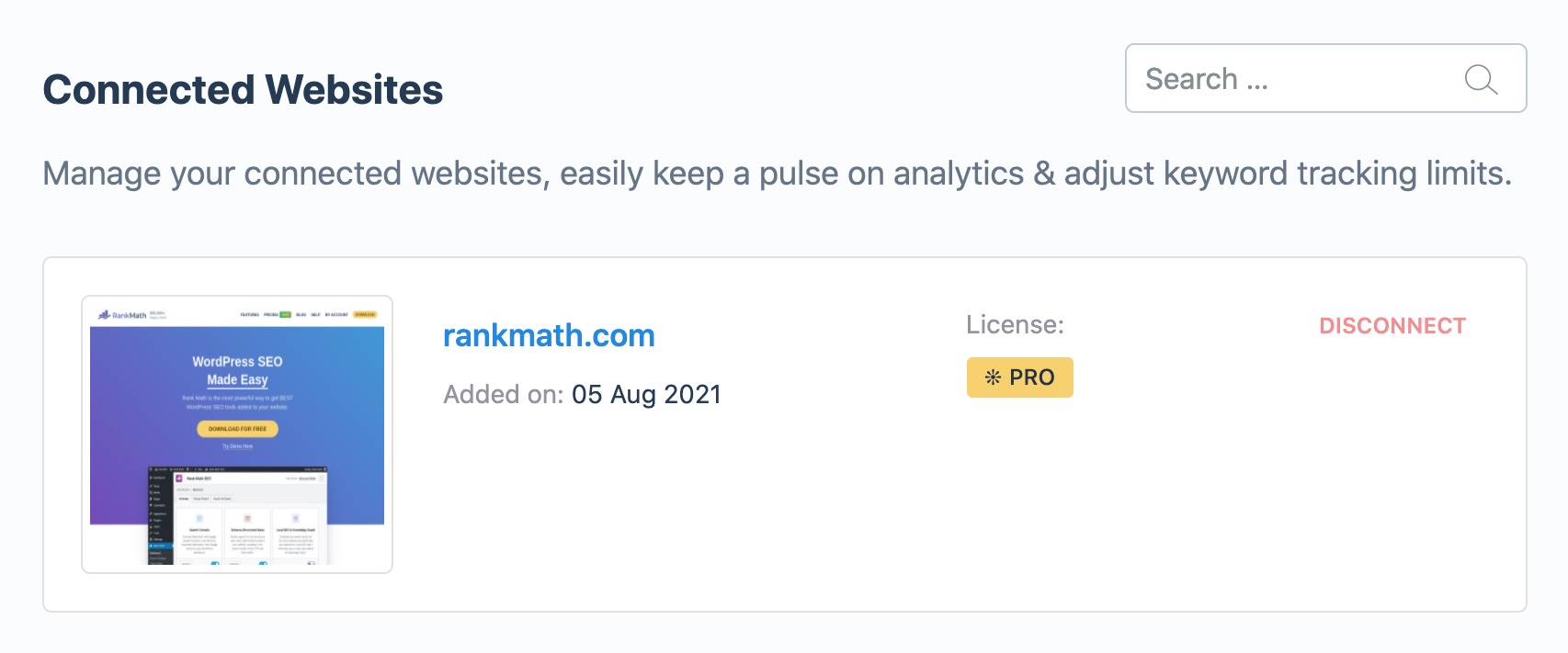
    1. Check if Your Website is Connected: Ensure that your website is connected to the Rank Math account that has a PRO license. You can do this by logging into your Rank Math account and navigating to the My Account area, then clicking on the Websites tab. If your website is not listed, you will need to reconnect it.
      Open the Websites tab
      Connected Websites with Rank Math

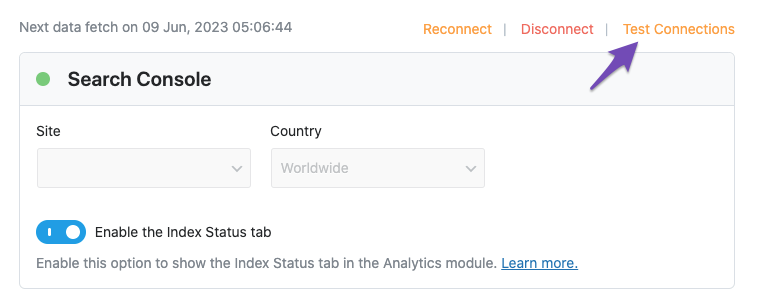
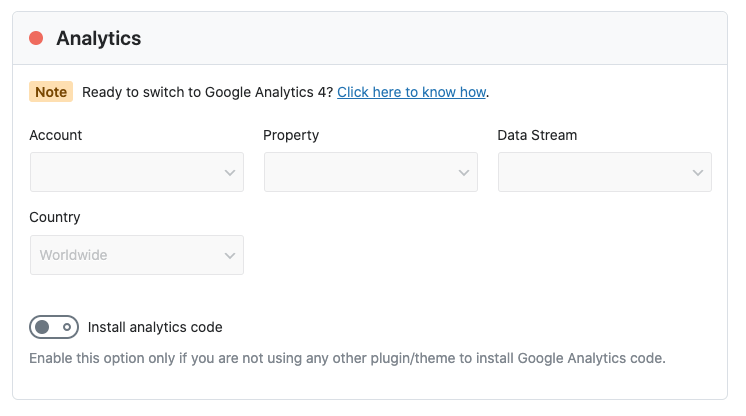
    2. Reconnect Your Google Account: Go to Rank Math SEO → General Settings → Analytics and click on the Test Connections option at the top right. If the dot is red, it indicates a connection issue. You can try reconnecting your Google account by clicking on the Reconnect option.
      Test connections
      Issue with Google Analytics connection

    3. Refresh Tokens: If you still see a red signal after reconnecting, it may be necessary to refresh the authorization tokens. To do this, delete the Rank Math app from your Google Account permissions here and then reconnect your Google services through Rank Math again.
      Remove Access to Rank Math SEO

    If the problem persists after trying these steps, please reply to this ticket, and a human agent from the Rank Math Support team will assist you further. Thank you for raising this concern!

    Hello,

    Thank you for contacting Rank Math support, and sorry for the inconvenience this may have caused.

    Please follow these steps to reconnect Rank Math with your Google account and grant all the necessary permissions:

    First of all, check to make sure that you have a verified Google Search Console and Google Analytics properties, if not follow the attached link to create one.

    If you already have verified properties and you’re still unable to connect them – then follow these steps

    1) Remove Rank Math’s access from Google Please remove RankMath’s app from your Google apps permissions: https://myaccount.google.com/permissions

    permissions

    2) Re-connect to regenerate the auth token from Google

    After that, reconnect the Google account again to regenerate the auth token from Google, by going to WordPress Dashboard > Rank Math > General Settings > Analytics and configure the Search Console and Analytics settings again:

    reconnect

    3) Grant all necessary permissions

    Kindly check all necessary checkboxes to allow Rank Math to access some of the Google Services. Please check my screenshot below for reference:

    permissions

    4) Follow the instructions to sign in with your Google account and allow Rank Math to access your data. https://rankmath.com/kb/connect-your-google-account/

    You can also refer to this guide for more details: https://rankmath.com/kb/analytics-issues/#expired-google-oauth-token

    We hope this resolves the issue for you.

    If you still face any problems or have any questions, please let us know.

    We’re always here to help.

    Thank you. The issue is resolved

    Hello,

    We are super happy that this issue has already been resolved. If you have any other questions in the future, know that we are here to help you.

    If you don’t mind us asking, could you please leave us a review (if you haven’t already) on
    https://wordpress.org/support/plugin/seo-by-rank-math/reviews/#new-post

    about your overall experience with Rank Math? We appreciate your time and patience.

    If you do have another question in the future, please feel free to create a new forum topic, and it will be our pleasure to assist you again.

    Thank you.

Viewing 4 replies - 1 through 4 (of 4 total)

The ticket ‘Blank slot under Search Console and Analytics’ is closed to new replies.