Hello,
We apologize for the issue you are facing with the Article schema on your website. Thank you for providing detailed information about your situation.
To troubleshoot the Article schema implementation, please follow these steps:
-
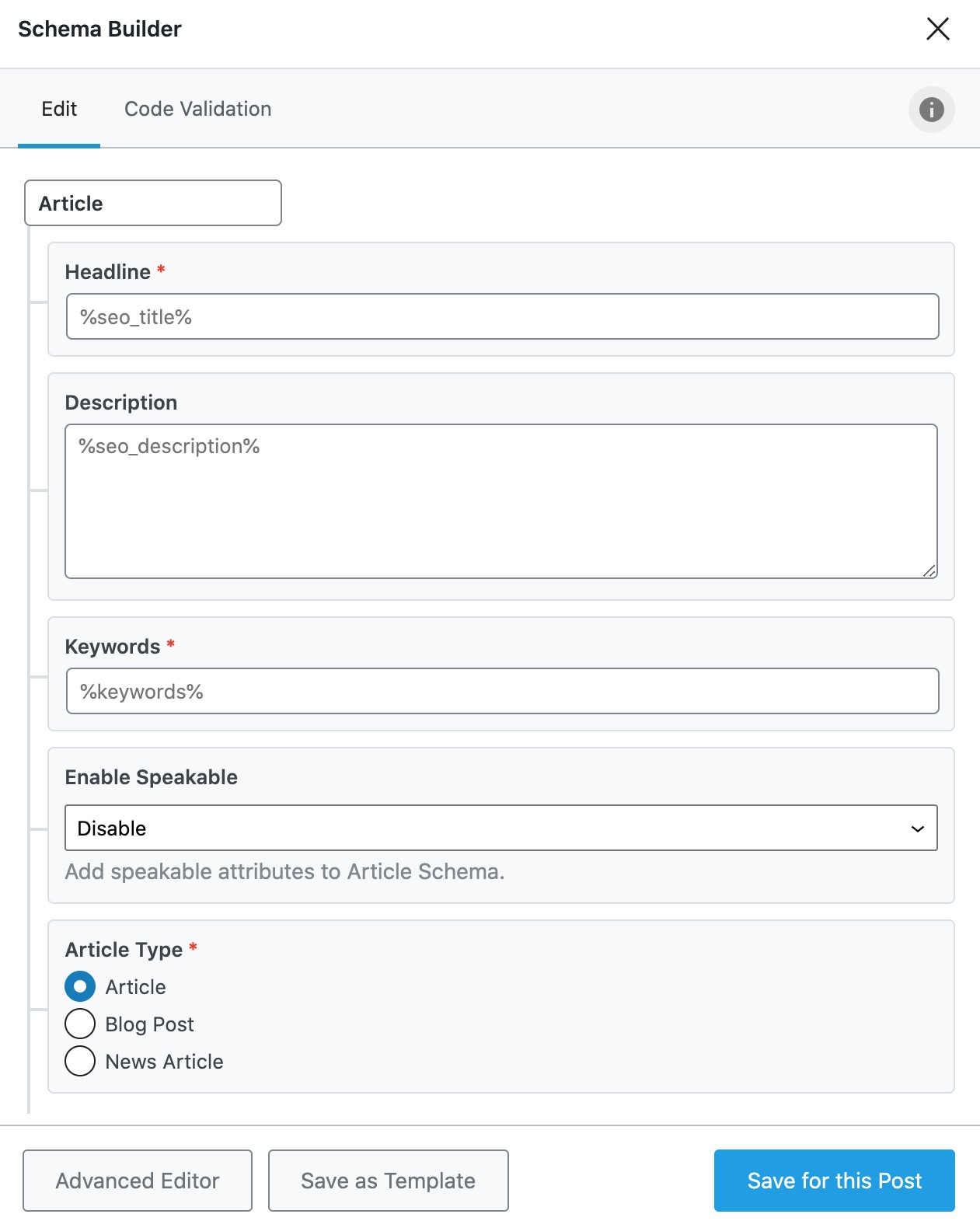
Check Schema Settings: Ensure that the Article schema is set as the default schema type for your posts. You can do this by navigating to WordPress Dashboard → Rank Math SEO → Titles & Meta → Posts and setting the Schema Type to Article.
-
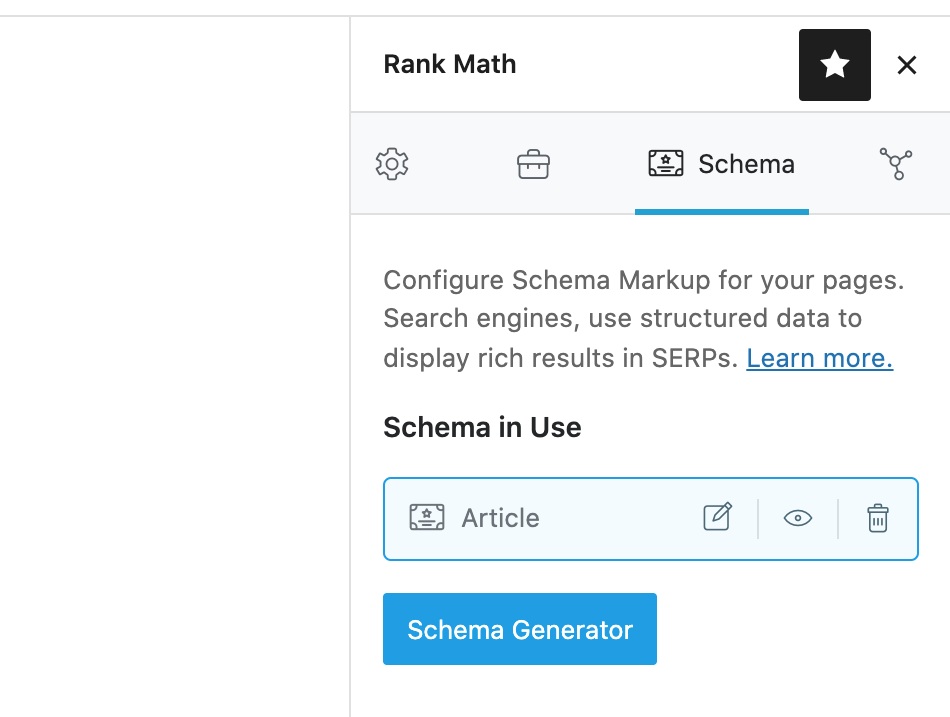
Verify Schema in Post Editor: When editing a post, check the Schema tab in the Rank Math meta box to confirm that the Article schema is applied correctly. You should see options to fill in the headline, description, and other relevant fields.
-
Use Rich Results Test: After ensuring that the schema is set up correctly, use Google’s Rich Results Test tool to validate your schema markup. This will help identify any specific errors that need to be addressed.
-
Clear Cache: If you are using any caching plugins, clear your cache after making changes to ensure that the latest version of your pages is being served.
-
Check for Conflicts: Sometimes, other plugins or themes may conflict with Rank Math. Temporarily disable other plugins to see if the issue persists.
If you continue to experience issues after following these steps, please reply to this ticket with any specific error messages you are seeing in the Rich Results Test, and a human agent from our support team will assist you further.
Thank you for your patience, and we look forward to helping you resolve this issue!
Sources:
Configuring “Schema Markup” in Rank Math » Rank Math
This is an automated reply from Rank Math Support Bot. If you need further assistance, please reply to this topic and a human support agent will reply to you shortly.
Hello,
Since we did not hear back from you for 15 days, we are assuming that you found the solution. We are closing this support ticket.
If you still need assistance or any other help, please feel free to open a new support ticket, and we will be more than happy to assist.
Thank you.


