Assistance Needed with Googlebot Fetching Issue on mudah-oem.com

#906165
  • Resolved Ariff shah
    Rank Math free

    Dear Rankmath Support,

    Thank you for providing such a fantastic plugin.

    I’m currently experiencing an issue where Google Search Console is unable to fetch the robots.txt file for my website, mudah-oem.com. This has resulted in indexing issues, as Googlebot cannot access mudah-oem.com/robots.txt.

    I came across your article on this topic and tried the recommended steps: Fix Submitted URL Blocked by Robots.txt Error. Unfortunately, the issue persists, and Google Console still cannot fetch the robots.txt file.

    Attached is an image of the current robots.txt file as it appears on mudah-oem.com.

    /////////////////////////////
    User-agent: *
    Disallow: /wp-admin/
    Allow: /wp-admin/admin-ajax.php

    Sitemap: https://mudah-oem.com/sitemap_index.xml
    /////////////////////////////

    Could you please guide me further on resolving this issue? Any insights would be greatly appreciated.

    Thank you!

Viewing 6 replies - 1 through 6 (of 6 total)
  • Hello,

    We apologize for the issue you are facing with Googlebot not being able to fetch your robots.txt file. Thank you for providing the details of your current robots.txt configuration.

    From the content you shared, it seems that your robots.txt file is set up to disallow access to the /wp-admin/ directory while allowing access to admin-ajax.php. This configuration should not inherently block Googlebot from accessing your site or the robots.txt file itself.

    Here are a few steps you can take to troubleshoot and resolve this issue:

    1. Check Accessibility: Ensure that your robots.txt file is accessible by visiting `https://rankmath.com/wp-content/uploads/2024/04/image-124.png in your browser. If you can see the file without any errors, it means it’s accessible.

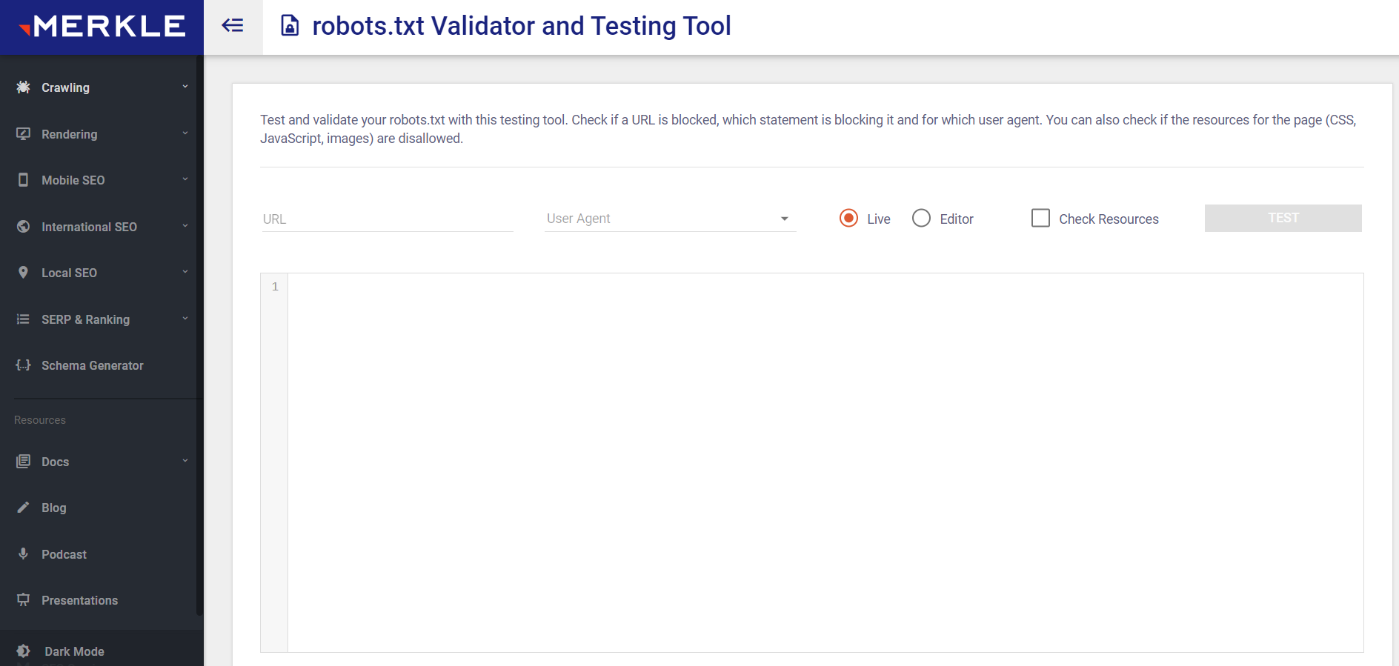
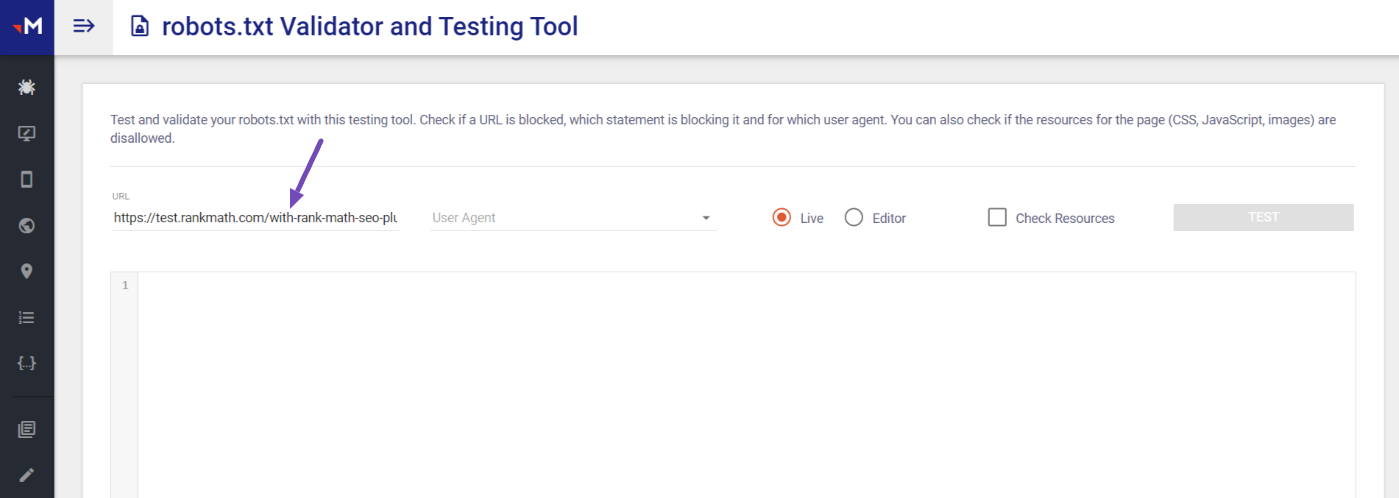
    2. Use Robots Testing Tool: Utilize the Robots Testing Tool to check if there are any directives blocking Googlebot. Enter your URL and select Googlebot as the user agent to see if it can access your site.
      Robots.txt Tester

    3. Clear Cache: If you have caching plugins or server-side caching enabled, clear the cache to ensure that Googlebot is fetching the latest version of your robots.txt file.

    4. Check Server Configuration: Sometimes, server settings or security plugins can inadvertently block access to certain files. Ensure that there are no server-level restrictions preventing Googlebot from accessing your robots.txt file.

    5. Review Google Search Console: After making any changes, go back to Google Search Console and request a re-fetch of your robots.txt file. This can sometimes resolve indexing issues.

    If after following these steps the issue persists, please reply to this ticket, and a human agent from the Rank Math Support team will assist you further.

    Thank you for raising this concern, and we hope to help you resolve it soon!

    I’m sorry, still can’t resolve it

    Hello,

    Thank you for contacting Rank Math support.

    Please share a screenshot of the detailed error in your GSC account so we can check this further. You can use a tool like https://imgur.com/ to share screenshots.

    Looking forward to helping you.

    Hi Jaideep,

    here is the image link -> https://imgur.com/a/iAel8Xs

    Hello,

    You’re getting that error because your website is down and inaccessible.

    Please speak with your web hosting company or developer to let them know.

    Hello,

    Since we did not hear back from you for 15 days, we are assuming that you found the solution. We are closing this support ticket.

    If you still need assistance or any other help, please feel free to open a new support ticket, and we will be more than happy to assist.

    Thank you.

Viewing 6 replies - 1 through 6 (of 6 total)

The ticket ‘Assistance Needed with Googlebot Fetching Issue on mudah-oem.com’ is closed to new replies.