
-
Hi,
I keep getting the above error when I run the SEO Analyser. I have gone through all of the suggestions by the bot but all are correct or not applicable.
This site only went live last night and I have now solved the previous issue with RankMath and formatting, so don’t know if this is related.If you can please point me in the right direction that would be great.
Thanks,
Fleur

-
Hello,
We apologize for the issue you are facing with the API Error: HTTP 400 while running the SEO Analyzer. Since you’ve already checked the common suggestions, let’s explore some potential reasons for this error:
-
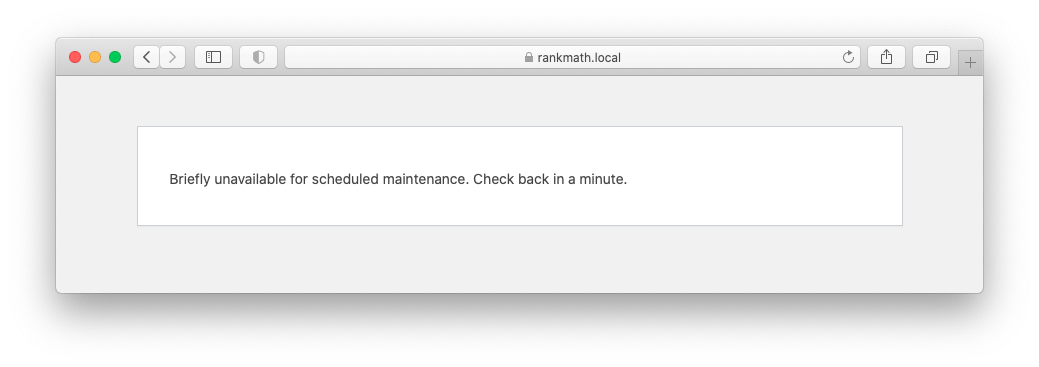
Website Under Maintenance: Ensure that your website is not in maintenance mode. If it is, switch it back to normal mode.
-
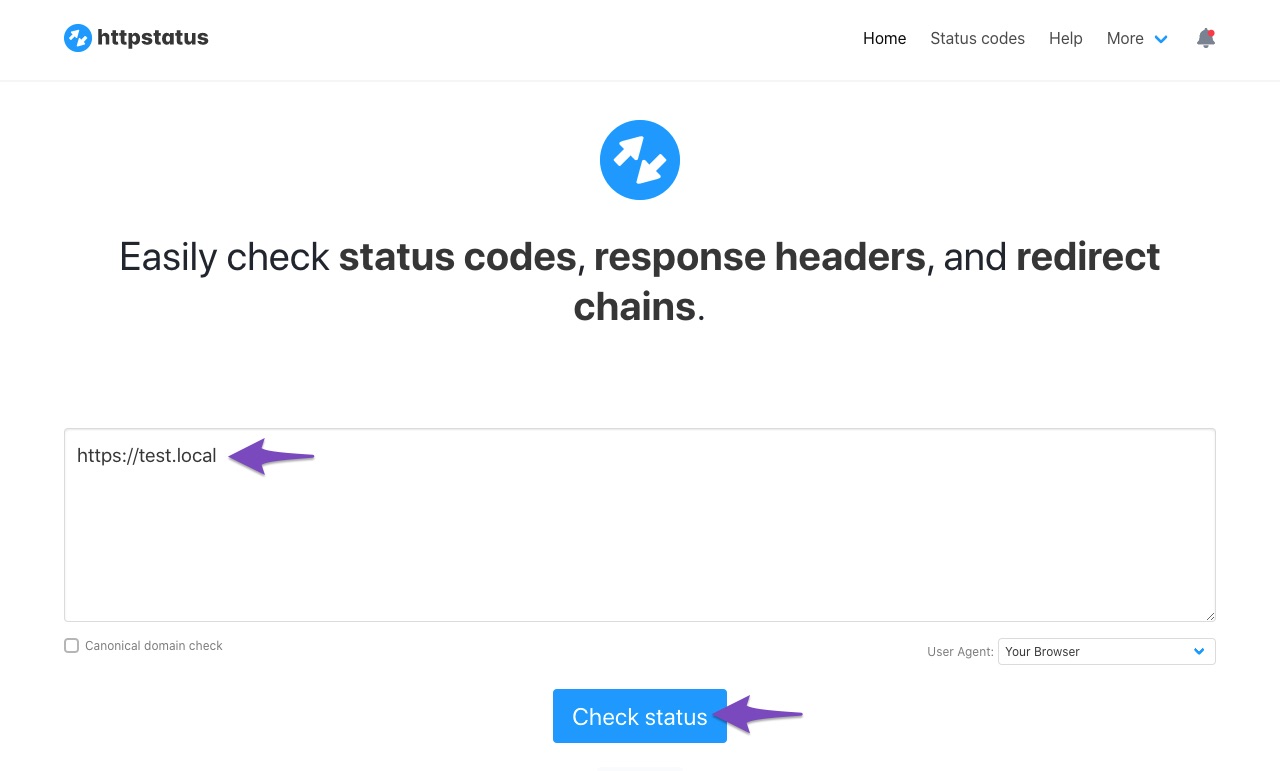
Check Website Status: Verify that your website is returning a 200 status code. You can check the status of your website using this tool.
-
API Timeout: If your website takes more than 30 seconds to load, it may result in a timeout error.
-
API Requests Blocked by Firewall: Check if your server’s firewall is blocking our API requests. If so, you may need to whitelist the IP
46.30.211.100and the user-agentRankMathApi/2.0.2; https://rankmath.com. -
Locally Hosted Website: The SEO Analyzer only works on live sites that return a 200 OK status when crawled from an external site. If your site is hosted locally, this could be the reason for the error.
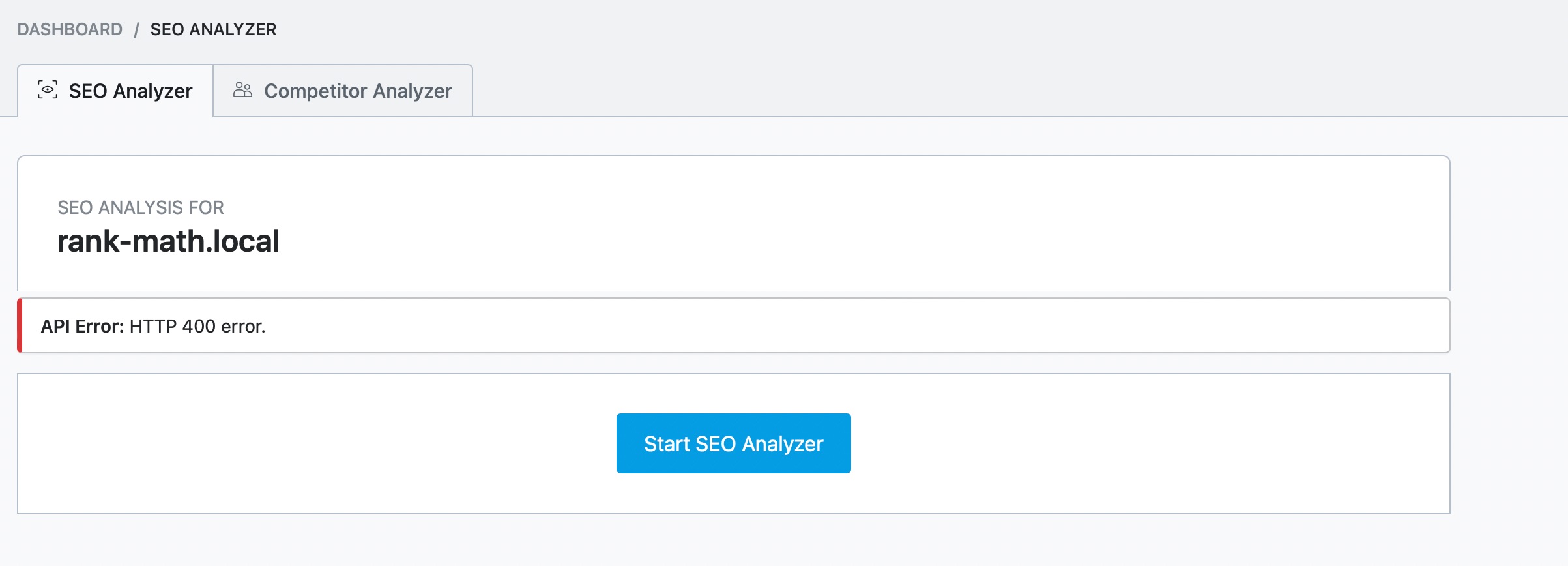
If none of these solutions resolve the issue, please reply to this ticket, and a human agent from the Rank Math Support team will take over and assist you further.
Thank you for raising this concern, and we hope to help you get this resolved soon!
Sources:
Why Am I Getting "API Error: HTTP 400" Error » Rank MathI have done all of the above and nothing has worked.
Not whitelisted the IP address as it is not showing as blocked by the server.Thanks,
FleurHello,
Thank you for contacting Rank Math support, and sorry for any inconvenience that might have been caused due to that.
Can you please share your website URL where the issue is happening?
Looking forward to helping you.
Hi there,
We attempted to use the Rank Math external SEO Analyzer tool, but it seems that our server was unable to reach yours.
This indicates that your server might be blocking our server from analyzing your website. Could you please contact your web hosting company and ask them to whitelist the IP address
46.30.211.100and the following user-agent to see if that resolves the issue:RankMathApi/2.0.2; https://rankmath.comPlease keep us updated on the progress. We’re here to help you.
Thank you.
Hi,
The server settings have been updated by host as requested but still getting the same error.
Many thanks,
FleurHello,
We tested the website with our external SEO Analyzer again and are still getting the ‘Invalid server response’
You can ask your hosting provider to look into it and whitelist those IP addresses we shared earlier. And you should whitelist the same IP if you are using Cloudflare.
Also, check with your host and share your server & site’s IP addresses so we can check if your site is getting blocked from our end.
Don’t hesitate to get in touch if you have any other questions.
Hi Ike,
I have spoken to our hosting again and you are definitively on the whitelist.
Here are the details from our side:
Our server and website IP address is 91.238.163.173.Many thanks,
FleurHi, can someone please come back to me re the above please.
Thanks,
FleurSorry the above message was logged into another account!
Hi, can someone please come back to me re my previous message at the weekend please.
Thanks,
FleurHello,
We have checked your IP against our logs, and there’s nothing blocking it from our end. The issue may be on your end or your server/host’s end.
You can also try deactivating all your plugins except Rank Math and activating a WordPress default theme. Then, try using the external SEO analyzer tool again via https://rankmath.com/tools/seo-analyzer/ and let us know the result.
We look forward to hearing back from you.
Hi,
I have spoken to the host, he has now changed more settings and it seems to be allowing Semrush to scan for SEO which this one had the same issue as RankMath but RankMath is still showing the same error.
If I try the above, it means that my site would be all wrong while I do this or is there a way of doing this without touching the live site.
Many thanks,
FleurHello,
Yes, you can do that without affecting the live site.
Please follow this troubleshooting guide:
https://rankmath.com/kb/check-plugin-conflicts/Here is a video you can follow as well: https://www.youtube.com/watch?v=FcIWRhacUP2c
Only the site admin would know and your users won’t be affected by this troubleshooting.
Let us know how this goes.
Thank you.
Hi,
Thanks for sending this over and sorry for my delay in replying.
Ok so I have deactivated everything including the Theme, set to Twenty Twenty, then enabled Rank Math and it is still showing the same error.
Many thanks,
FleurHello,
Can you also please check with your hosting provider if the user-agent
RankMathApi/2.0.2; https://rankmath.comis also whitelisted?At the moment, our server is not blocking your site so something must be still blocking your website server.
Let us know how that goes.
Hello,
Since we did not hear back from you for 15 days, we are assuming that you found the solution. We are closing this support ticket.
If you still need assistance or any other help, please feel free to open a new support ticket, and we will be more than happy to assist.
Thank you.
-



The ticket ‘API Error: HTTP 400 error.’ is closed to new replies.