“API Error: cURL error 28

#1128111
  • Dear Rank Math Support Team,

    I am experiencing a critical issue with the Rank Math plugin on my website. The plugin is showing the following error:

    “API Error: cURL error 28: Operation timed out after 30002 milliseconds with 0 bytes received”

    This error is preventing Rank Math from performing essential functions like SEO analysis, fetching schema data, and updating link counts.

    Details of the Issue:

    Error Message: cURL error 28 (Operation Timed Out)

    Plugin Version: [Rank Math Version – 1.0.263]

    WordPress Version: [WordPress Version – 3.6.1]

    Website URL: https://brakingnews.in

    Hosting Provider: Hostinger

    Steps I’ve Already Taken to Resolve:
    Cleared Rank Math SEO data and cache.

    Updated the plugin, theme, and WordPress to the latest versions.

    Temporarily deactivated other plugins to check for conflicts.

    Increased PHP max_execution_time and memory limits.

    Verified that my server allows outbound cURL requests.

    Despite these efforts, the issue persists.

    Request for Assistance:
    Please help me resolve this timeout error by:

    Checking if there are any known server-side restrictions from your API endpoints.

    Providing guidance on optimal cURL/timeout settings for Rank Math.

    Investigating if there’s a temporary service outage or blockage from your end.

    I’ve attached relevant screenshots and server details for your reference. Please let me know if you need any additional information from my side to troubleshoot this issue.

    Thank you for your prompt assistance.

    Best Regards,
    [Samit Kumar]
    [Email – s********@g********]
    [Website URL – https://brakingnews.in]

Viewing 2 replies - 1 through 2 (of 2 total)
  • Hello,

    We apologize for the issue you are facing with the Rank Math plugin. The cURL error 28 indicates that the operation timed out, which can be caused by several factors. Here are some steps you can take to troubleshoot and potentially resolve this issue:

    1. Check Website Status

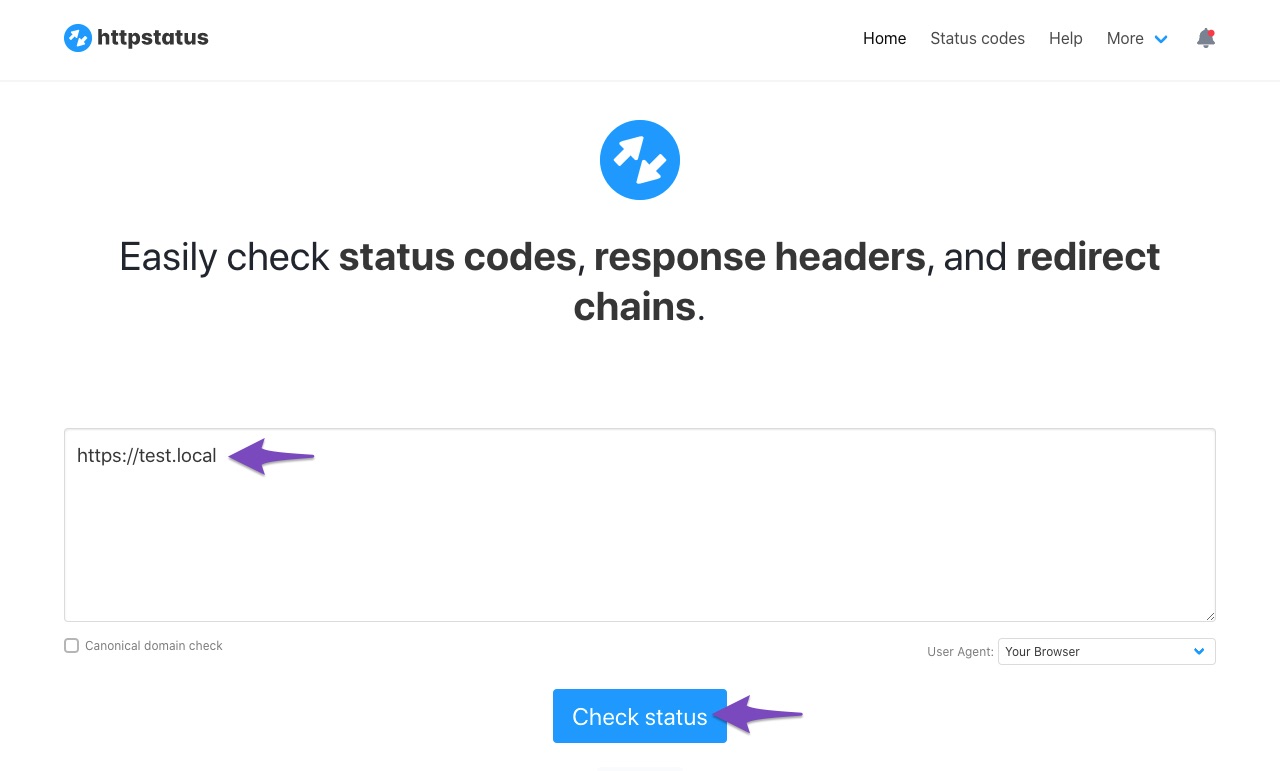
    Ensure that your website is accessible and returning a 200 status code. You can check the status of your website using this tool: Check Website Status.

    Check website status with httpstatus tool

    2. API Timeout

    Since you mentioned that you have already increased the PHP max_execution_time, ensure that your server is not experiencing high load or resource limitations that could be causing the timeout.

    3. Firewall Settings

    Sometimes, server security or firewall settings can block cURL requests. Make sure that your server allows outbound cURL requests and that there are no restrictions on the IP addresses used by Rank Math. You may need to whitelist the following IP addresses:

    46.30.212.200
    46.30.212.201
    46.30.212.202
    46.30.212.203

    4. Contact Hosting Provider

    Since you are using Hostinger, it may be beneficial to reach out to their support team to ensure that there are no server-side restrictions or issues affecting cURL requests.

    5. Temporary Service Outage

    Check if there are any known issues with Rank Math’s API endpoints. You can visit our status page for updates.

    If the issue persists after trying these steps, please reply to this ticket with any additional information or screenshots you have, and a human agent from our support team will assist you further.

    Thank you for your patience, and we hope to resolve this issue for you soon!

    Sources:
    Why Am I Getting "API Error: HTTP 400" Error » Rank Math

    This is an automated reply from Rank Math Support Bot. Your ticket has been assigned to a human agent and we will get back to you shortly.

    Hello,

    Please follow this guide to see if this fixes the issue for you.
    https://www.wpbeginner.com/wp-tutorials/how-to-fix-curl-error-28-connection-timed-out-after-x-milliseconds/

    If that doesn’t fix the issue for you, please edit the following plugin file:
    wp-content/plugins/seo-by-rank-math/includes/modules/seo-analysis/class-seo-analyzer.php

    Then, change the following line (line number 405):

    $request = wp_remote_get( $api_url, [ 'timeout' => 30 ] );

    to increase the timeout value to 60:

    $request = wp_remote_get( $api_url, [ 'timeout' => 60 ] );

    If the issue persists, please get in touch with your web host to see if they can fix the issue for you. This is because the issue is most likely a server timeout issue.

    Let us know how it goes. Looking forward to helping you.

    Thank you.

Viewing 2 replies - 1 through 2 (of 2 total)

You must be logged in to reply to this ticket.