Hello,
We apologize for the issue you are facing with your Analytics data. To remove the old business domain and update it with the correct information in Rank Math, you can follow these steps:
1. Delete Old Analytics Data
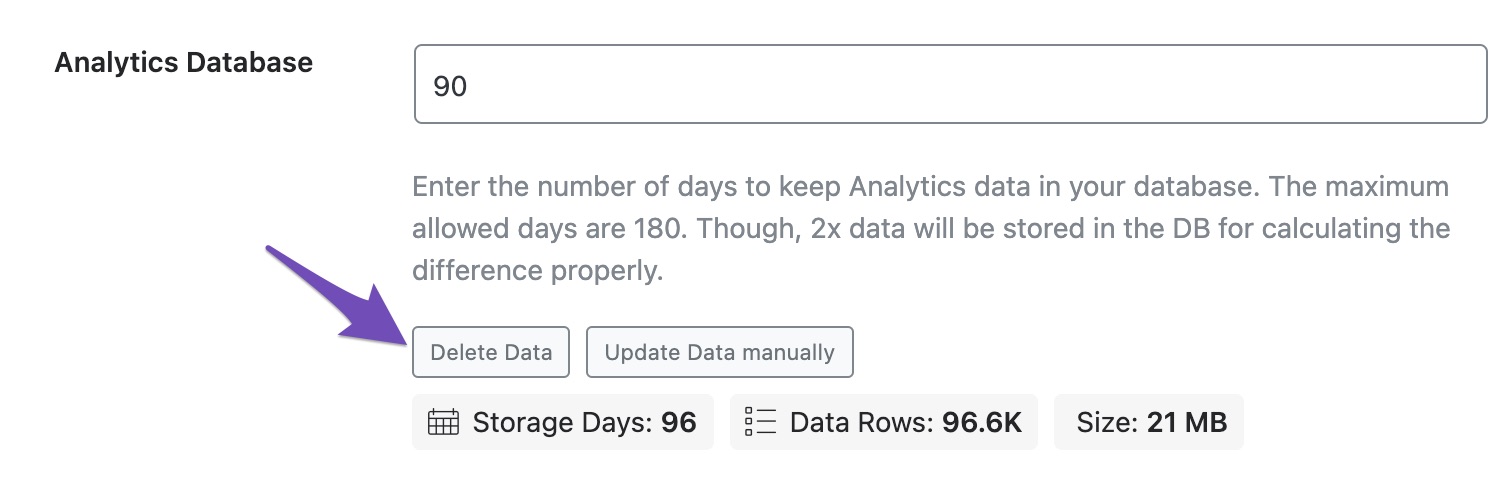
- Navigate to Rank Math SEO → General Settings → Analytics from your WordPress dashboard.
- Scroll down to find the Analytics Database option and click on the Delete Data button. This will remove all the old Analytics data from your website’s server.
2. Update Data Manually
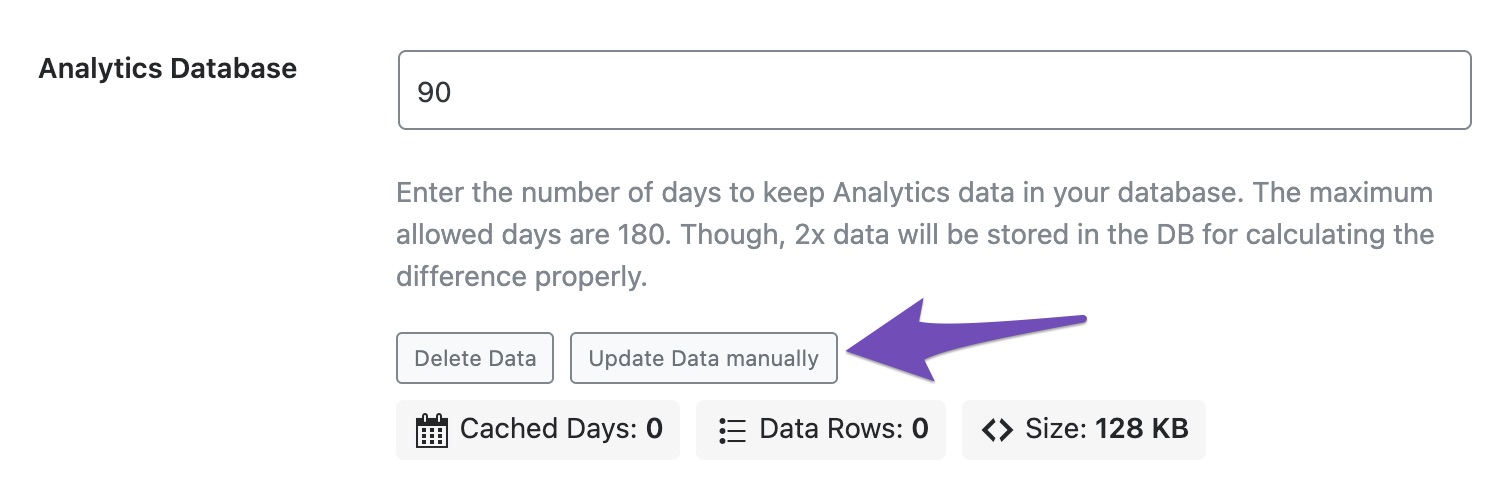
- After deleting the data, click on the Update Data manually button to start fetching new data.
3. Reconnect Your Google Account
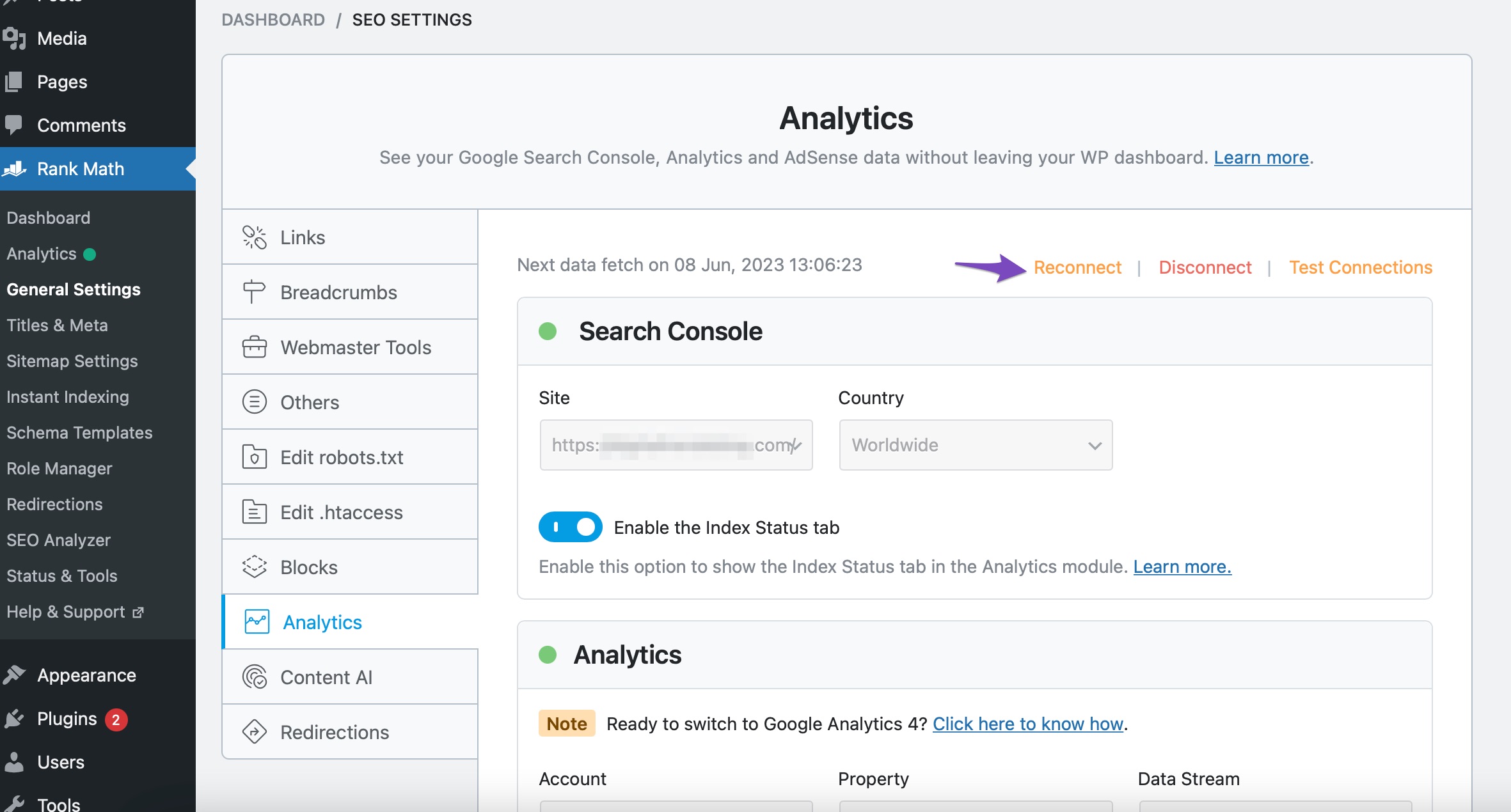
- Next, go back to Rank Math SEO → General Settings → Analytics, and click on the Reconnect button.
4. Accept Permissions
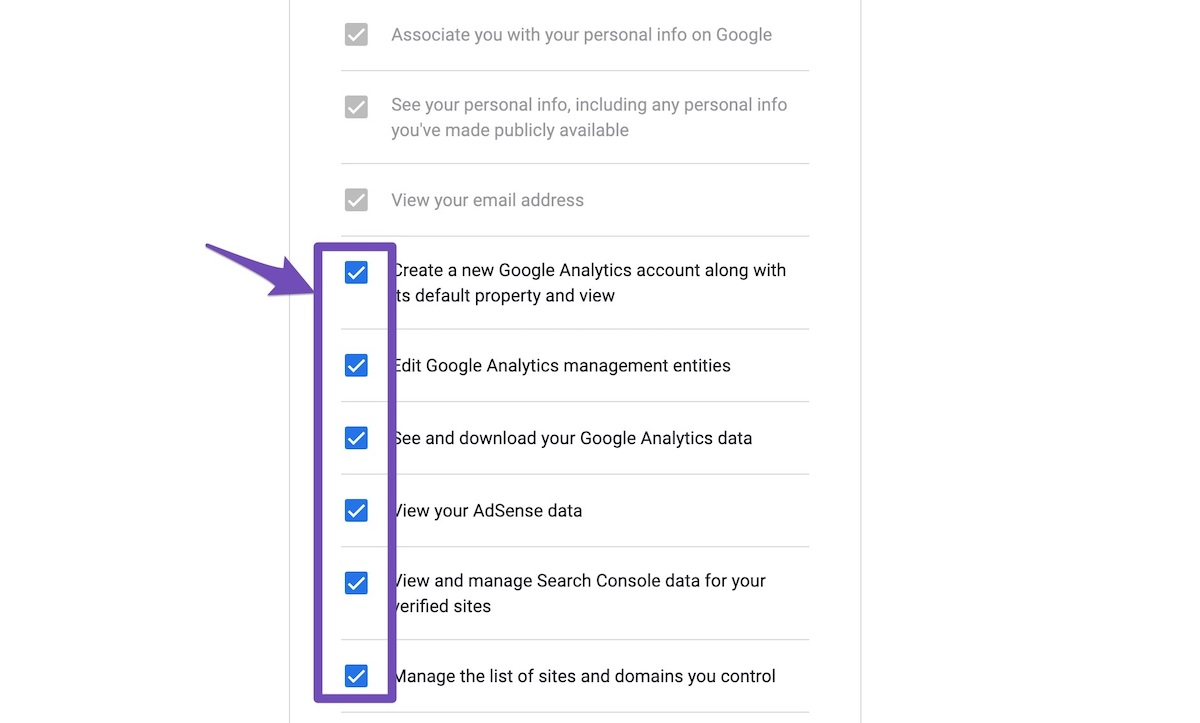
- Accept all permissions on the next screen to allow Rank Math to access your updated Google Analytics data.
5. Save Changes
- Make sure to configure your Analytics properties and click on the Save Changes button.
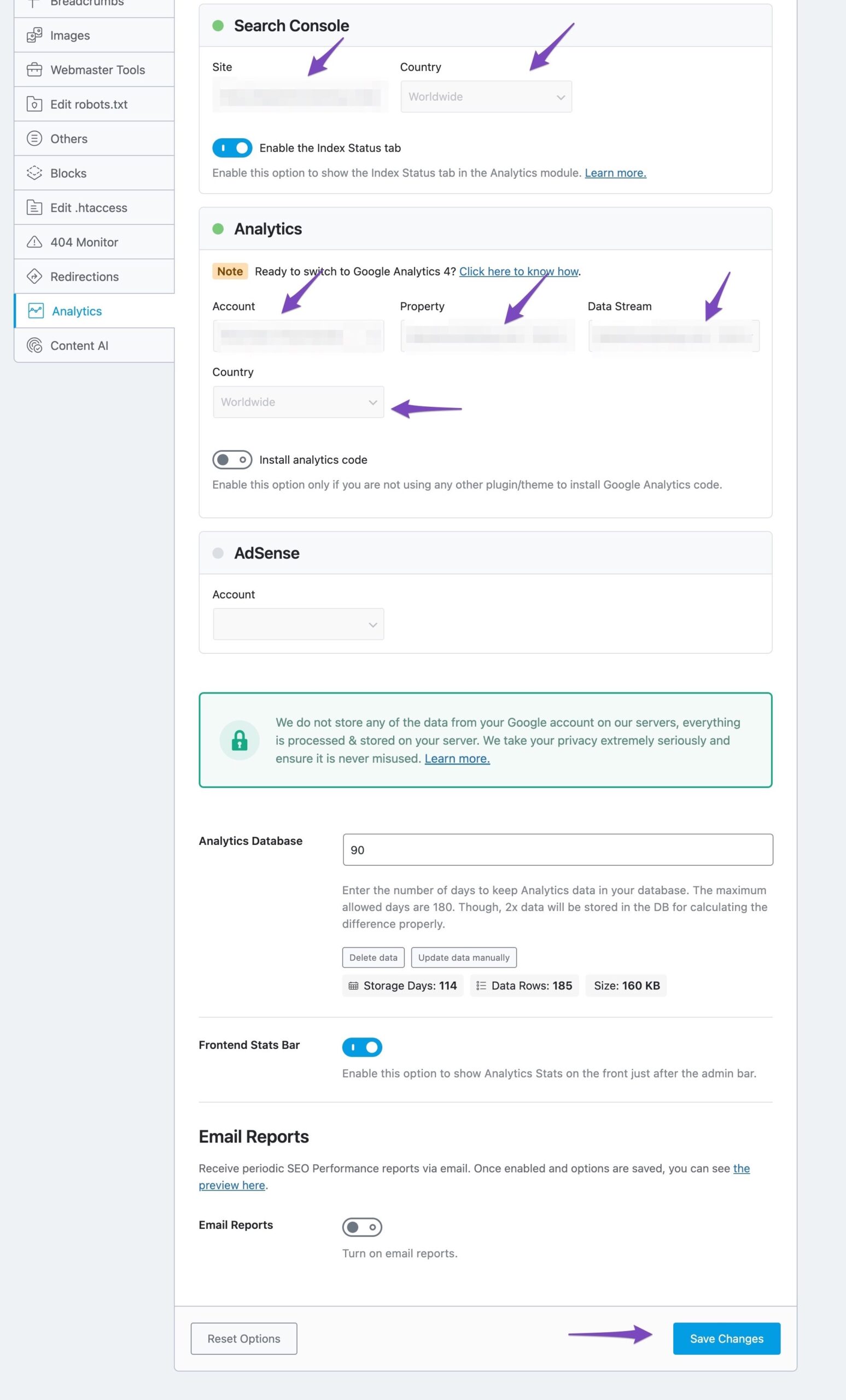
After following these steps, you should see the updated information reflecting in your Rank Math Analytics. If you still have any questions or need further assistance, please feel free to reply to this ticket, and a human agent from our support team will assist you further.
Thank you for raising this concern!
Sources:
How to Delete Old Analytics Data & Start a Fresh Import
Resolving Rank Math Analytics Related Issues » Rank Math
Hello,
Thank you for contacting us and sorry for any inconvenience that might have been caused due to that.
Please note that in order to change the connected properties in the Rank Math Analytics, you’ll have to reconnect your Rank Math account from WP Dashboard > Rank Math > General Settings > Analytics:

Hope that helps and please don’t hesitate to let us know if you have any other questions.
Thank you.
Hello,
Since we did not hear back from you for 15 days, we are assuming that you found the solution. We are closing this support ticket.
If you still need assistance or any other help, please feel free to open a new support ticket, and we will be more than happy to assist.
Thank you.



