Hello,
I’m sorry to hear about the issue you are facing with the canonical tags in Google Search Console. The error message "Alternate page with proper canonical tag" in GSC indicates that there might be an issue with the canonical URLs set for your posts.
To resolve this problem, you can follow these steps using Rank Math:
- Choose a Different Canonical URL:
- Go to the SEO tab when editing a post or page.
- Under Advanced Settings, find the Canonical URL field.
- Add the URL you want to be the canonical URL for that specific post or page.
- Save or update your post or page.
If you cannot find the Advanced tab, please enable the Advanced Mode from WordPress Dashboard → Rank Math SEO.
Here is a visual guide to help you locate the Advanced Mode and Canonical URL field:
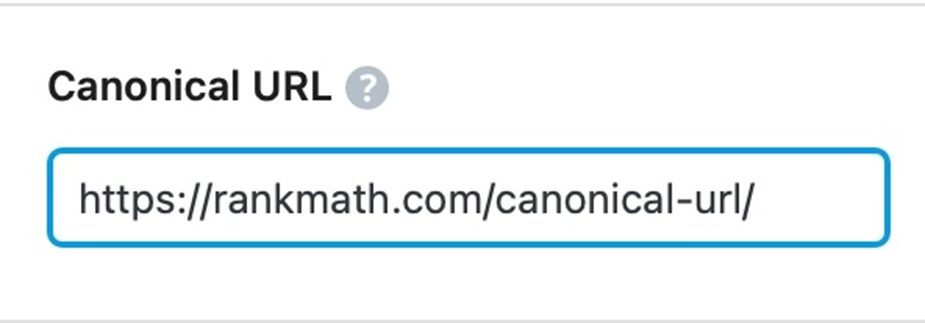
- Use Rank Math’s Instant Indexing:
- Ensure you’ve enabled the Instant Indexing module in Rank Math.
- Hover over the post you wish to submit on the Posts page and click the Instant Indexing: Submit Page option.
- Once submitted successfully, you’ll see a notice at the top of the page.
If you have any further questions or need assistance, please feel free to reach out to our support team directly here. We are here to help.
I hope this helps resolve the issue with the canonical tags in Google Search Console. Let me know if you need any more assistance.
Sources:
How to Fix “Duplicate, Google Chose Different Canonical than User” » Rank Math
Advanced Tab in Rank Math SEO’s Meta Box
How to Fix ‘Duplicate Without User-Selected Canonical’ Status in Google Search Console » Rank Math
How to Fix ‘Duplicate, Submitted URL Not Selected as Canonical’ Issue in Google Search Console » Rank Math
Hello,
Thank you for contacting Rank Math support.
Your site should redirect to the preferred version. Since the canonical is using the trailing slash version, the non-trailing slash version should redirect to it. The correct version of the site is indexed in the SERPs, and you can ignore the error for the non-trailing slash version. Here is a guide to help you redirect the site to the correct version: https://rankmath.com/kb/how-to-redirect-to-urls-with-trailing-slash/
Hope that helps and please do not hesitate to let us know if you need our assistance with anything else.
Hello,
We are glad that helped.
Can you please confirm if you still need our assistance with anything else or we can close the ticket?
Looking forward to hearing back from you.
Thank you.
iam uesing amp plung and at template can rankmath add caanonical urls and Alternate uls in amp template automatic.. please tell me about its setting……
Hello,
The AMP URLs will have the main page URL as the canonical tag. Please follow this guide to learn how to use AMP plugin with Rank Math: https://rankmath.com/kb/using-amp-with-rankmath/
Hope that helps and please do not hesitate to let us know if you need our assistance with anything else.
thanks why it is showing google serach cobsoal. wordpress redirect all urls already. with 301 code so why google show it . google gsc account please 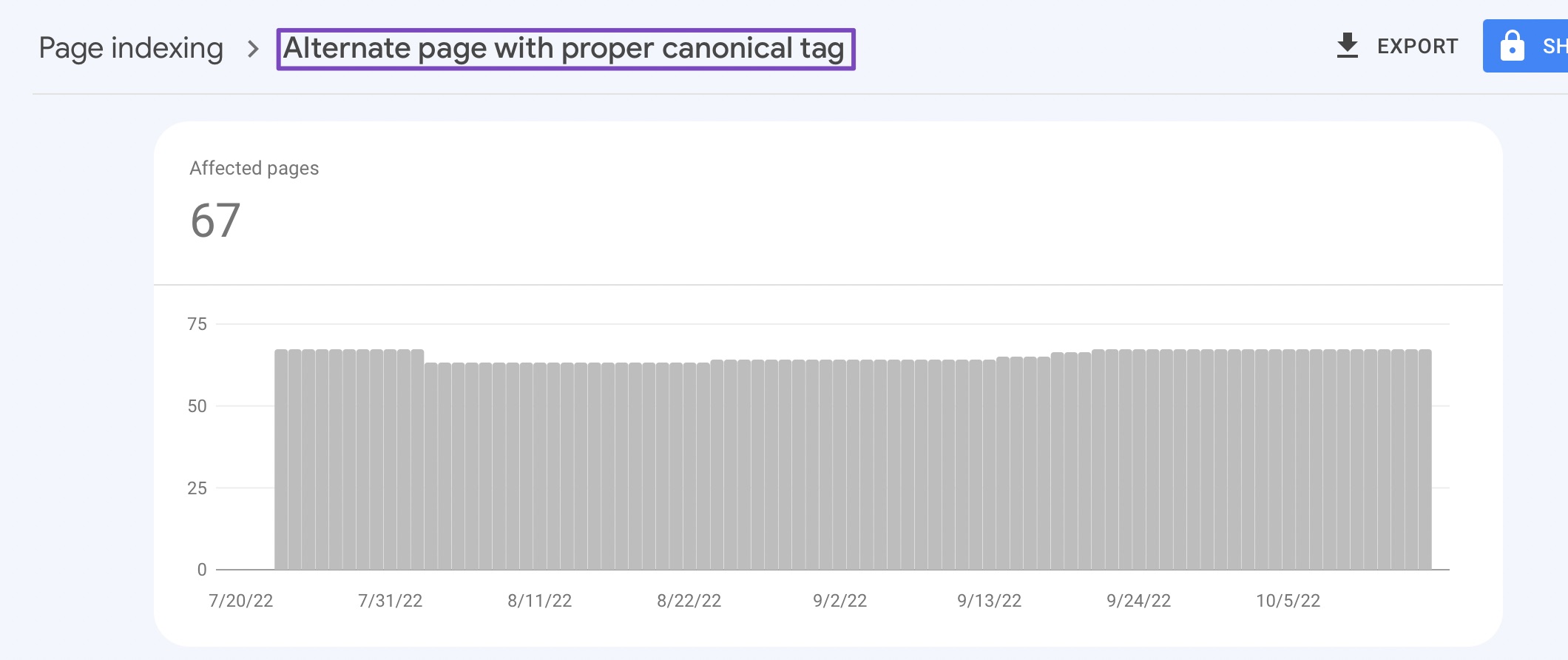 . please help to check it ….
please given some to add rank to sloved this problem ……..
Hello,
The issue of “Alternative page with proper canonical tag” errors typically arises when multiple URLs lead to similar or duplicate content, and Google will simply exclude the duplicate version and index the main version of the page.
This means that Google recognizes these canonicalized URLs correctly, and there is nothing you need to do on your part.
Meanwhile, here’s our guide on how to deal with Alternate page with proper canonical tag:
https://rankmath.com/kb/alternate-page-with-proper-canonical-tag/
We hope that helps, and please don’t hesitate to get in touch if you have any other questions.
Thank you.
Hello,
Since we did not hear back from you for 15 days, we are assuming that you found the solution. We are closing this support ticket.
If you still need assistance or any other help, please feel free to open a new support ticket, and we will be more than happy to assist.
Thank you.





