Hello, we apologize for the confusion you’re experiencing with adding new products in Rank Math. It can be a bit overwhelming at first, especially if you’re not familiar with the technical aspects.
To help you get started with adding products, here’s a simple guide:
-
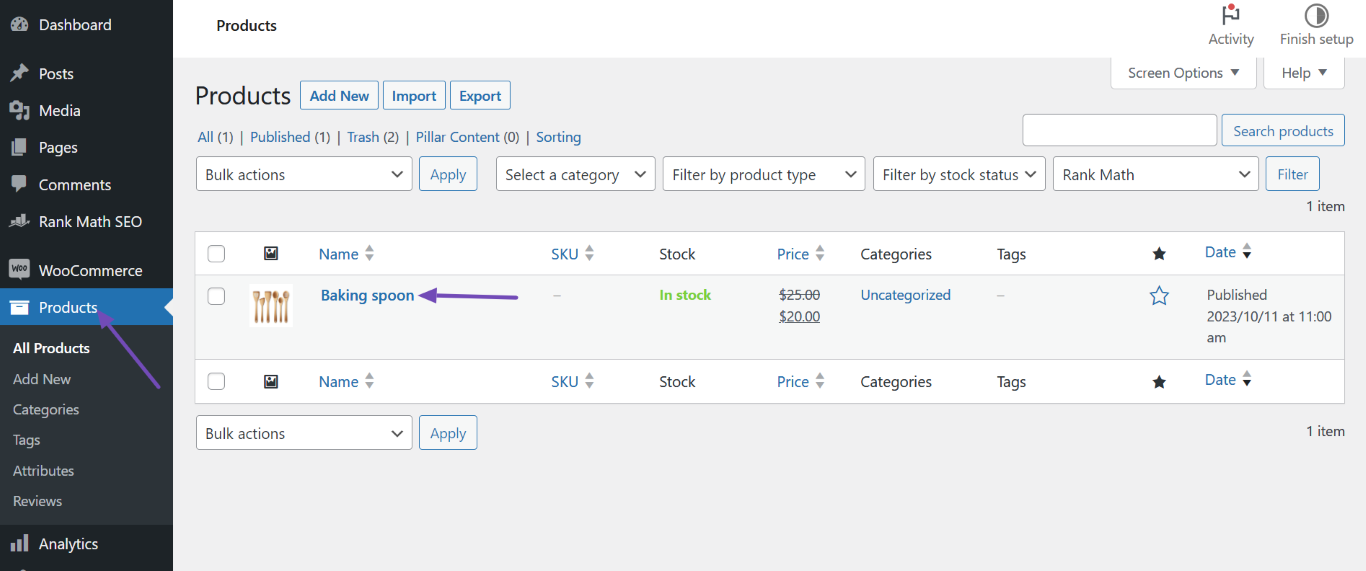
Navigate to Products: Go to your WordPress Dashboard and click on Products.
-
Add New Product: Click on Add New to create a new product.
-
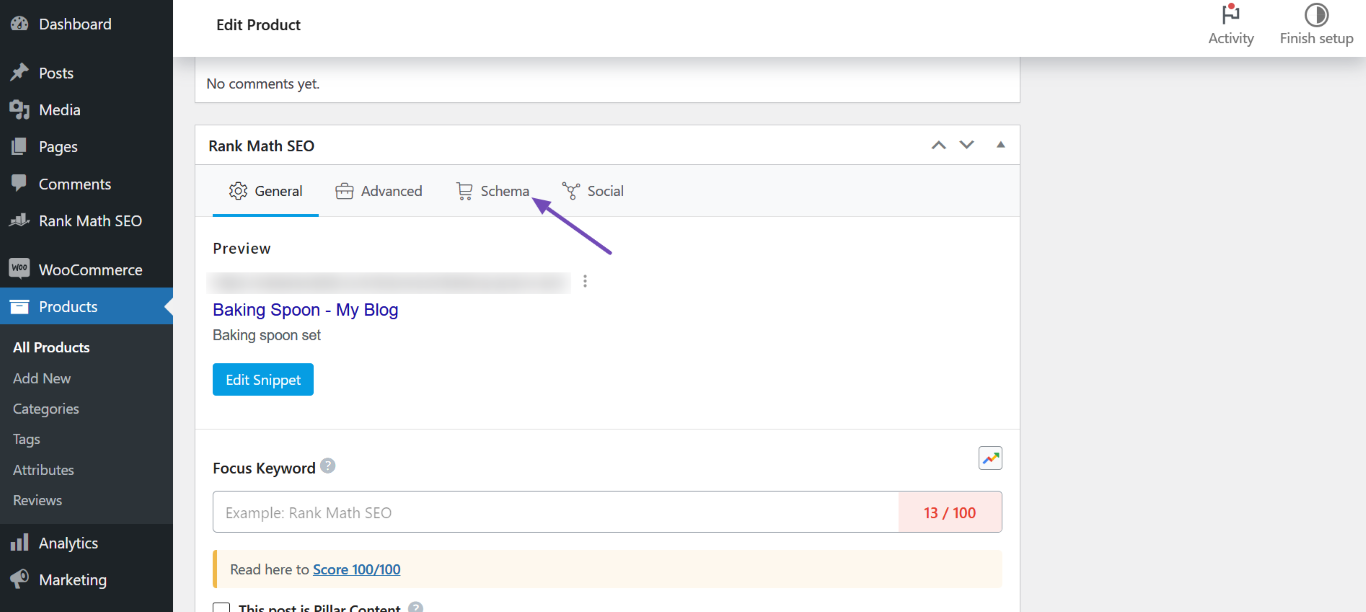
Rank Math SEO Metabox: Scroll down to find the Rank Math SEO metabox. Here, you will see various options related to SEO settings for your product.
-
Schema Settings: Click on the Schema icon within the metabox. This is where you can set up the schema for your product.
-
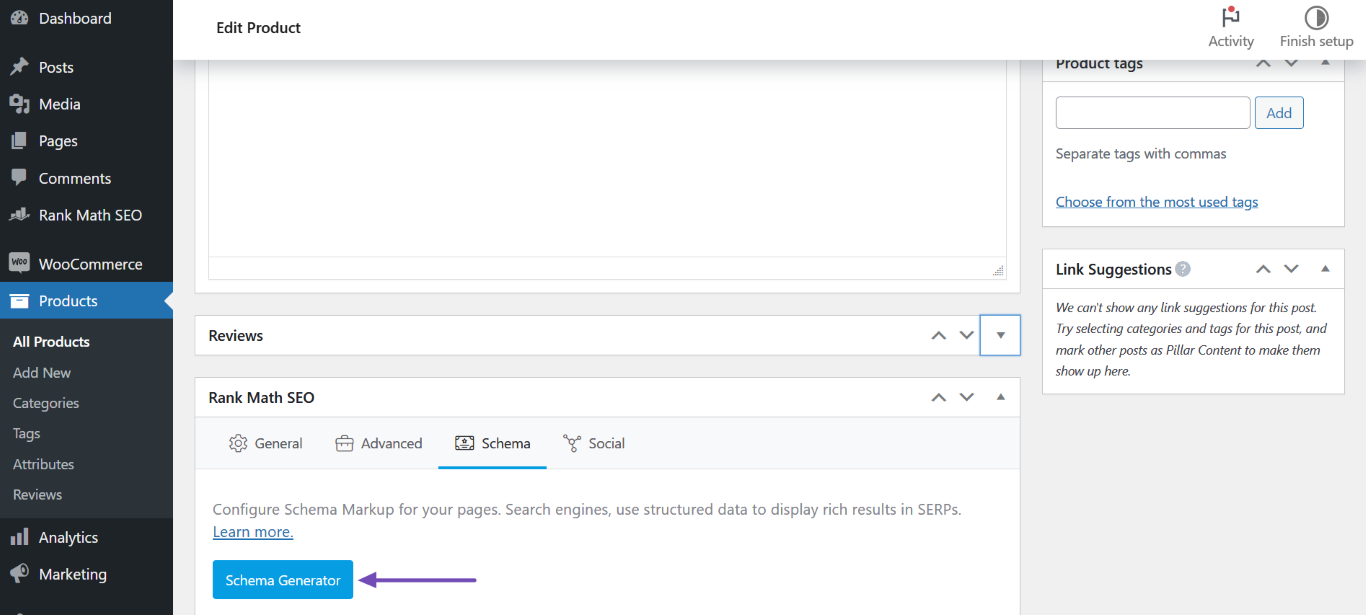
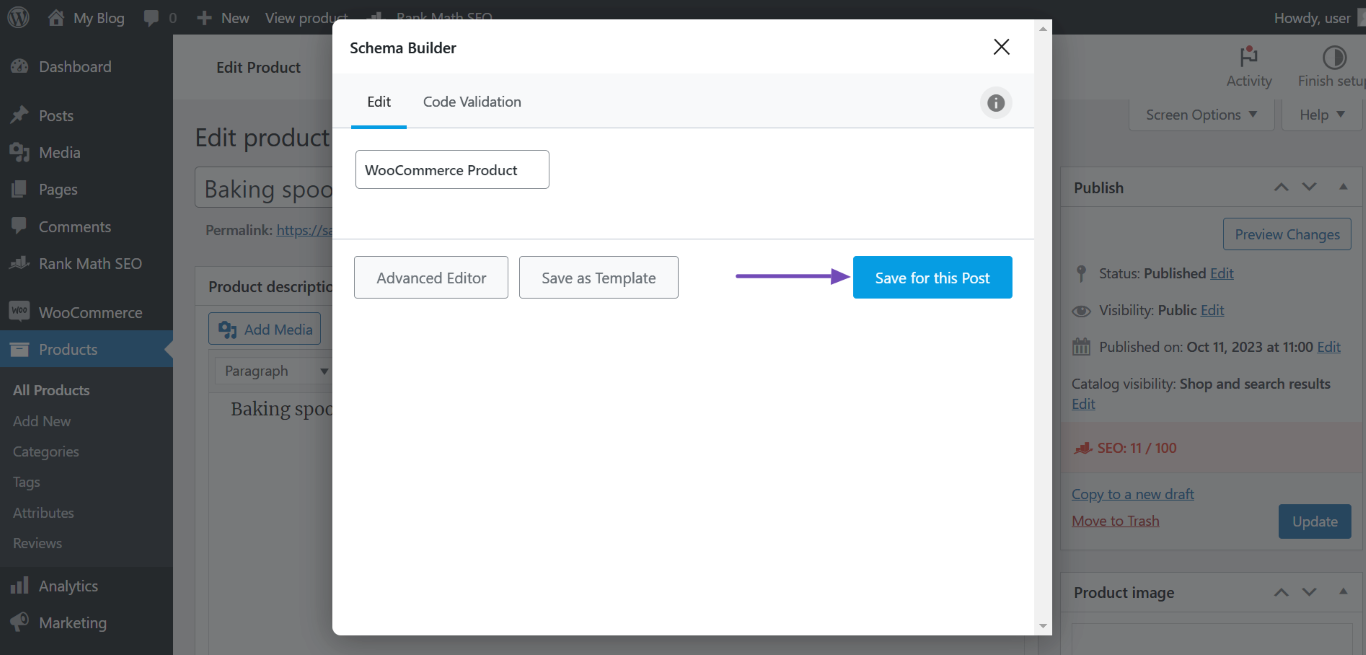
Schema Generator: Click on Schema Generator to select the appropriate schema type for your product (e.g., WooCommerce Product).
-
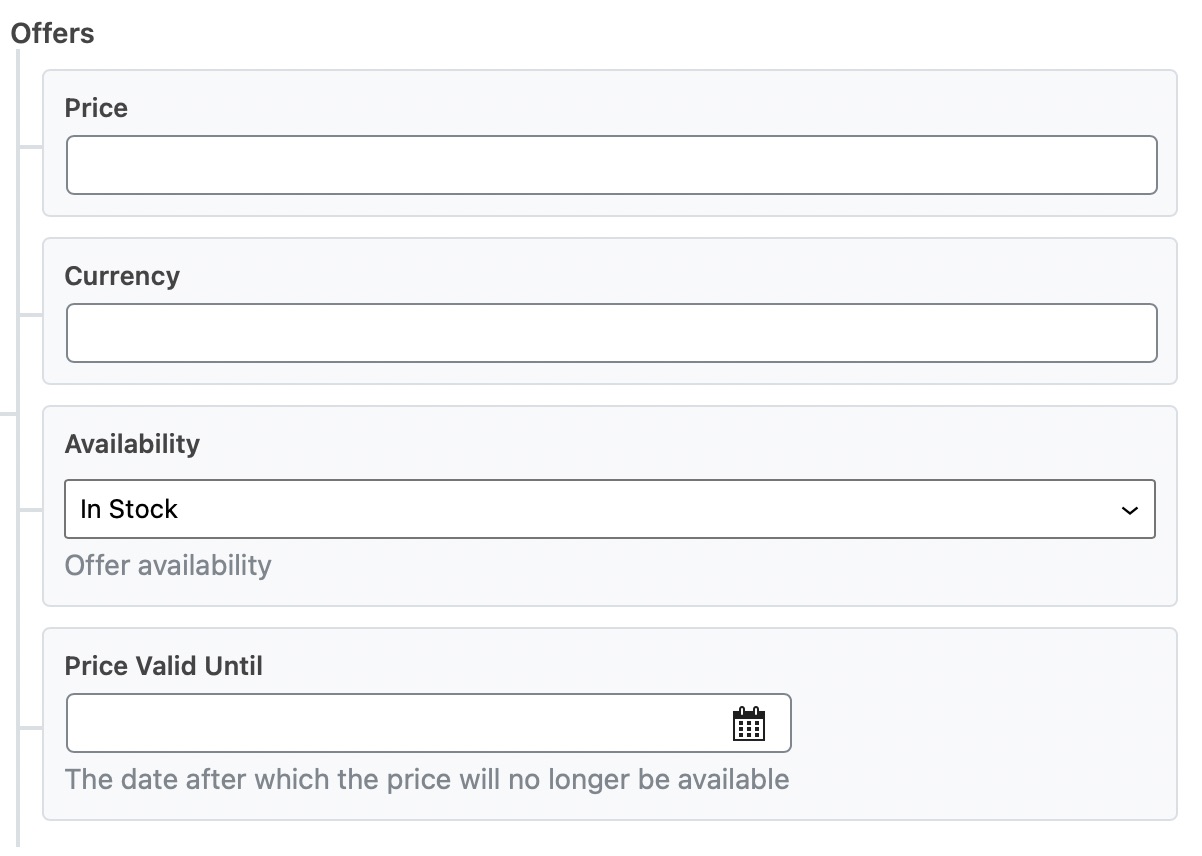
Fill in Product Details: Enter all necessary details about your product, such as price, availability, and any offers.
-
Save Changes: Once you have filled in all the required information, make sure to click Save for this Post and then update the product page to save your changes.
If you have specific questions about any of these steps or if something is still unclear, please reply to this ticket, and a human agent from our support team will assist you further. Thank you for raising this concern, and we’re here to help you through it!
This is an automated reply from Rank Math Support Bot. If you need further assistance, please reply to this topic and a human support agent will reply to you shortly.
Hello,
I have updated the sensitive data as requested. Can you please check further?
Thank you.
Hello,
Since we did not hear back from you for 15 days, we are assuming that you found the solution. We are closing this support ticket.
If you still need assistance or any other help, please feel free to open a new support ticket, and we will be more than happy to assist.
Thank you.


