Hello,
We apologize for the issue you are facing with activating Content AI and refreshing your credits in the Rank Math Plugin. It sounds frustrating, and we appreciate you providing detailed information about the steps you’ve already taken.
Since you are encountering a "This response is not a valid JSON response" error, it may be related to server settings or conflicts with your WordPress setup. Here are a few additional steps you can try:
-
Check Permalink Settings: Go to Settings → Permalinks in your WordPress dashboard and simply click Save Changes. This can sometimes resolve issues with JSON responses.
-
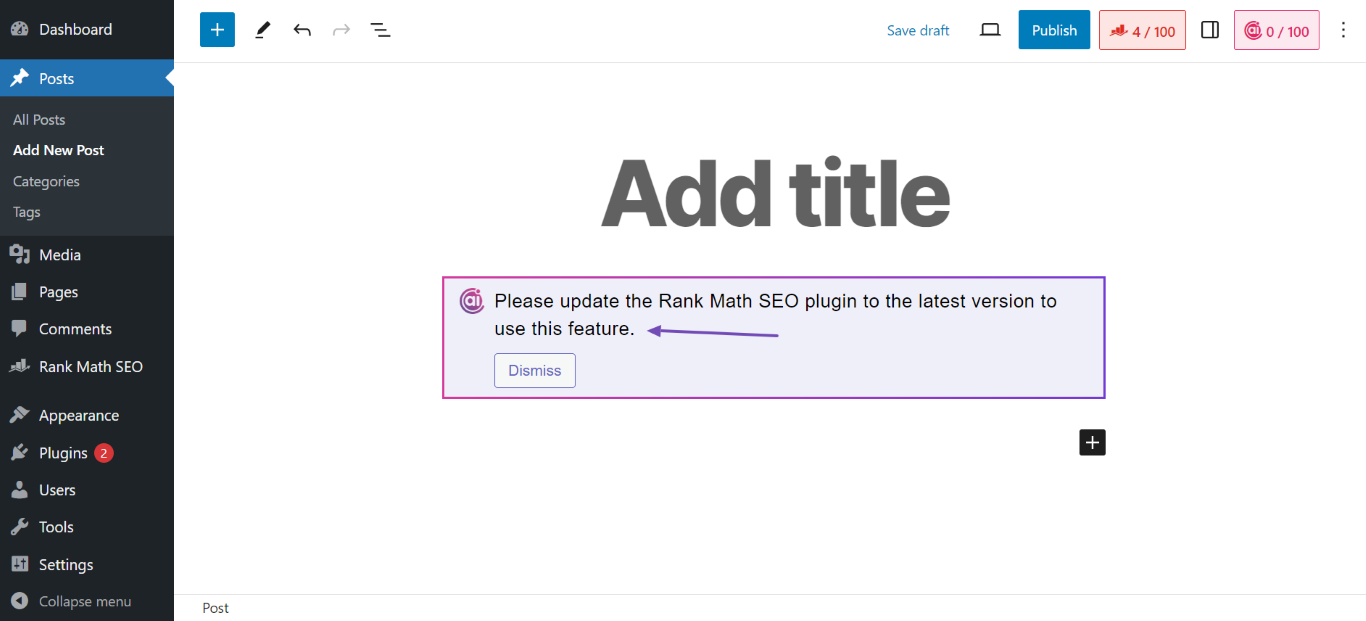
Enable REST API: Ensure that the REST API is enabled on your server. You can check this by visiting `https://rankmath.com/wp-content/uploads/2023/12/Please-update-the-Rank-Math-SEO-plugin-to-the-latest-version-to-use-this-feature.png. If you see a JSON response, it’s enabled.
-
Check for Caching Issues: If you have any caching plugins or server-side caching (like Varnish), try clearing the cache or temporarily disabling them to see if that resolves the issue.
-
Review Server Logs: Since you activated debug mode, check your server logs for any errors that might give more insight into what’s going wrong.
-
Contact Hosting Provider: Sometimes, hosting configurations can interfere with plugin functionalities. It might be worth reaching out to your hosting provider to ensure everything is set up correctly for REST API requests.
If after trying these steps the issue persists, please reply to this ticket, and a human agent from the Rank Math Support team will take over and assist you further.
Thank you for your patience, and we hope to resolve this issue for you soon!
Hello,
Thank you for your query and we are so sorry about the trouble this must have caused.
We have manually disconnected the website from our end. Now, please try to reconnect your website with your Rank Math account by navigating to WordPress Dashboard → Rank Math SEO → Dashboard → Help and then click on Connect Now.

Once you click on Connect Now, please ensure that you’ve selected the correct account and then click on OK, Activate Now, as shown below. In case you’ve multiple Rank Math licenses associated with your Rank Math account, then you can click the License drop-down to choose your preferred license to activate on this website.

Also, please make sure that you are running the latest version of Rank Math plugin.
Let us know if this fixes the issue.
Please do not hesitate to let us know if this doesn’t help or you have any follow-up queries.
Thank you! That worked for me. I can use the AI credits again.
Hello,
We are super happy that this resolved your issue. If you have any other questions in the future, know that we are here to help you.
If you don’t mind me asking, could you please leave us a review (if you haven’t already) on https://wordpress.org/support/plugin/seo-by-rank-math/reviews/#new-post about your overall experience with Rank Math? We appreciate your time and patience.
If you do have another question in the future, please feel free to create a new forum topic, and it will be our pleasure to assist you again.
Thank you.