Hello,
我们很抱歉您遇到的问题。要清空之前翻译过的文章并重新翻译,您可以按照以下步骤操作:
-
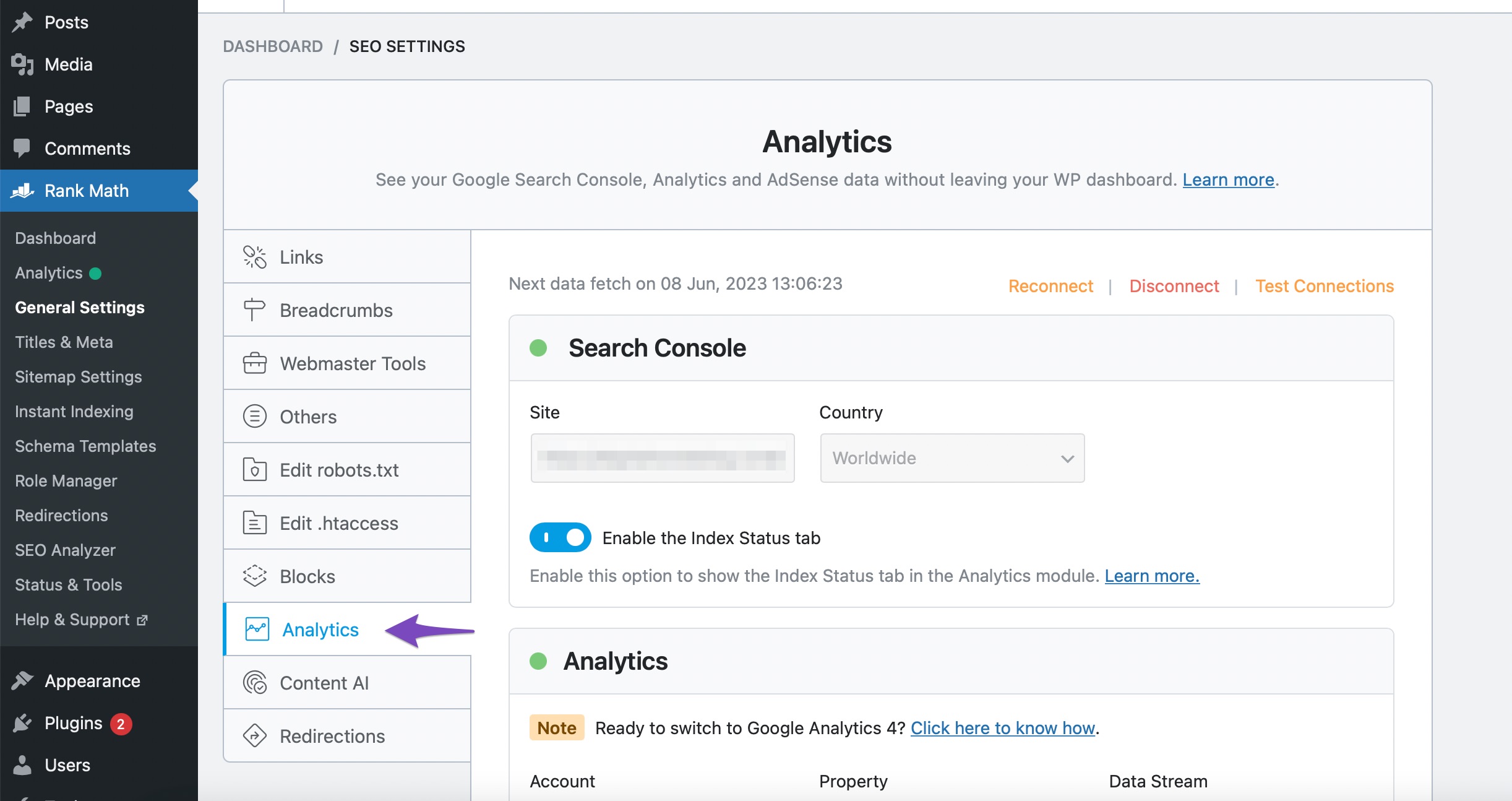
打开分析设置:首先,从您的WordPress仪表板导航到 Rank Math SEO → 常规设置 → 分析。
-
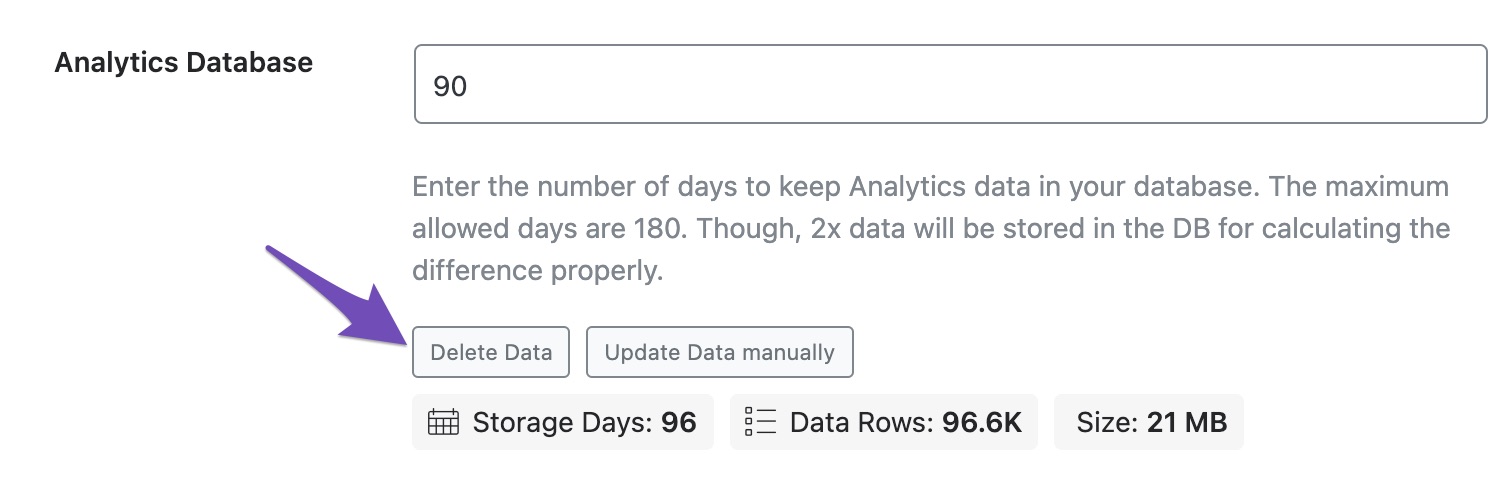
删除数据:向下滚动页面,找到 分析数据库 选项。点击 删除数据 按钮,这样您网站上的所有分析数据将被移除。
-
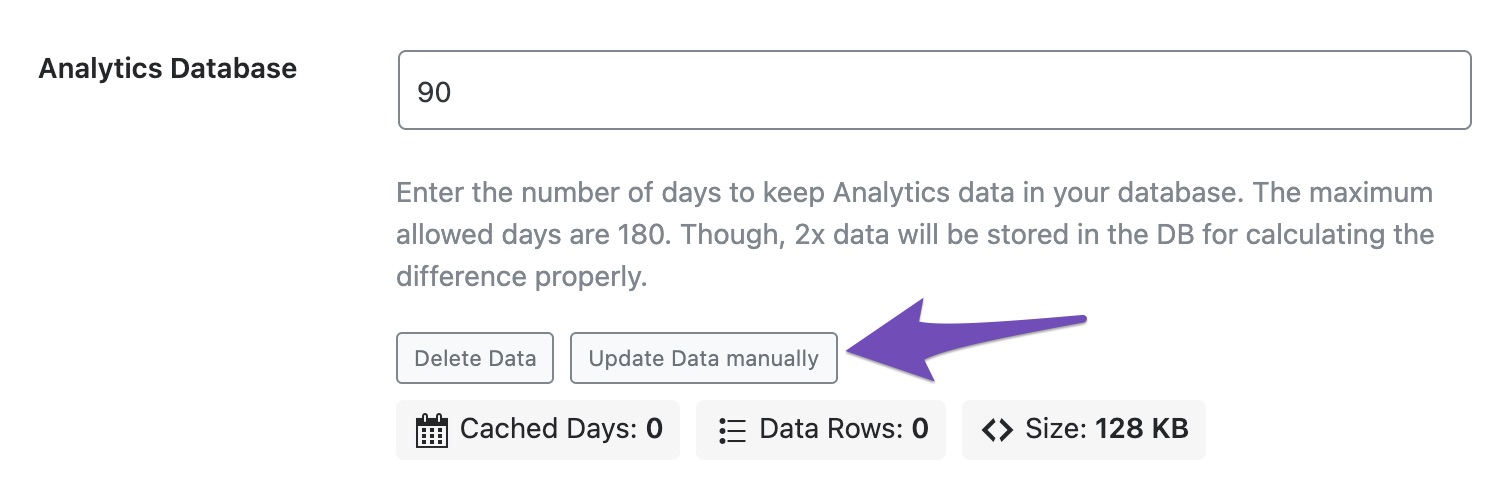
手动更新数据:然后,点击 手动更新数据 按钮。
完成这些步骤后,您就可以重新进行翻译了。如果您还有其他问题或需要进一步的帮助,请回复此票据,我们的人工支持团队将会协助您。
Sources:
How to Delete Old Analytics Data & Start a Fresh Import
Hello,
Thank you for contacting us and bringing your concern to our attention.
Please note that the Rank Math plugin doesn’t handle the translation of your website. If you’re using any translation plugin, we suggest you get in touch with them as they will be in a better position to help you with this.
Hope that helps and please don’t hesitate to let us know if you have any other questions.
Thank you.
Hello,
Since we did not hear back from you for 15 days, we are assuming that you found the solution. We are closing this support ticket.
If you still need assistance or any other help, please feel free to open a new support ticket, and we will be more than happy to assist.
Thank you.



