Hello,
I apologize for the issues you are facing with the Rank Math SEO Analyzer and your site icon. Thank you for raising these concerns.
Addressing Your SEO Analyzer Issues:
-
No Meta Description Found for Your Homepage:
You can set a meta description for your homepage by going to Rank Math > Titles & Meta > Homepage. Make sure to include relevant keywords and keep the description between 50 to 160 characters.

-
No H1 Tag Found on Your Homepage:
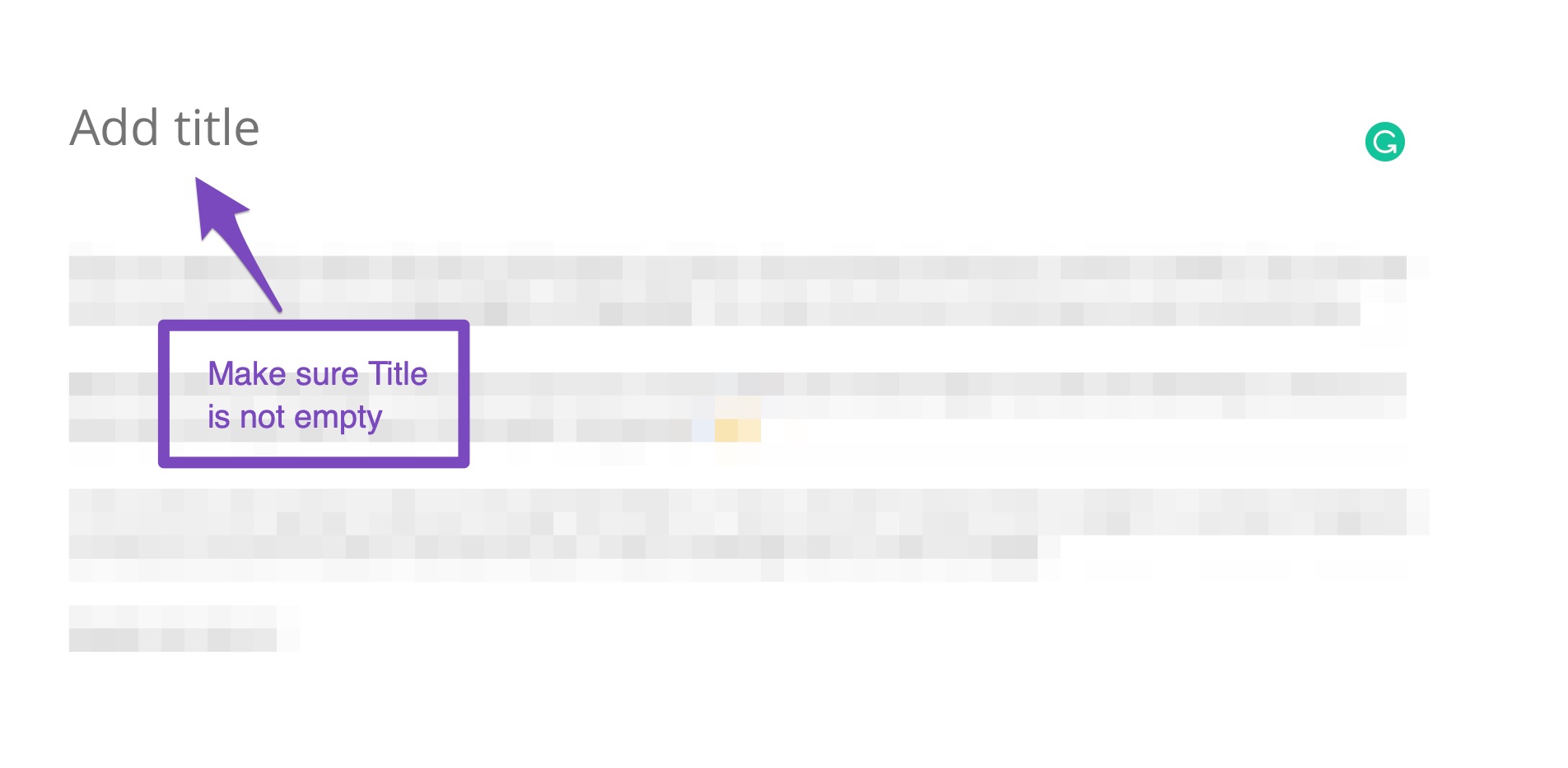
Ensure that your homepage has an H1 tag. If your homepage is set to a static page, you can edit the H1 tag directly from the Rank Math Metabox of that page. The title of the page is typically used as the H1 tag.
-
Focus Keywords Not Recognized:
Make sure that you have set focus keywords for each post or page. If you have many posts without focus keywords, we recommend fixing those first and then running the SEO Analyzer again.

Regarding Your Site Icon:
If your site icon is not displaying correctly in search results, ensure that you have set it up properly in your WordPress settings:
- Go to WordPress Dashboard > Appearance > Customize > Site Identity and check if your site icon is set correctly.
Site Not Appearing in Google Search:
If your site is not appearing in Google search results, it may take some time for Google to index new sites. Ensure that your site is not set to "Discourage search engines from indexing this site" in Settings > Reading. Additionally, you can submit your sitemap to Google Search Console to help with indexing.
If you continue to experience these issues, please reply to this ticket with your site URL so that a human agent from the Rank Math Support team can assist you further.
Thank you for your patience, and we look forward to helping you resolve these issues!
This is an automated reply from Rank Math Support Bot. If you need further assistance, please reply to this topic and a human support agent will reply to you shortly.
Hello,
Since we did not hear back from you for 15 days, we are assuming that you found the solution. We are closing this support ticket.
If you still need assistance or any other help, please feel free to open a new support ticket, and we will be more than happy to assist.
Thank you.


