Hello,
We apologize for the issue you are facing with the buy button. It can be frustrating when transactions do not go through as expected.
Here are a few troubleshooting steps you can try to resolve payment issues:
-
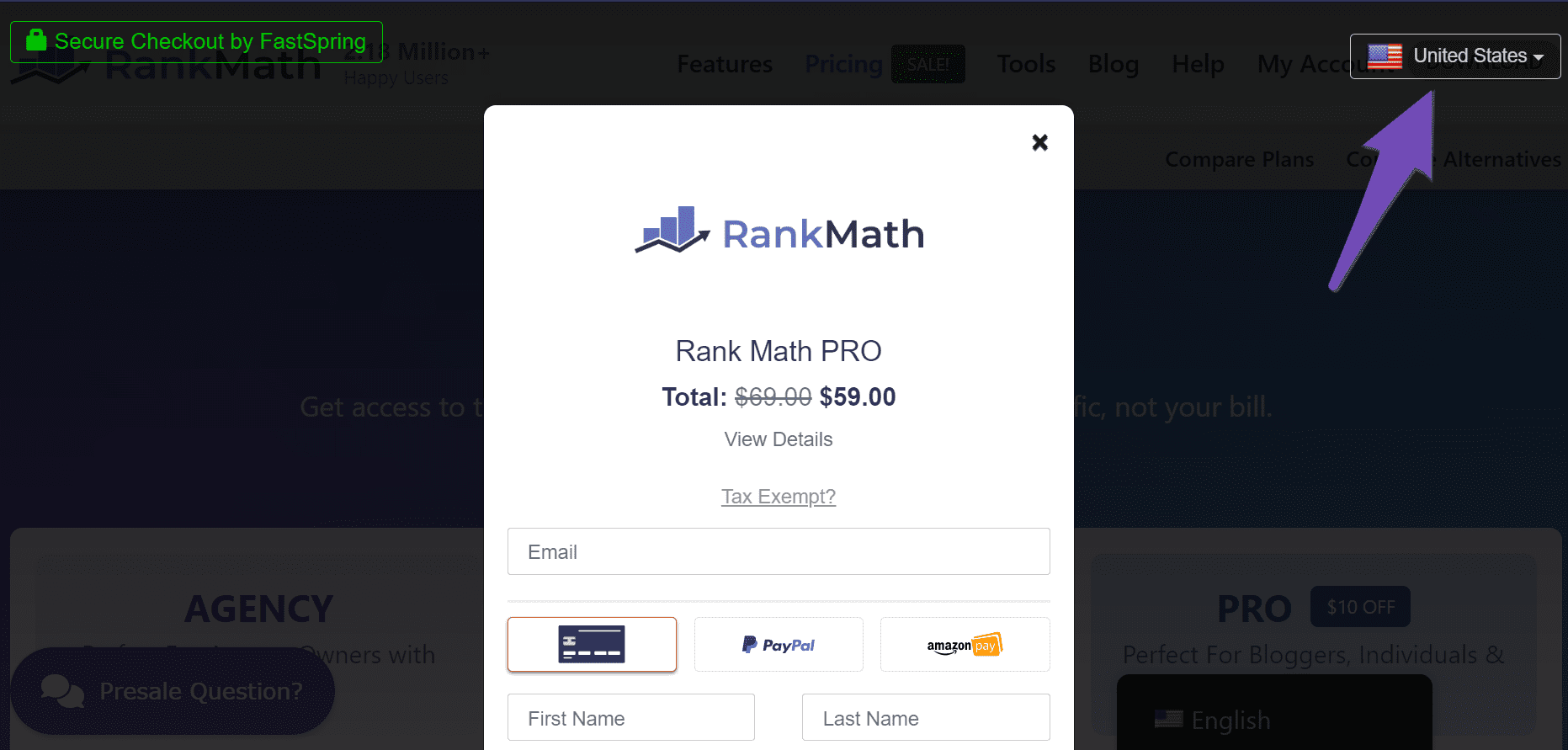
Select Your Current Location: Ensure that the dropdown menu at the top-right corner of the checkout page displays the correct country you are trying to pay from.
-
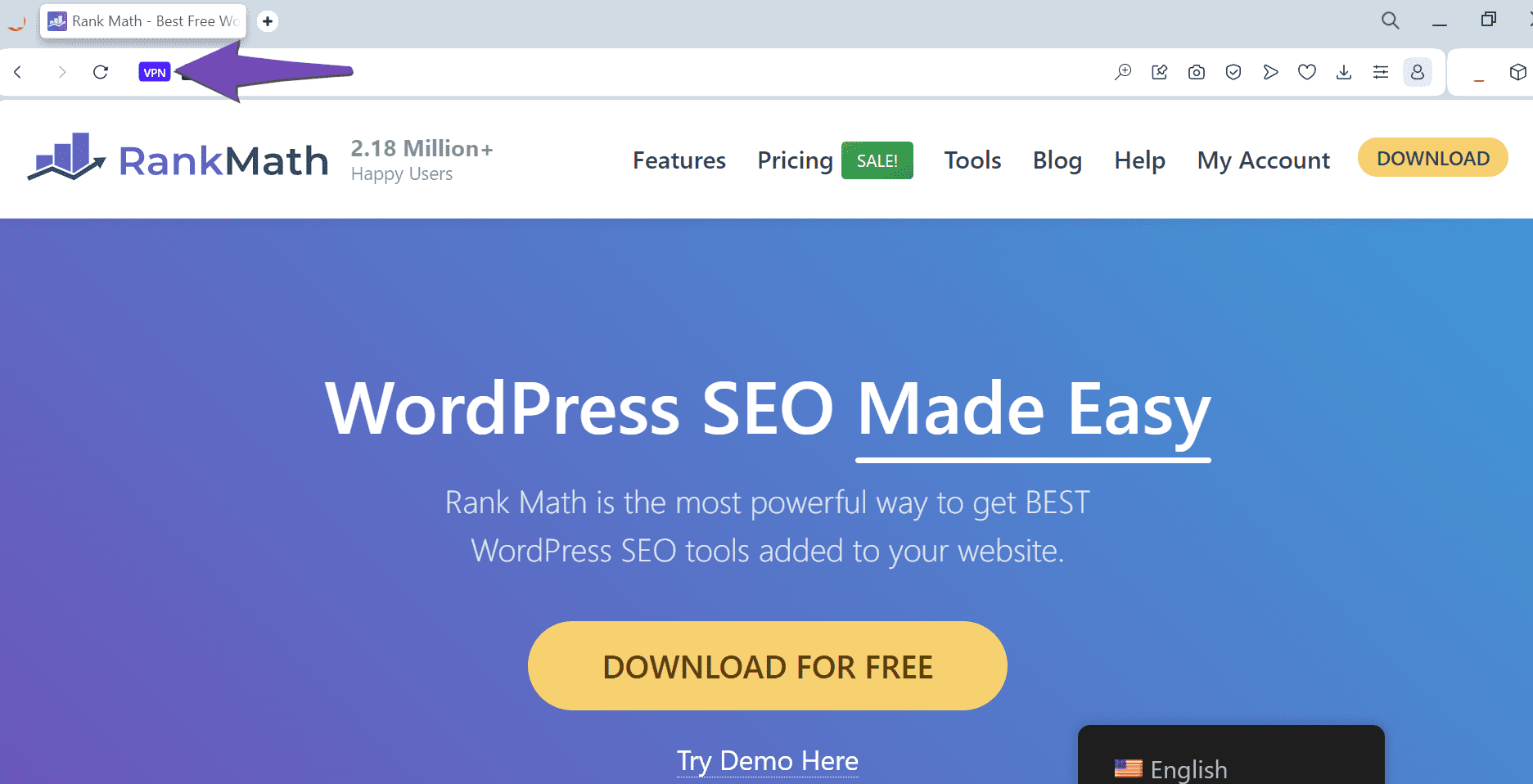
Turn Off Your VPN or Proxy: If you have a VPN or proxy server enabled, please turn it off, as it may interfere with the payment process.
-
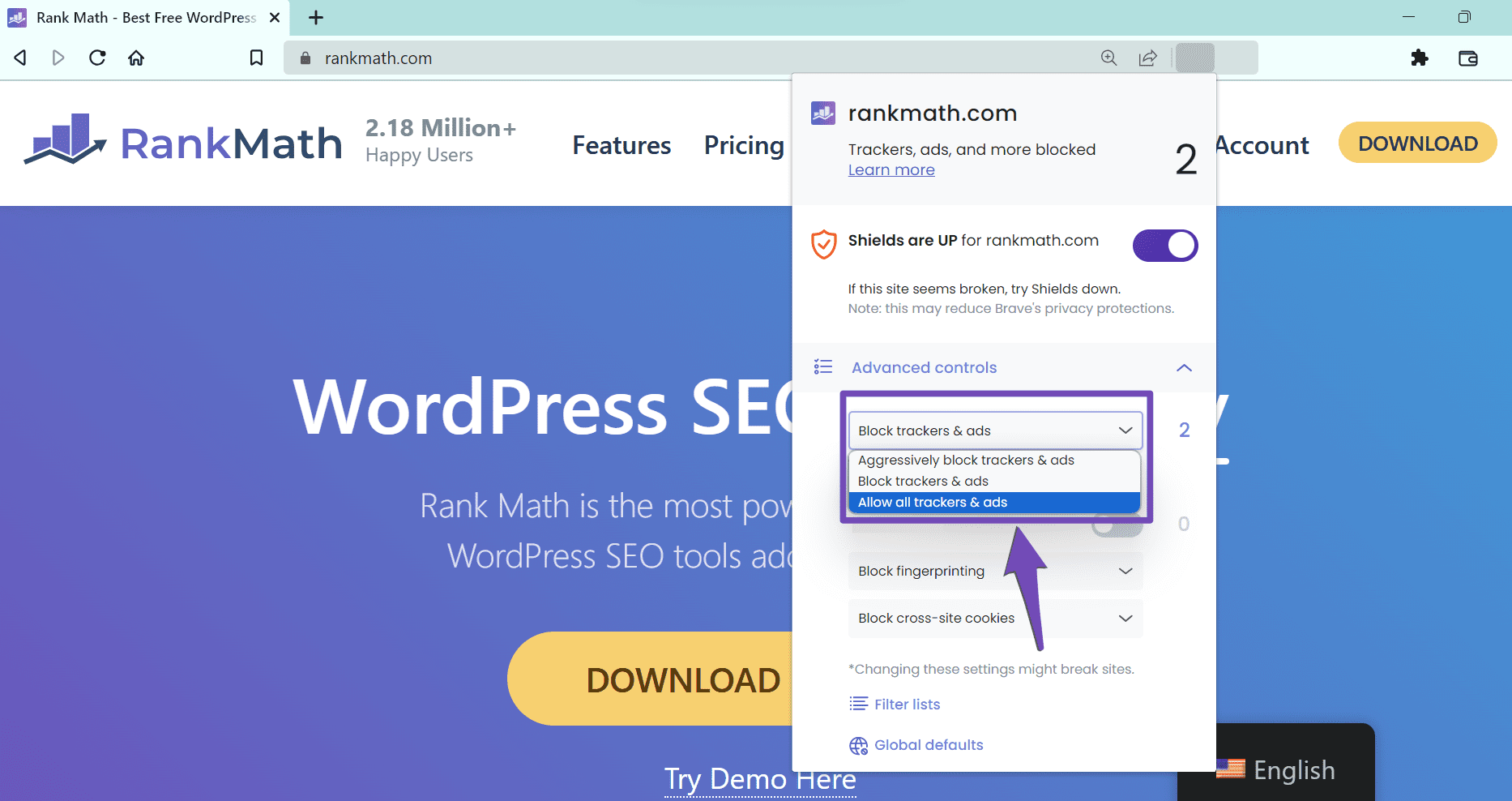
Disable Ad Blockers: Make sure to turn off any ad blockers that might be active in your browser settings.
-
Check Payment Method: Ensure that your payment method supports payments in USD, subscription-based payments, and that international payments are enabled. Avoid using prepaid cards if possible.
If you continue to experience issues, please reply to this ticket with any error messages you receive or a screencast of the problem, and a human agent from our support team will assist you further.
Thank you for your patience!
Hello,
Thank you for contacting us and sorry for any inconvenience that might have been caused due to that.
Can you please try to purchase again using a different browser or in the incognito mode? You can also share a screencast with us by using a tool like https://loom.com so that we can check this further for you.
Also, if you are using a Proxy or VPN, please disable that and use your actual ISP to update your payment method.
Let us know how it goes. Looking forward to helping you.
Hello,
Since we did not hear back from you for 15 days, we are assuming that you found the solution. We are closing this support ticket.
If you still need assistance or any other help, please feel free to open a new support ticket, and we will be more than happy to assist.
Thank you.



