Hello,
We apologize for the issue you are facing with the Rank Math plugin causing a critical error on your website. This type of error can occur due to conflicts with the Action Scheduler, especially if there are issues with the database tables related to scheduled actions.
To resolve this issue, we recommend following these steps:
-
Backup Your Database: Before making any changes, ensure you have a backup of your database.
-
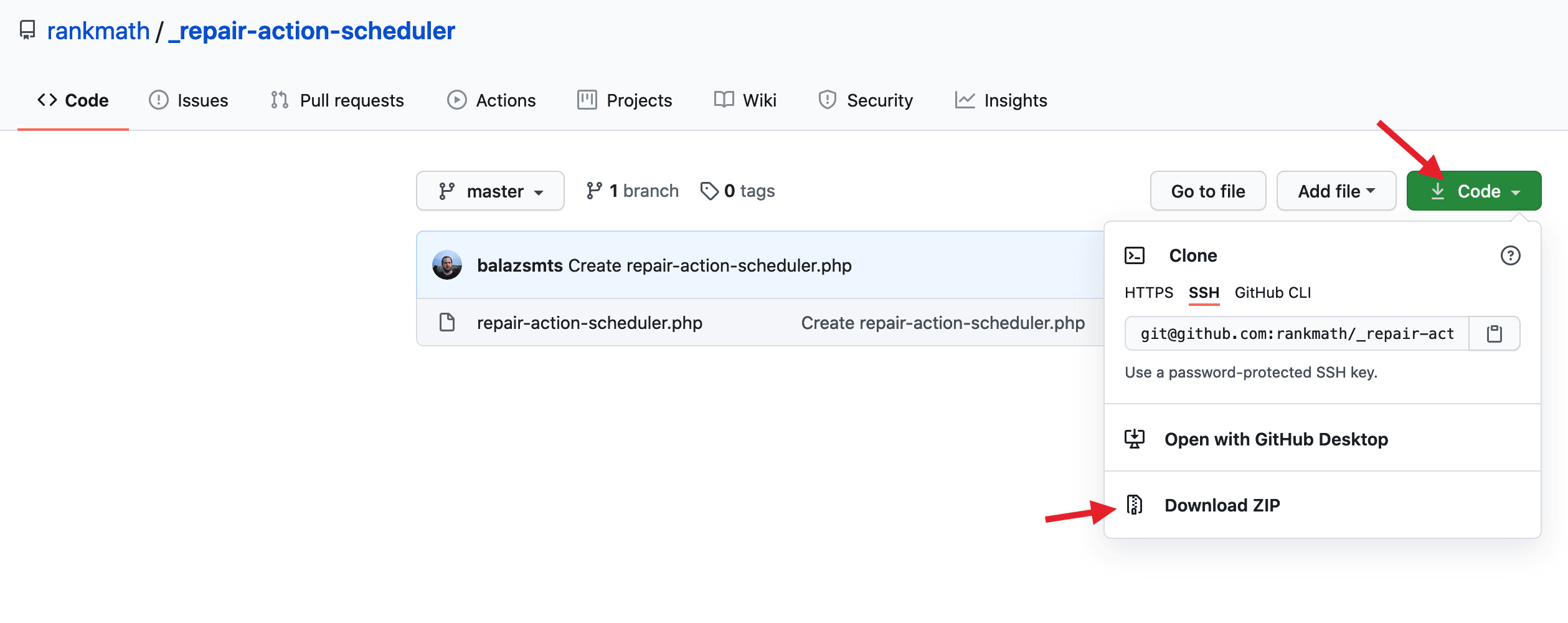
Use the Repair Action Scheduler Plugin: You can use our Repair Action Scheduler plugin to fix this issue automatically. You can download it from here and upload it to your site via Plugins → Add New → Upload Plugin.
-
Activate the Plugin: Once activated, the plugin will attempt to repair the action scheduler tables. It should deactivate itself automatically after completing the repair.
-
Check Scheduled Actions: After the repair, check your Scheduled Actions tab again to see if the issue is resolved.
-
Clear Cache: Make sure to clear all caches, including server cache, after performing these steps.
If you continue to experience issues after following these steps, please reply to this ticket, and a human agent from the Rank Math Support team will assist you further. Thank you for bringing this concern to our attention!
Sources:
Fatal Error Happening on Some Installations After 1.0.49 Update » Rank Math
Hello,
Thank you for your query and we are so sorry about the trouble this must have caused.
Cueing from other users where this issue was investigated, we found that it is happening due to the conflicting ActionScheduler packages used in the plugins on the site.
There is likely a plugin using an older version of the ActionScheduler package, while our plugin uses the latest version, v3.9.1.
Since it’s on an external plugin, the culprit plugin will need to update this package in their plugin. They might have already done this in their latest version, kindly ensure you are using the latest versions of all plugins and theme.
If they are all up to date the easiest way to identify the culprit plugin will be to do a plugin/theme conflict check; you can follow this guide for that: https://rankmath.com/kb/check-plugin-conflicts/
Kindly reach out to their support team concerning this issue.
Let us know how it goes. Looking forward to helping you.
Thank you.
Hello,
Since we did not hear back from you for 15 days, we are assuming that you found the solution. We are closing this support ticket.
If you still need assistance or any other help, please feel free to open a new support ticket, and we will be more than happy to assist.
Thank you.



