Hello,
We apologize for the issue you are facing with importing your old domain data into your new live domain. It can be frustrating when the expected changes do not reflect on the live site after a successful import.
Here are a few steps you can take to troubleshoot this issue:
-
Check Import Status: Ensure that the import process was completed successfully without any errors. You can verify this in the Rank Math SEO settings under Status & Tools.
-
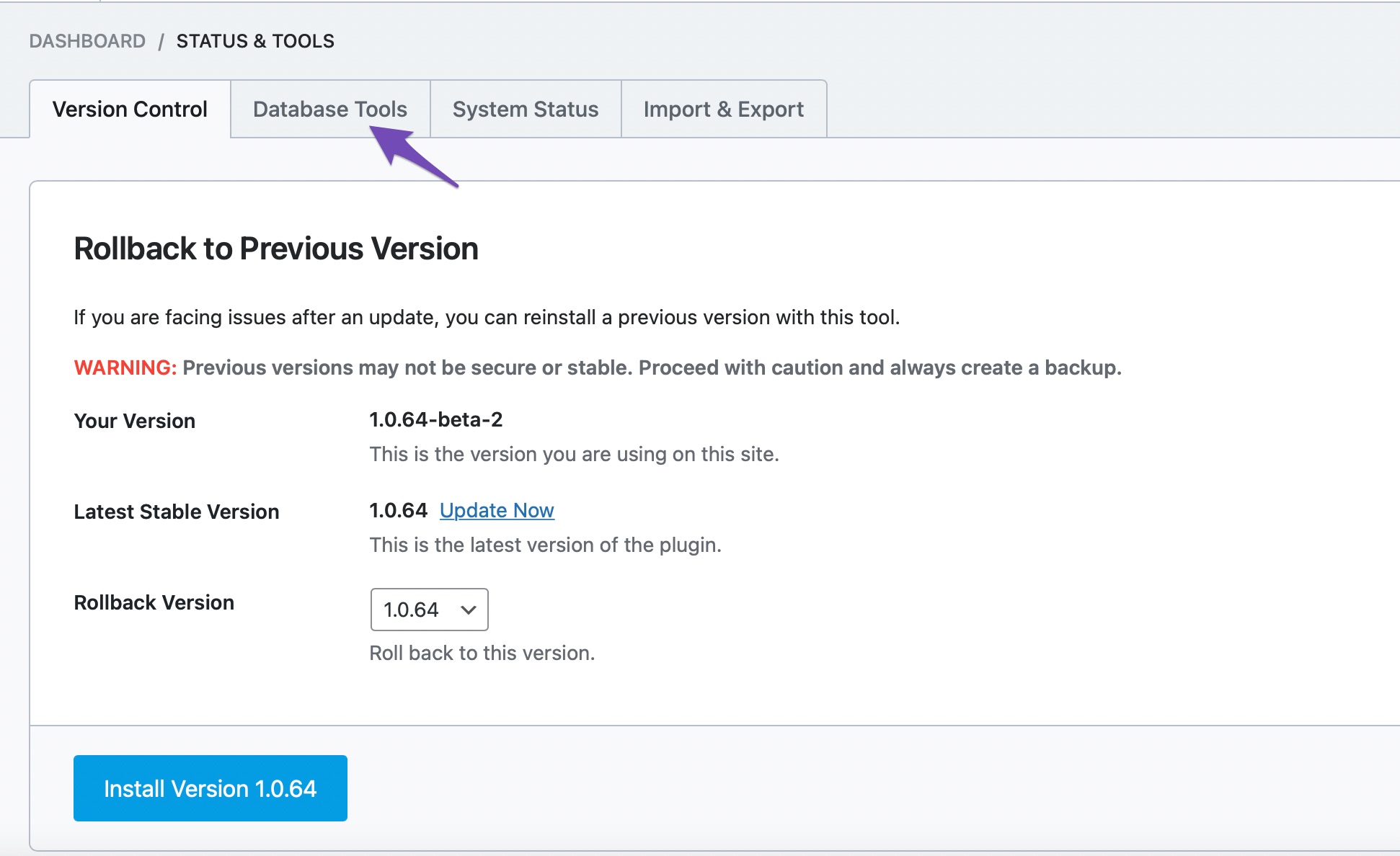
Rebuild Index: Sometimes, the data may not reflect due to indexing issues. You can try rebuilding the index for Analytics by navigating to Rank Math > Status & Tools > Database Tools > Rebuild Index for Analytics. This can help ensure that all imported data is correctly indexed.
-
Clear Cache: If you are using any caching plugins, clear the cache to ensure that you are viewing the most recent version of your site.
-
Check Settings: Make sure that all relevant settings in Rank Math are configured correctly for your new domain.
If these steps do not resolve the issue, please reply to this ticket with any specific error messages or additional details about the import process, and a human agent from our support team will assist you further.
Thank you for raising this concern, and we look forward to helping you resolve it!
This is an automated reply from Rank Math Support Bot. If you need further assistance, please reply to this topic and a human support agent will reply to you shortly.
Hello,
Since we did not hear back from you for 15 days, we are assuming that you found the solution. We are closing this support ticket.
If you still need assistance or any other help, please feel free to open a new support ticket, and we will be more than happy to assist.
Thank you.


