Hello, ci dispiace per il problema che stai riscontrando con le note SEO di Rank Math che compaiono in verticale. Questo può essere frustrante e rendere difficile la gestione dei tuoi prodotti.
Per risolvere il problema di allineamento delle colonne nella pagina dei prodotti WooCommerce, puoi seguire questi passaggi:
-
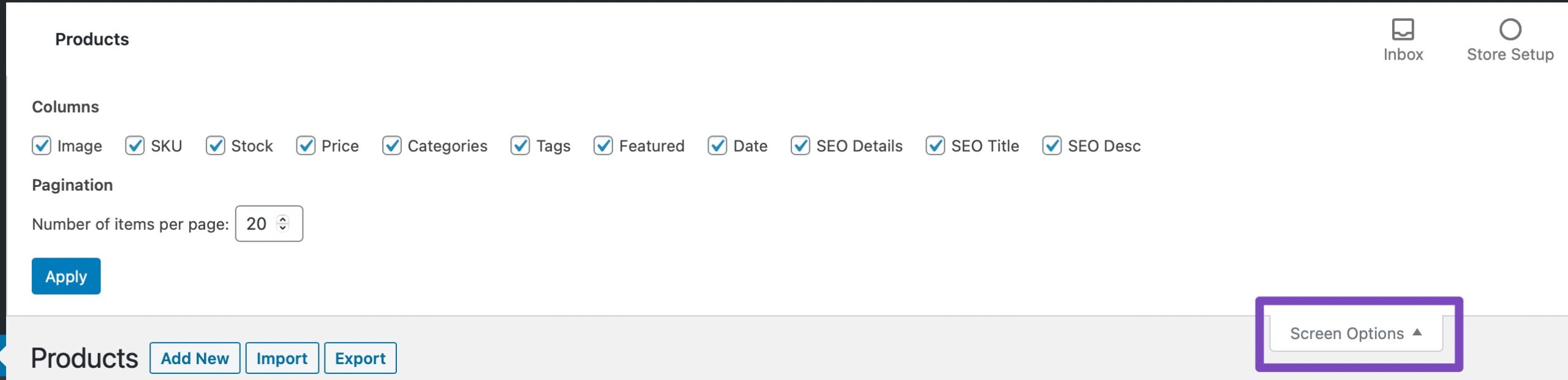
Apri le Opzioni Schermo: Clicca sul menu Screen Options (Opzioni Schermo) nell’angolo in alto a destra della pagina dei prodotti WooCommerce nel tuo pannello di amministrazione di WordPress.
-
Escludi Colonne Mal Allineate: Nelle opzioni, seleziona solo le colonne che desideri visualizzare e poi clicca su Applica. Questo dovrebbe aiutare a riallineare le colonne e rendere più facile la visualizzazione della tua pagina dei prodotti.
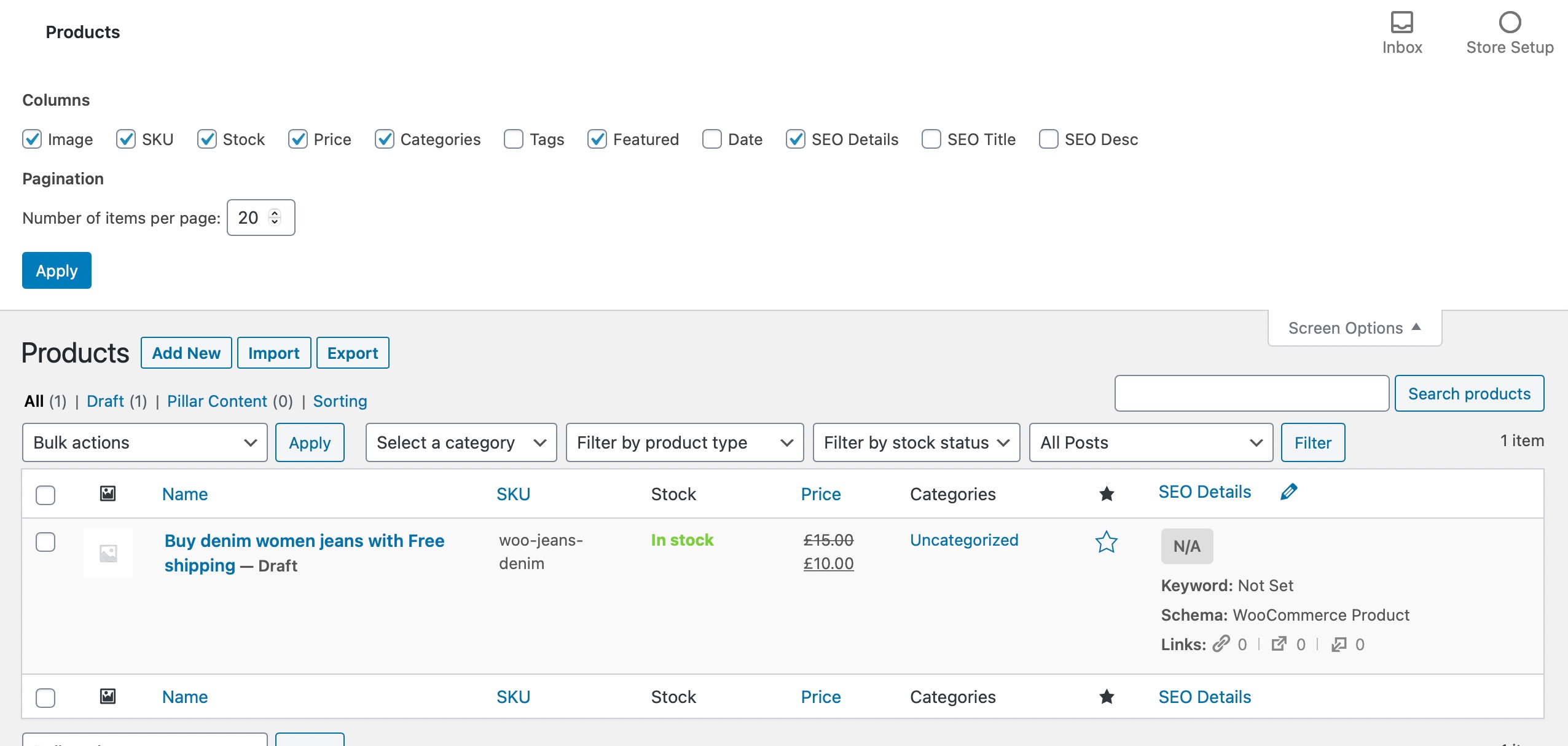
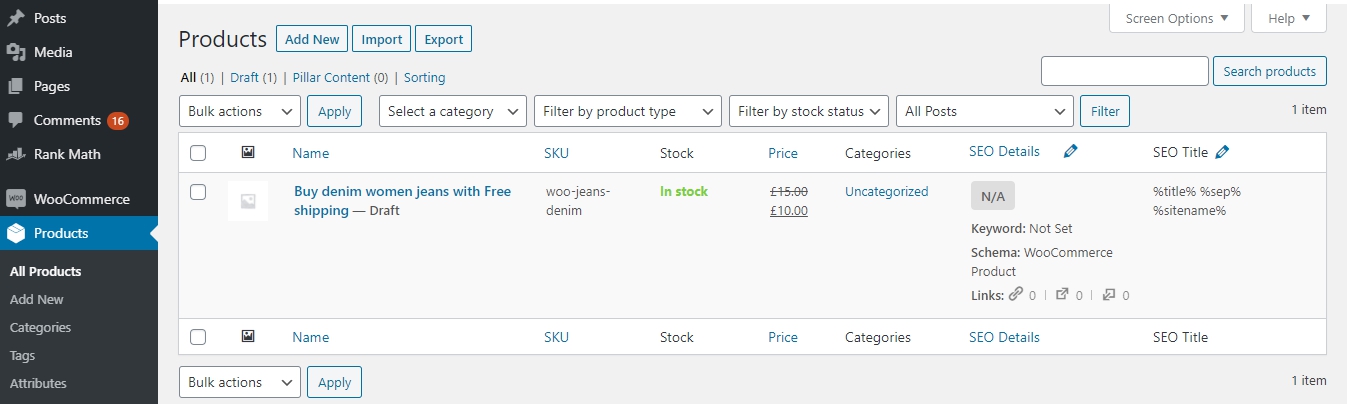
Se dopo aver seguito questi passaggi continui a riscontrare problemi, ti invitiamo a rispondere a questo ticket e un agente umano del team di supporto di Rank Math si occuperà della tua richiesta. Grazie per aver sollevato questa preoccupazione!
Sources:
WooCommerce Products Page is Misaligned When Using Rank Math
Hello,
Thank you for contacting us and sorry for any inconvenience that might have been caused due to that.
In order to resolve this issue, please try to follow the steps from this guideline: https://rankmath.com/kb/woocommerce-products-page-misaligned/
Hope that helps and please don’t hesitate to let us know if you have any other questions.
Perfetto suggerimento, tutto è tornato a posto.
Grazie
Hello,
We are super happy that this issue is already resolved. If you have any other questions in the future, know that we are here to help you.
If you don’t mind us asking, could you please leave us a review (if you haven’t already) on
https://wordpress.org/support/plugin/seo-by-rank-math/reviews/#new-post
about your overall experience with Rank Math? We appreciate your time and patience.
If you have another question in the future, please feel free to create a new forum topic, and it will be our pleasure to assist you again.
Thank you.




