Hello,
We apologize for the issue you are facing with the ability to update content in the WordPress backend. It seems like you might be encountering a problem that could be related to your WordPress version or possibly a plugin conflict.
To resolve this, please ensure that your WordPress installation is up-to-date. The lowest version we support for Rank Math is 6.3, but we recommend updating to the latest version for optimal performance and security. You can easily update WordPress through the wp-admin panel by clicking on Please update now when prompted or by navigating to Dashboard -> Updates and clicking Update Now.
Here are some helpful images to guide you:
-
Update WordPress to the latest version:
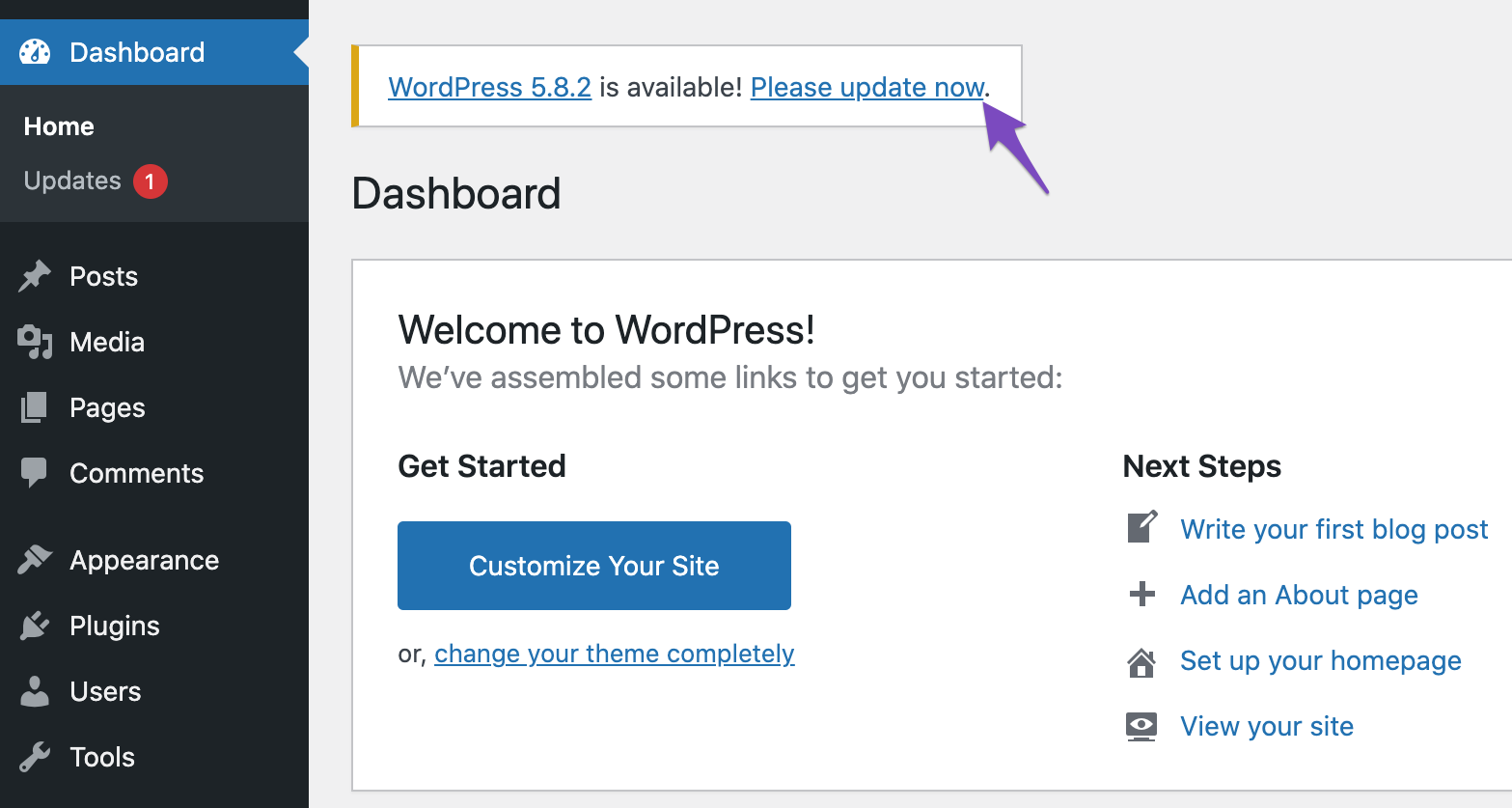
-
Updates in WordPress dashboard:

-
Update WordPress manually:
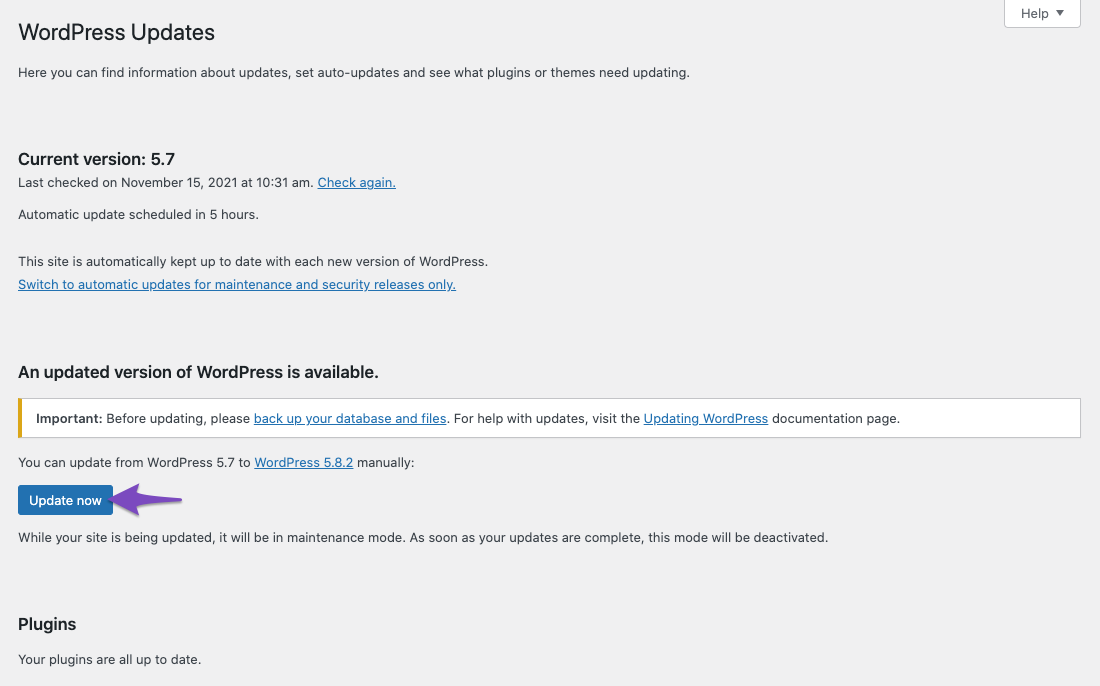
If your WordPress is up-to-date and you are still unable to update content, it may be beneficial to check for any plugin conflicts or reach out to a human agent for further assistance. You can reply to this ticket, and a member of our support team will take over and help you resolve the issue.
Thank you for raising this concern, and we hope to assist you further!
This should have nothing to do with the version of WordPress in order to update HTML content in an existing landing page. Can we please receive assistance with rectifying this issue?
Hello,
If you need to update the content of your landing page, we recommend getting in touch with the theme/builder you’re using on your site as they are in a better position to advise in this issue.
You can let us know if the issue is due to Rank Math so we can investigate further.
Looking forward to helping you.
Hi, this is directly related to Rank Math’s content builder. The pages are made under ‘Dynamic Data’ —-> ‘Vehicles’, ‘Aircraft’, ‘Seacraft’, etc. Content is unable to be added or removed compared to pages made under ‘Pages’ and ‘Posts’.
Hello,
In this case, we might need to take a closer look at the settings. Please edit the first post on this ticket and include your WordPress & FTP logins in the designated Sensitive Data section.
Please do take a complete backup of your website before sharing the information with us.

It is completely secure and only our support staff has access to that section. If you want, you can use the below plugin to generate a temporary login URL to your website and share that with us instead:
https://wordpress.org/plugins/temporary-login-without-password/
You can use the above plugin in conjunction with the WP Security Audit Log to monitor what changes our staff might make on your website (if any):
https://wordpress.org/plugins/wp-security-audit-log/
We really look forward to helping you.
Hello,
Since we did not hear back from you for 15 days, we are assuming that you found the solution. We are closing this support ticket.
If you still need assistance or any other help, please feel free to open a new support ticket, and we will be more than happy to assist.
Thank you.



