
-
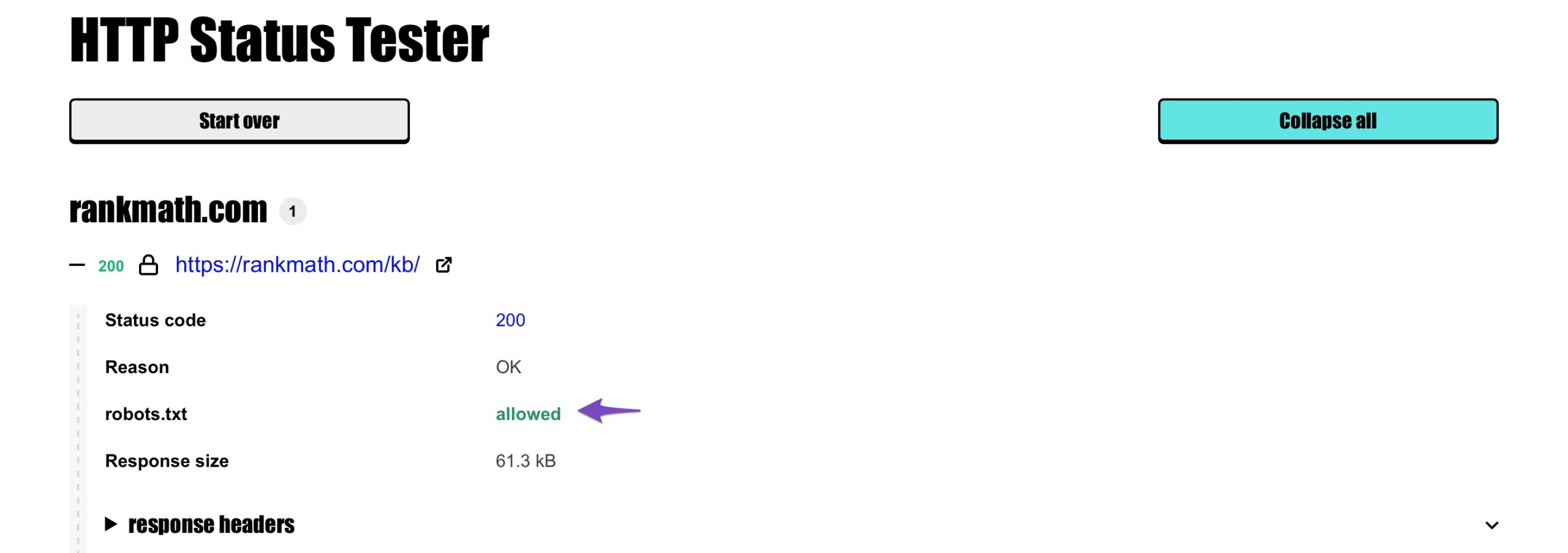
My website says that no information is available for this page. I followed all the methods described above and came at the point that my website page has been moved Permanently and robots.txt are allowed .Now what can I do for it in order to show my website meta description? I tried to follow these steps
Check Meta Tags: Ensure that the page’s meta description is set correctly. You can do this by using Rank Math’s Metabox in your page editor. Go to the Advanced tab and check the Meta Description field.
[Set to Index: Make sure that the page is not set to “no index”. In the same Advanced tab of the Rank Math Metabox, ensure that the Robots meta tag is set to allow indexing.
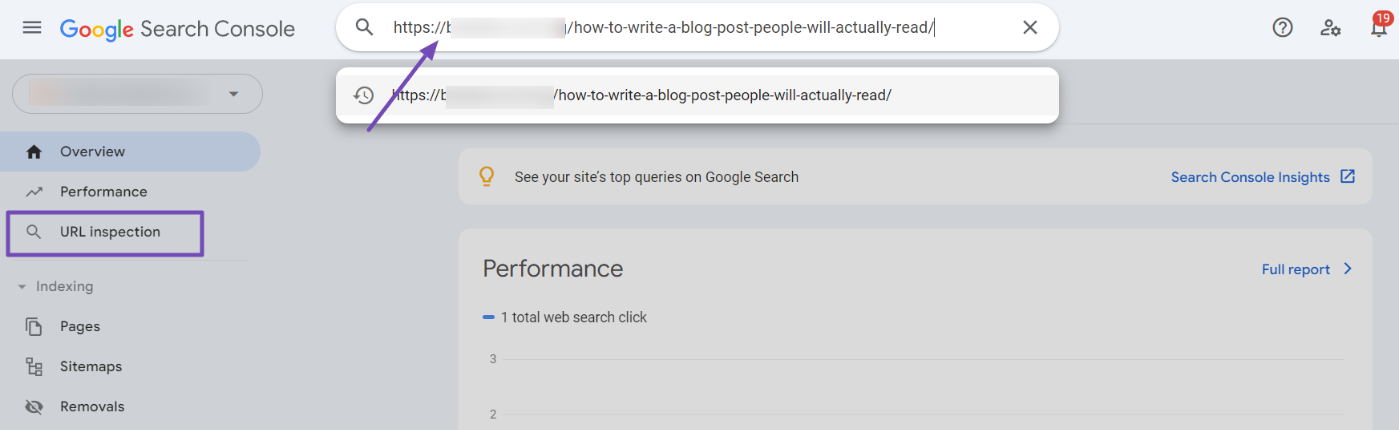
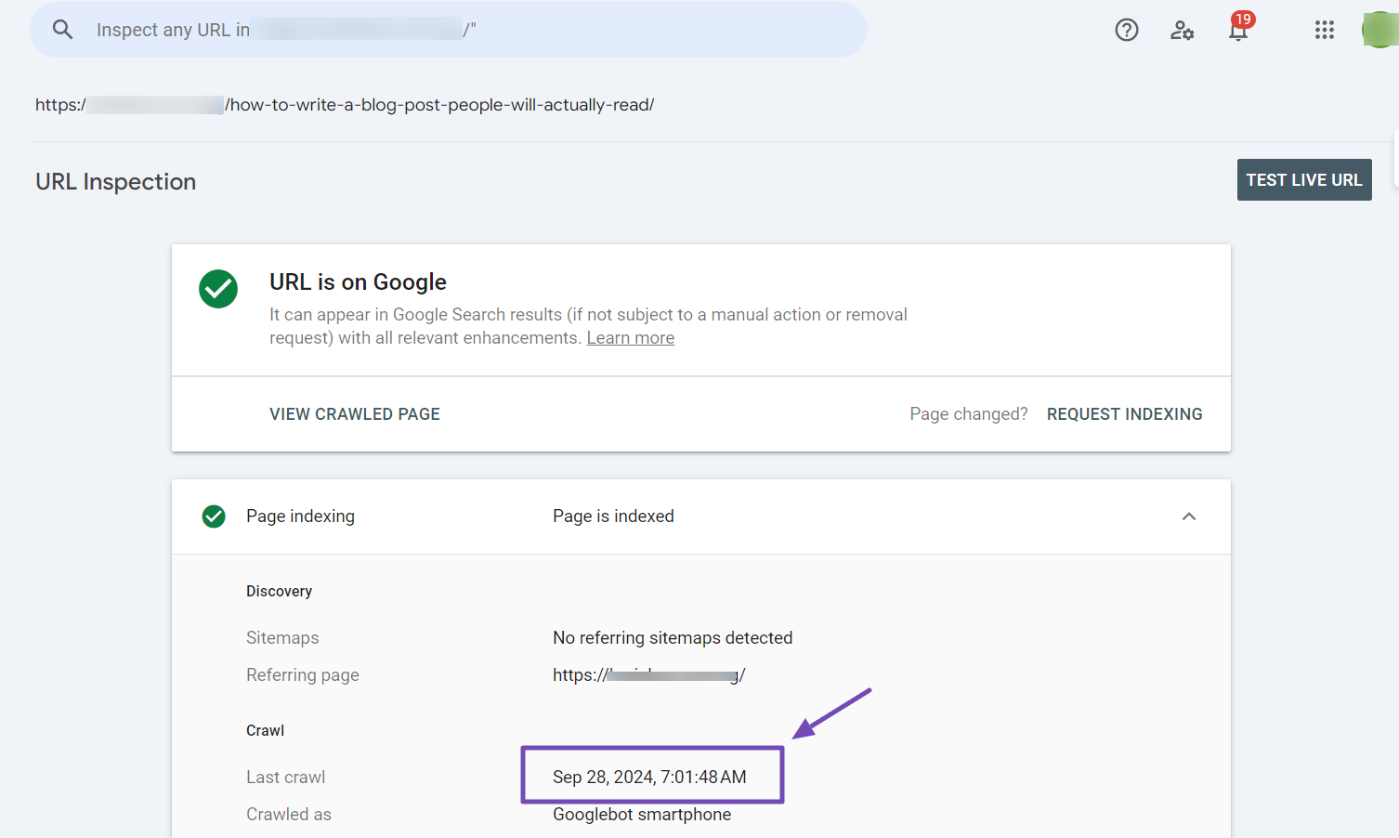
Submit URL for Indexing: Use the Google Search Console to submit your URL for indexing. This can help Google recognize the changes you’ve made.
Wait for Re-indexing: After making these changes, it may take some time for Google to re-crawl and update the information in its index. Monitor your site’s performance in Google Search Console.
Check for Other Issues: If the problem persists, check for any other potential issues such as server errors or additional redirects that might be affecting how Google sees your page.]
but i can’t submit the URL in search console. what should i do in order to fix the issue




The ticket ‘no information is available for this page’ is closed to new replies.