Hello,
We apologize for the issue you are facing with displaying all your social media links in the author box. It seems that while you have added the links for LinkedIn and Instagram in the Author settings, they are not appearing on the front-end as expected.
To ensure that all your social media links are displayed correctly, please follow these steps:
-
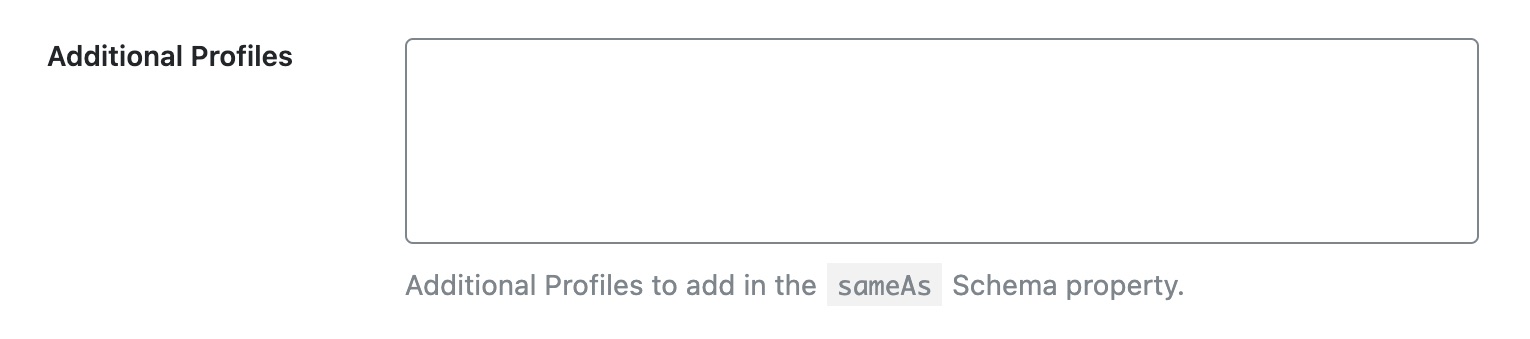
Check Additional Profile URLs: You mentioned that you added URLs into the Additional Profile URLs box. Make sure that each URL is entered correctly, one per line, in the format that is recognized by Rank Math.
-
Customize Author Meta: Ensure that your theme or the specific block you are using supports displaying all social media links. Some themes may only support certain platforms by default. You might need to customize the author box or use a different method to pull in these additional links.
-
Dynamic Link Type: Since you are using Dynamic link type/Author meta, ensure that your theme or block is set up to recognize and display all the social media fields provided by Rank Math. If it only pulls Twitter and Facebook, it may require additional customization.
-
Custom Code: If your current setup does not support displaying additional social media links, you may need to add custom code to your theme’s functions.php file or use a child theme to modify how the author box is rendered. This would involve checking for the additional profile URLs and outputting them in the author box.
If these steps do not resolve the issue, we recommend replying to this ticket so a human agent from the Rank Math Support team can assist you further with specific guidance tailored to your setup.
Thank you for raising this concern, and we hope to help you get it resolved soon!
If I added https://www.linkedin.com/in/igor-ranc/ in Additional profiles, what would need to go to Meta field name?
Hello,
Please note that your author box is controlled by your theme, not by the Rank Math plugin. Even if you add any URLs in the Rank Math profile settings, it may not apply to your author box.
We suggest you get in touch with your theme support to modify your author box.
Hope that helps and please don’t hesitate to let us know if you have any other questions.
Thank you.
Thanks Rakibuzzaman.
Let me ask this differently: at this moment, Rank Math SEO is only giving me:
– Twitter username (without @)
– Facebook profile URL
– Additional profile URLs
in the Users section. Is there a way to expand this?
Hello,
These sections are only used to add the sameAs properties to your Author schema. The most used URLs are Facebook and Twitter but if someone wants to add more URLs for the sameAs properties, they can add them to the Additional profile URLs field.
Hope that helps to clarify your doubts and please don’t hesitate to let us know if you have any other questions.
Thank you.
So, I interpret it as “No, there is no way to expand it”.
Thanks!
Hello,
You can easily add other social media links in the sameAs Schema property. We covered the topic here: https://rankmath.com/kb/sameas-schema/#add-the-sameas-property
Hope that helps and please do not hesitate to let us know if you need our assistance with anything else.




