API Error: HTTP 400 When Running SEO Analyzer on My Site

#900806
  • Resolved James Will
    Rank Math free

    Hello

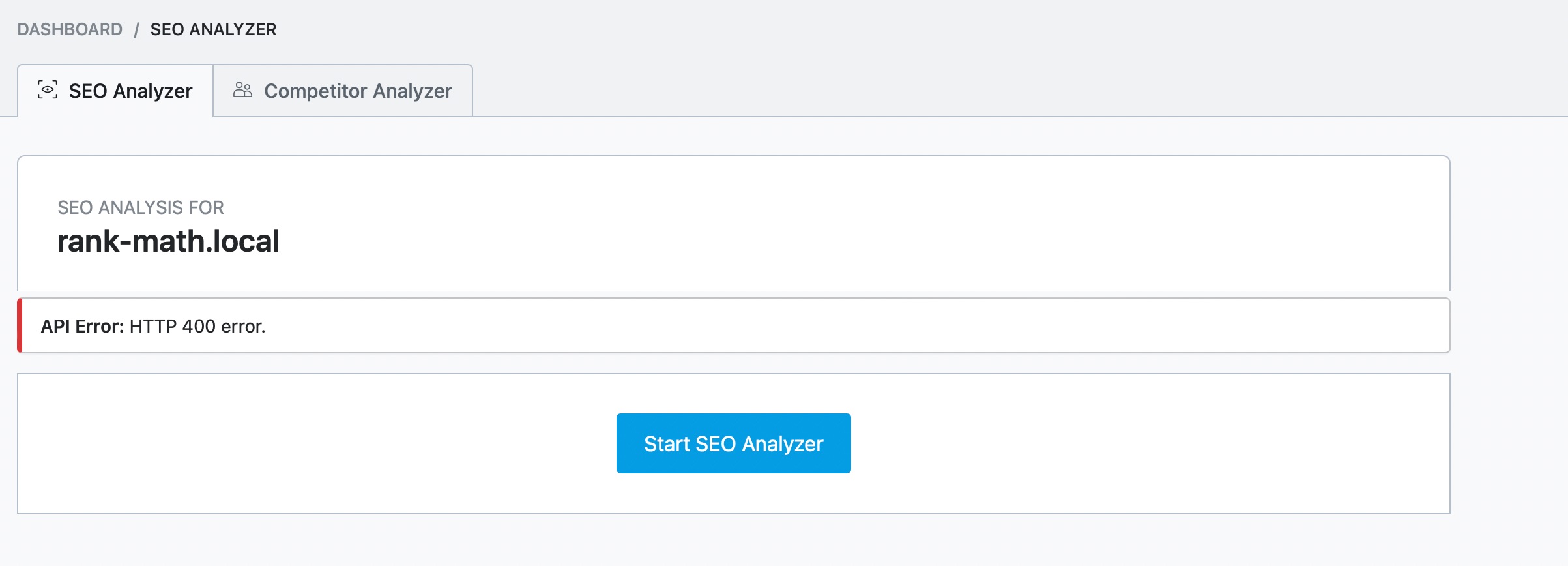
    I am experiencing an issue while trying to use the SEO Analyzer feature on my website, thegardeningense. Whenever I attempt to run the SEO analysis, I receive an API Error: HTTP 400 message.

    Details of the issue:

    Error Message: “API Error: HTTP 400 – The server cannot process your request.”
    When it Occurs: This error occurs every time I try to analyze my site using the Rank Math SEO Analyzer tool.
    Website Status: My website is live and functioning correctly, returning a 200 status code when checked.

    Troubleshooting Step Taken:

    I verified that there are no timeout issues; my site loads within a reasonable time frame.
    Despite these checks, I am still unable to use the SEO Analyzer feature. This has been quite frustrating, as I rely on this tool to optimize my content effectively.

    Could you please assist me in resolving this issue? Any guidance or troubleshooting steps would be greatly appreciated.
    Thank you for your help!

Viewing 4 replies - 1 through 4 (of 4 total)
  • Hello,

    We apologize for the issue you are facing with the SEO Analyzer on your website. The API Error: HTTP 400 indicates that the server is unable to process your API request, and there could be several reasons for this.

    Since you’ve confirmed that your website is live and returning a 200 status code, here are a few additional troubleshooting steps you can take:

    1. Check for Firewall Blocks: Sometimes, server security or firewall settings can block API requests. You may need to whitelist the IP 46.30.211.100 and the user-agent RankMathApi/2.0.2; https://rankmath.com. This can usually be done in your firewall settings or by contacting your web hosting provider for assistance.

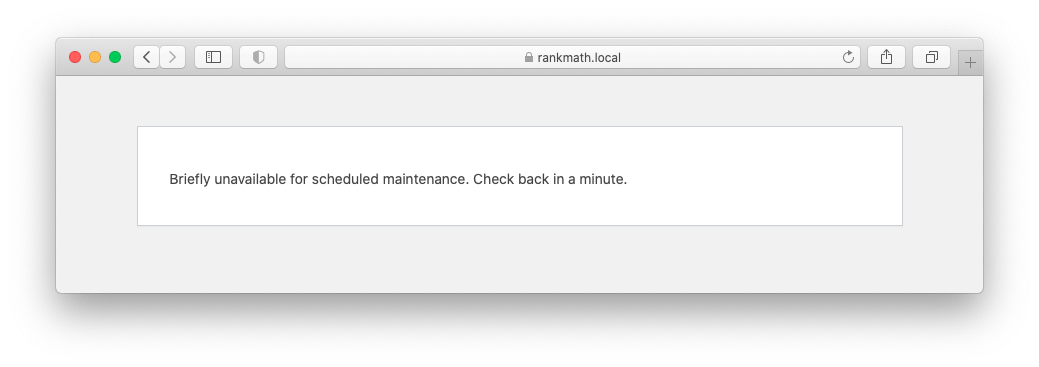
    2. Website Under Maintenance: Ensure that your website is not in maintenance mode, as this would prevent the SEO Analyzer from accessing it.
      Maintenance mode

    3. Locally Hosted Website: If your site is hosted locally or not accessible from an external network, the SEO Analyzer will not work. Make sure your site is publicly accessible.
      API Error: The Site-Wide Analysis is unavailable on localhost.

    If you have checked all these points and are still encountering the error, please reply to this ticket, and a human agent from the Rank Math Support team will assist you further.

    Thank you for your patience, and we hope to resolve this issue for you soon!

    Hello,

    Please get in touch with your host and make sure the IP 46.30.211.100 and the user-agent RankMathApi/2.0.2; https://rankmath.com are whitelisted on your firewall.

    Once done, please head over to your WordPress Dashboard > Rank Math > Status & Tools > Database Tools and click the Clear SEO Analysis and Remove Transients buttons to flush the SEO Analysis cache.

    Flush

    Please clear your website and any server-level caching on your site before doing the SEO analysis again.

    Let us know how it goes. Looking forward to helping you.

    Thank you.

    Let me try the above mentioned ways to solve this error! I am feeling so depressed & emotional as did very much hard work for this site. Now I am getting this error as well as on another website https://blog.ifixscreens.com/

    Looking forward to solve these issues

    Hello,

    We checked both websites (https://thegardeningsense.com/ and https://blog.ifixscreens.com/) with our external SEO Analyser: https://rankmath.com/tools/seo-analyzer/ and both seem to be working fine.

    If the issue persists on your installation, we might need to investigate this on your website. Please edit the first post on this ticket and include your WordPress & FTP logins in the designated Sensitive Data section.

    Please do take a complete backup of your website before sharing the information with us.

    Sensitive Data Section

    It is completely secure and only our support staff has access to that section. If you want, you can use the below plugin to generate a temporary login URL to your website and share that with us instead:

    https://wordpress.org/plugins/temporary-login-without-password/

    You can use the above plugin in conjunction with the WP Security Audit Log to monitor what changes our staff might make on your website (if any):

    https://wordpress.org/plugins/wp-security-audit-log/

    Looking forward to helping you.

    Thank you.

    Hello,

    Since we did not hear back from you for 15 days, we are assuming that you found the solution. We are closing this support ticket.

    If you still need assistance or any other help, please feel free to open a new support ticket, and we will be more than happy to assist.

    Thank you.

Viewing 4 replies - 1 through 4 (of 4 total)

The ticket ‘API Error: HTTP 400 When Running SEO Analyzer on My Site’ is closed to new replies.