Hello,
We’re sorry for the issue you are facing with your payment for the Rank Math PRO plugin. This error message typically indicates that there may be a problem with the payment method or settings. Here are some troubleshooting steps you can follow:
-
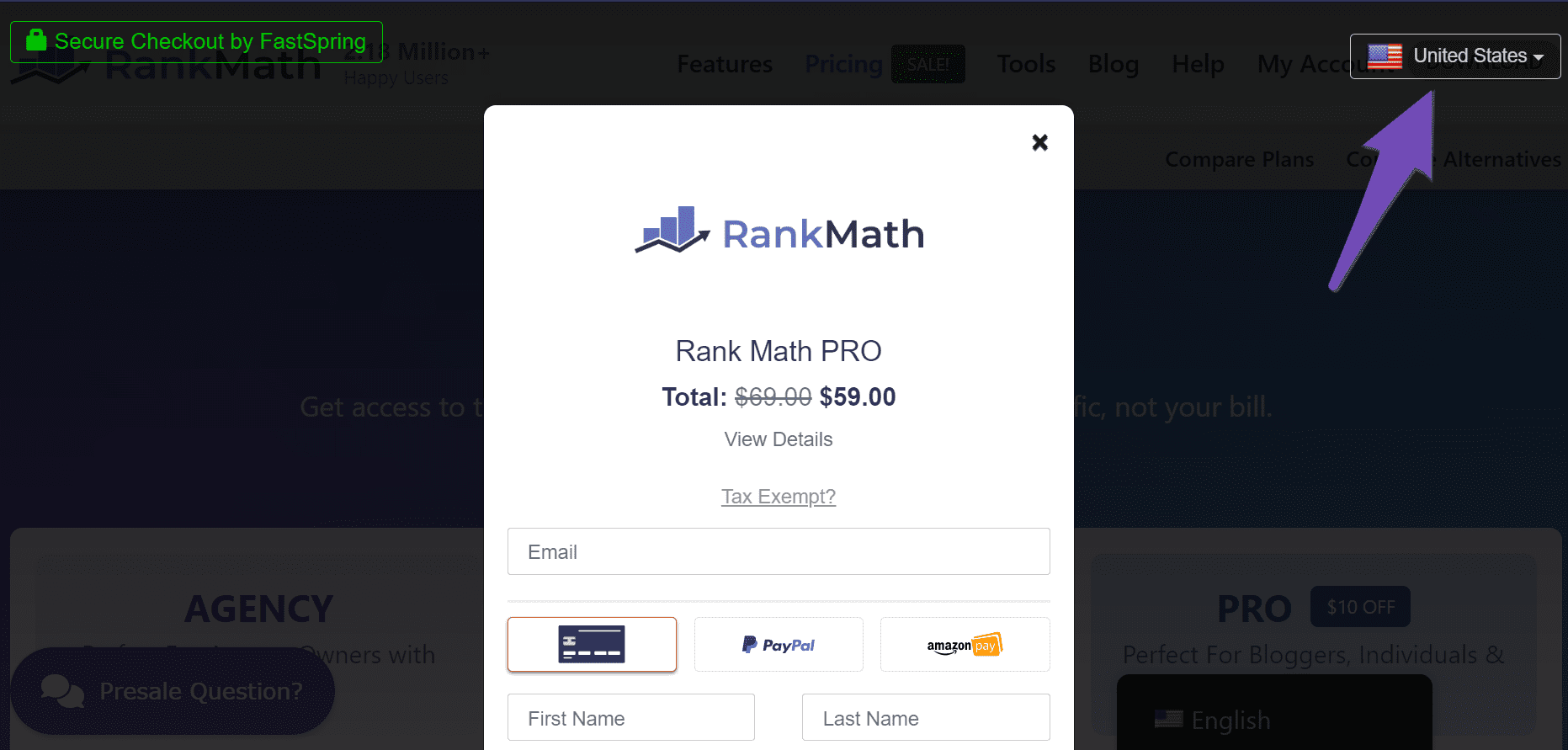
Select Your Current Location: Ensure that the country displayed in the dropdown menu at the top-right corner of the checkout page is correct. If it shows a different country, click on it and select the correct one.
-
Turn Off Your VPN or Proxy: If you have a VPN or proxy server enabled, please turn it off as it may interfere with the payment process.

-
Check Your Payment Method: Ensure that your payment method supports payments in USD, subscription-based payments, and that you are not using a prepaid card. Also, confirm that international payments are enabled.
-
Contact Your Bank: If everything seems fine on your end, consider calling your bank to inquire if there are any blocks on your account preventing the transaction from going through.
If you have followed these steps and the issue persists, please reply to this ticket, and a human agent from the Rank Math Support team will assist you further. Thank you for your patience!
Sources:
Troubleshooting Payment Issues at Rank Math » Rank Math
i followed everything the bot asked me to do but it didnt work
Hello,
Thank you for contacting the support, and sorry for any inconvenience that might have been caused due to that.
Please ensure that your payment method supports the following:
– Payments in USD $
– Supports subscription-based payments
– You are not using a prepaid card
– International payments are turned on
– Your IP is not a Proxy, or you are using any VPN or hosting service
If everything from the above is enabled and working, you can also try using a credit card instead.
You can also call your bank and ask what’s stopping the payment from going through and request them to approve it on your end.
Looking forward to helping you.
Hello,
Since we did not hear back from you for 15 days, we are assuming that you found the solution. We are closing this support ticket.
If you still need assistance or any other help, please feel free to open a new support ticket, and we will be more than happy to assist.
Thank you.



