Noindex problem

#892742
  • Resolved Feathergear
    Rank Math free

    Hi all,

    I have a major problem while using your plugin.

    When the plugin is enabled there are a lot of noindex tags on my sites, not only cart or checkout, which I know are noindex by default in Woocommerce, but also categories sites, products ect.

    I have checked a couple times index settings in your plugin (Review Titles & Meta Settings: Navigate to WordPress Dashboard → Rank Math SEO → Titles & Meta. Check each tab to ensure that the noindex setting is not set as a default for your posts or taxonomies. If you want certain pages indexed, change their Robots Meta tag to “Index”.). They are all set correct to “Index”, however the noindex tag is still present.

    I have tried multiple times disabling your plugin, it have always worked and the noindex tag was not present when your plugin was disabled. When i enabled your plugin again, the noindex tag was again present.

    Please help! I love using your plugin, however this case is a dealbreaker for me. I do not know what to do!

    Best regards,
    Dawid Kardaś

Viewing 4 replies - 1 through 4 (of 4 total)
  • Hello,

    We apologize for the issue you are facing with the noindex tags on your site. Thank you for raising this concern.

    It sounds like you’ve already taken the right steps by checking the Titles & Meta settings in Rank Math. To further troubleshoot this issue, please ensure that:

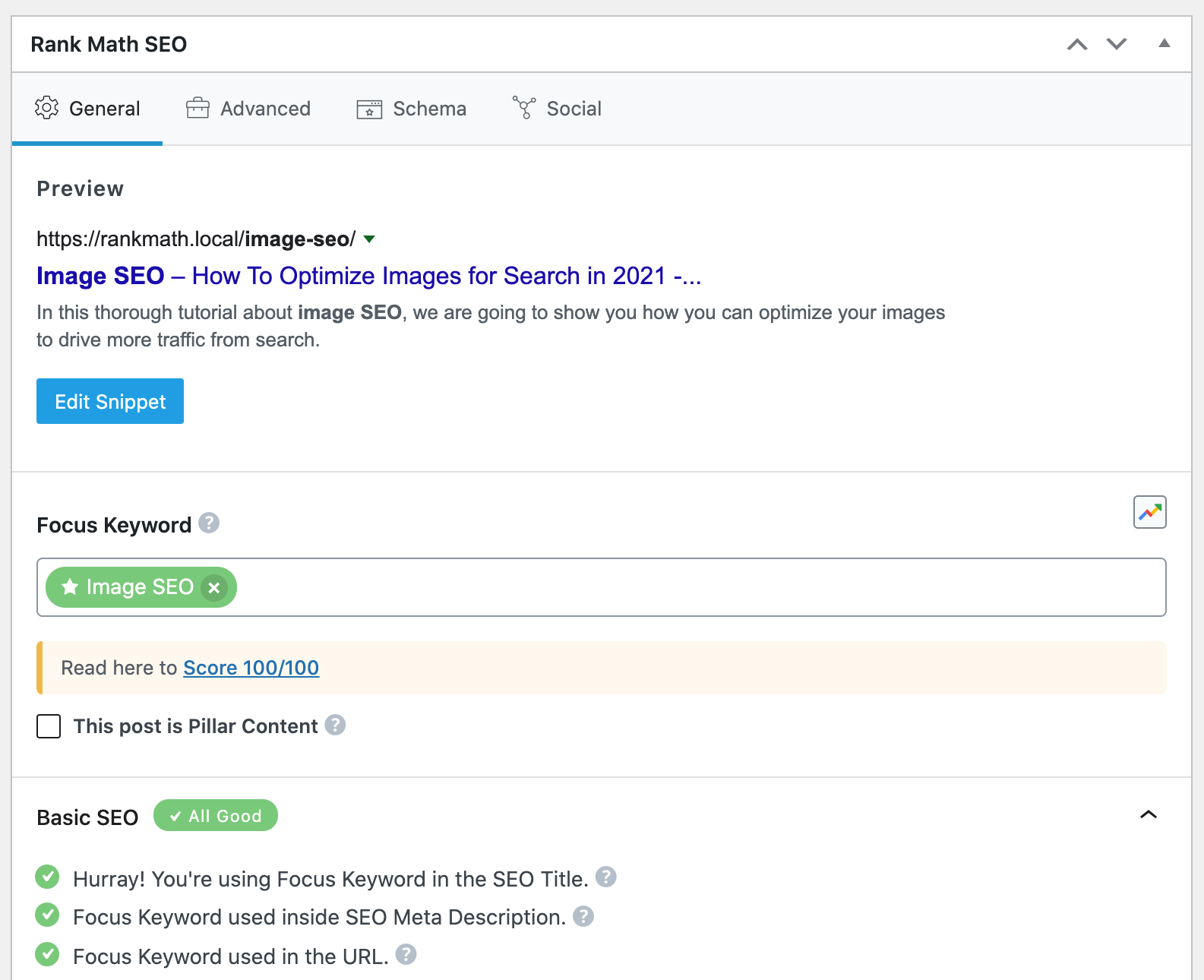
    1. Check Individual Post/Category Settings: Sometimes, individual posts or categories may have their own settings that override the global settings. Open the specific post or category in the WordPress editor and check the Rank Math Metabox to ensure that the Robots Meta is set to Index.
      Rank Math MetaBox

    2. Clear Cache: If you are using any caching plugins, clear the cache after making changes to ensure that the latest settings are reflected.

    3. Check for Conflicting Plugins: Sometimes, other plugins can conflict with Rank Math. Try disabling other plugins temporarily to see if that resolves the issue.

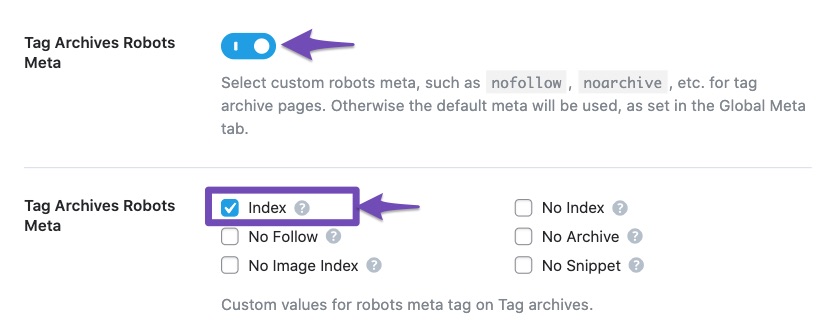
    4. Review Global Settings: Double-check the global settings under Rank Math SEO → Titles & Meta to ensure that no post types or taxonomies are set to noindex by default.
      Set Noindex in Titles and Meta Settings

    If after trying these steps the issue persists, please reply to this ticket, and a human agent from the Rank Math Support team will take over and assist you further.

    We appreciate your patience and understanding as we work to resolve this issue for you!

    Hi, I have once again checked carefully all the steps your bot has pointed out, the issue still appears.

    Hello,

    Thank you for contacting Rank Math support.

    Can you please share the affected website with us so we can help take a look?

    Thank you for your patience and cooperation. We are looking forward to hearing back from you.

    Hello,

    It looks like the category page you’ve shared is empty. In this case, please head over to your WordPress Dashboard > Rank Math > Titles & Meta > General, and from there disable the Noindex Empty Category and Tag Archives option:

    Regarding the cart page, Rank Math by default sets this to Noindex as this is something not for indexing on Google.

    However, if you still want to index your cart pages, you can use the following filter code on your website:

    add_filter( 'rank_math/frontend/robots', function( $robots ) {
        if( is_cart() ) {
            $robots['index'] = 'index';
        }
        return $robots;
    });
    

    Here’s how you can add filter/hook to your WordPress site: https://rankmath.com/kb/wordpress-hooks-actions-filters/

    Hope that helps and please don’t hesitate to let us know if you have any other questions.
     
    Thank you.

    Hello,

    Since we did not hear back from you for 15 days, we are assuming that you found the solution. We are closing this support ticket.

    If you still need assistance or any other help, please feel free to open a new support ticket, and we will be more than happy to assist.

    Thank you.

Viewing 4 replies - 1 through 4 (of 4 total)

The ticket ‘Noindex problem’ is closed to new replies.