Hello,
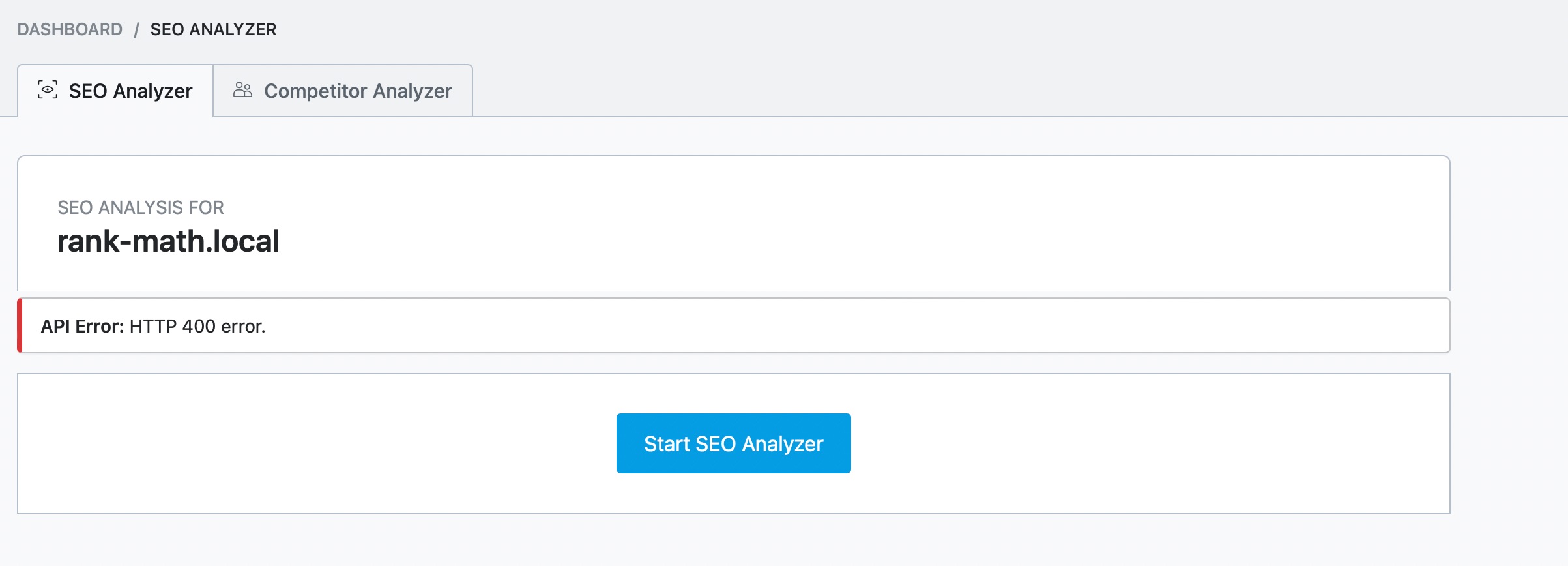
We apologize for the issue you are facing with the HTTP 400 error while using the SEO Analyzer. This error typically indicates that the server is unable to process your API request due to various reasons.
Here are a few things you can check:
-
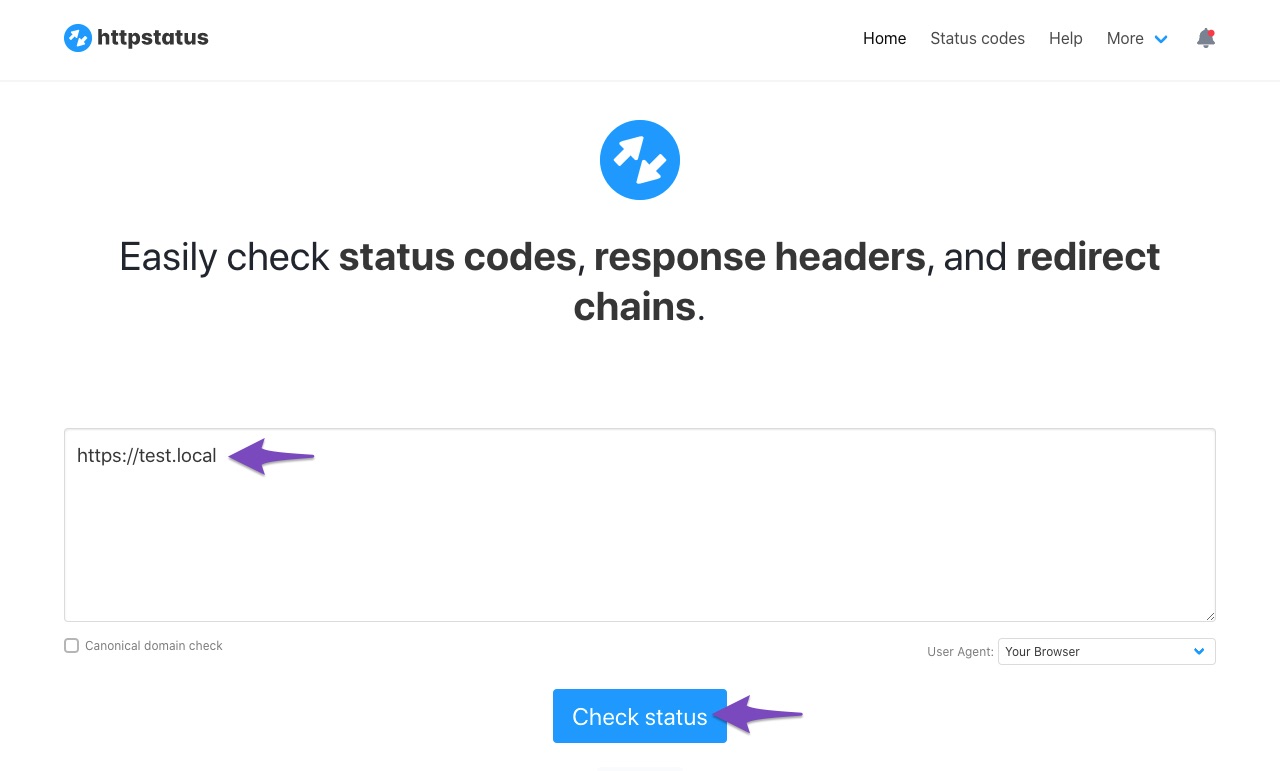
Website Status: Ensure that your website is returning a 200 status code. You can check the status of your website here.
-
API Timeout: If your website takes more than 30 seconds to load, it may result in a timeout error.
-
Firewall Settings: Make sure that the IP addresses you have whitelisted in your firewall settings are correct. The IP 46.30.211.100 should be whitelisted, as well as the user-agent RankMathApi/2.0.2; https://rankmath.com.
-
Locally Hosted Website: Ensure that your site is not hosted locally, as the SEO Analyzer will not work on localhost.
If you have checked all these points and are still experiencing issues, please reply to this ticket, and a human agent from the Rank Math Support team will assist you further.
Thank you for bringing this to our attention!
Sources:
Why Am I Getting "API Error: HTTP 400" Error » Rank Math
now i just get “An error occured.”, I added the user-agent, before i just had the ips
Hello,
Upon checking your site using our External Analyzer tool, it is showing a Bot verification page.
Please ensure that you have already whitelisted the IP and user-agent we shared.
You may also get in touch with your security software provider for assistance whitelisting them.
Looking forward to helping you.
Hello,
Since we did not hear back from you for 15 days, we are assuming that you found the solution. We are closing this support ticket.
If you still need assistance or any other help, please feel free to open a new support ticket, and we will be more than happy to assist.
Thank you.



