Hello,
We apologize for the issue you are facing with changing your username. To change your username in Rank Math, you will need to check if the desired username is available. You can do this by copying the following URL into your browser and replacing username with whinwhin:
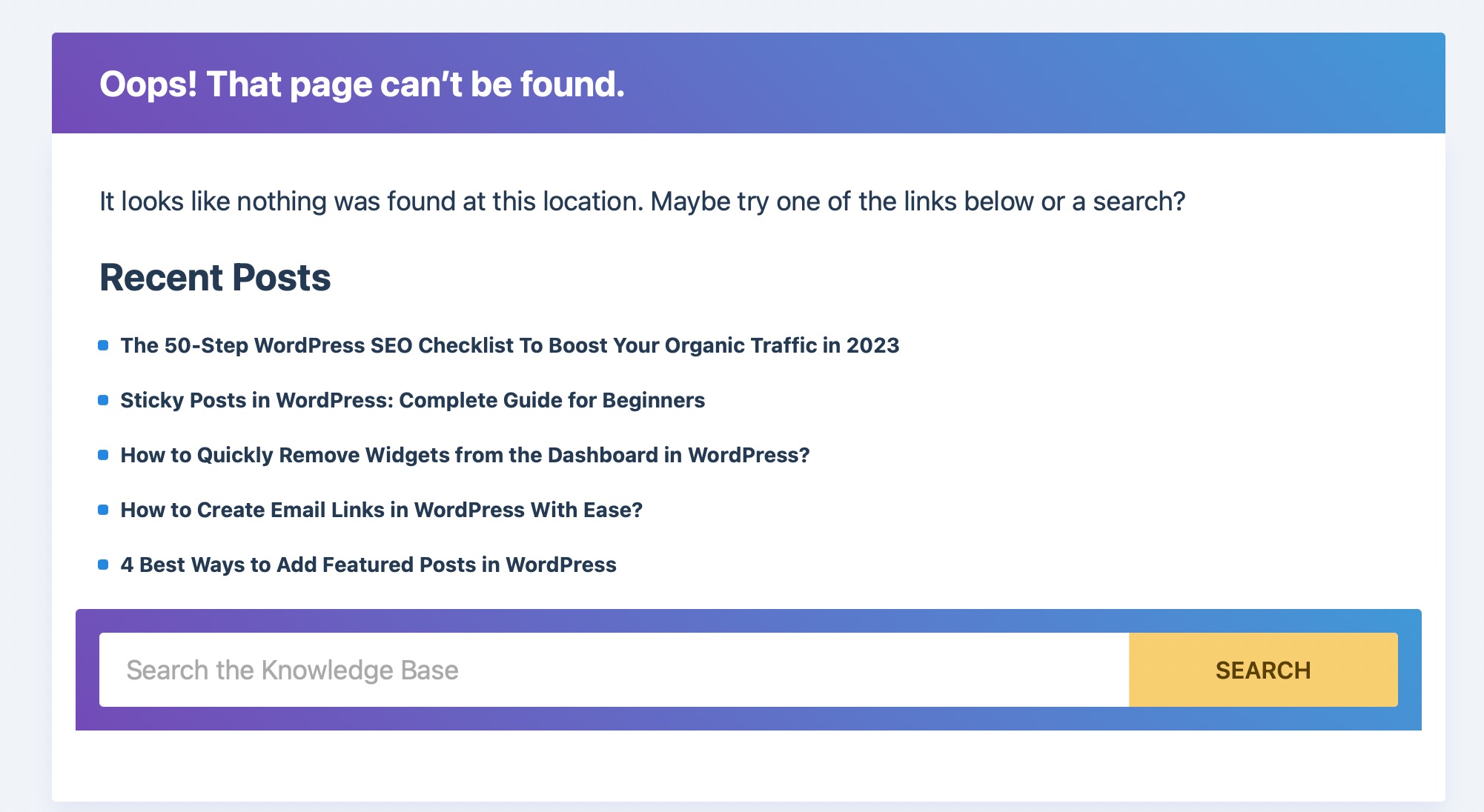
`https://rankmath.com/wp-content/uploads/2023/03/page-not-found-error.jpg
If the browser returns an "Oops! That page can’t be found" error, it means the username is available. In that case, please open a ticket requesting the Rank Math Support team to change your username.
If the browser returns a profile page, it means the username is unavailable, and you will need to choose a different one.
Thank you for raising this concern, and we hope this helps! If you have any further questions, feel free to reply to this ticket, and a human agent from our support team will assist you further.
Sources:
How to Change Your Username in Rank Math » Rank Math
Hello,
Thank you for contacting Rank Math support.
We have changed the username, as requested.
Please do not hesitate to let us know if you need our assistance with anything else.
Thank you for handling this so quickly.
Have a good night!
Hello,
We are glad to know that this issue has been resolved. Thank you for letting us know.
This ticket will be closed now, but you can always open a new one if you have any other questions or concerns. We are here to help you with anything related to Rank Math.
We appreciate your patience and cooperation throughout this process.
Thank you for choosing Rank Math.