Hello,
We apologize for the issue you are facing with the WooCommerce checkout page timing out with a 524 error when Rank Math is enabled. It sounds like you’ve already taken several steps to troubleshoot the problem, which is great.
Since this issue seems to be related to a conflict between Rank Math and WooCommerce, we recommend checking the following:
-
API Timeout: Ensure that your website is not taking more than 30 seconds to load, as this can lead to timeouts. You can check your website’s status using tools like httpstatus.io.
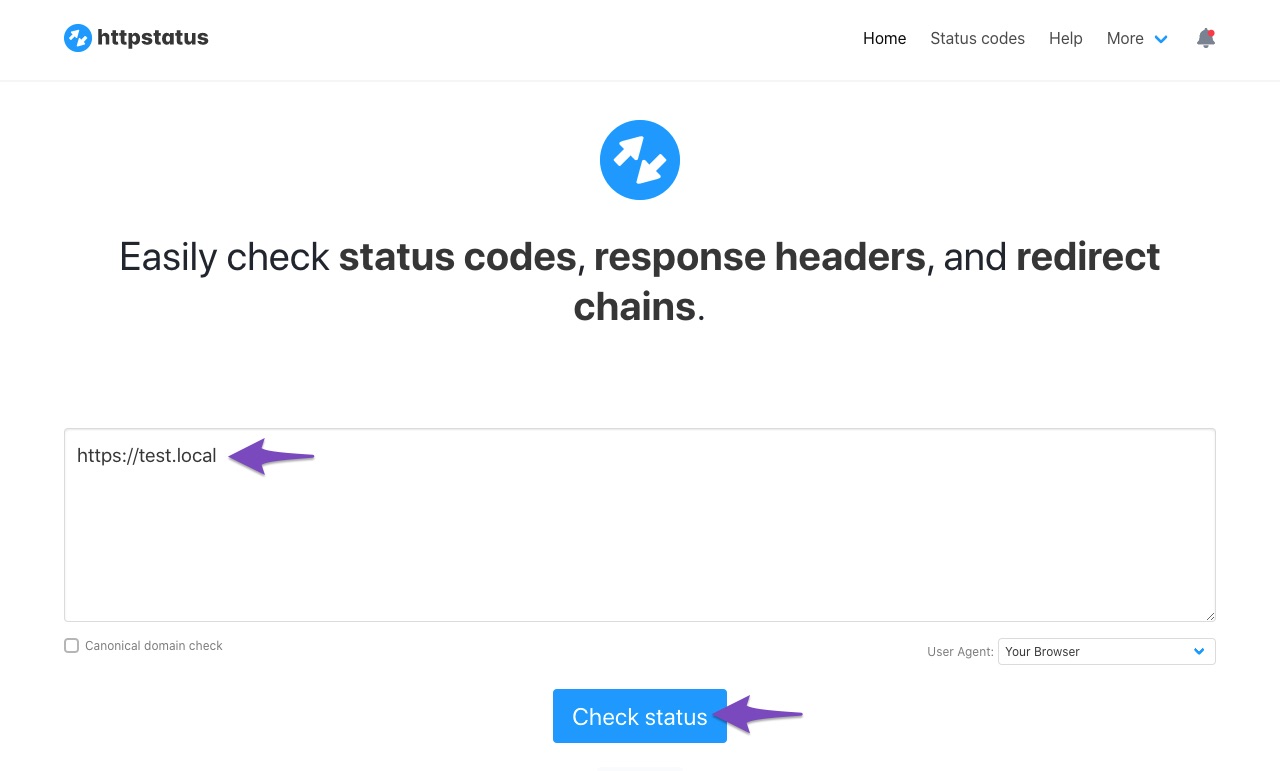
-
Firewall Settings: Sometimes, server security or firewall settings can block API requests from Rank Math. Make sure that the IP 46.30.211.100 and the user-agent RankMathApi/2.0.2; https://rankmath.com are whitelisted in your firewall settings.
-
Contact Hosting Provider: If the problem persists, it may be beneficial to contact your web hosting provider for assistance. They can help identify if there are any server misconfigurations or resource limitations that could be causing the timeout.
-
Plugin Conflicts: Consider temporarily disabling other plugins to see if there is a conflict with another plugin that might be affecting the checkout process.
If you continue to experience issues after trying these suggestions, please reply to this ticket, and a human agent from the Rank Math Support team will take over and assist you further. Thank you for bringing this concern to our attention, and we hope to help you resolve it soon!
Hello,
Thank you for contacting us and sorry for any inconvenience that might have been caused due to that.
We might need to take a closer look at the settings. Please edit the first post on this ticket and include your WordPress & FTP logins in the designated Sensitive Data section.
Please do take a complete backup of your website before sharing the information with us.

It is completely secure and only our support staff has access to that section. If you want, you can use the below plugin to generate a temporary login URL to your website and share that with us instead:
https://wordpress.org/plugins/temporary-login-without-password/
You can use the above plugin in conjunction with the WP Security Audit Log to monitor what changes our staff might make on your website (if any):
https://wordpress.org/plugins/wp-security-audit-log/
Looking forward to helping you.
Thank you.
Hello,
Since we did not hear back from you for 15 days, we are assuming that you found the solution. We are closing this support ticket.
If you still need assistance or any other help, please feel free to open a new support ticket, and we will be more than happy to assist.
Thank you.



