Hello,
We apologize for the issue you are facing with the analytics data fetching in Rank Math. It can take some time for the data to be processed and displayed, especially if you have a lot of data to import. Typically, it can take anywhere from 17 minutes to longer depending on the amount of data being fetched.
Since you mentioned that you have already deleted the data and requested a fetch, please ensure that you are following these steps:
- Navigate to Rank Math SEO → General Settings → Analytics.
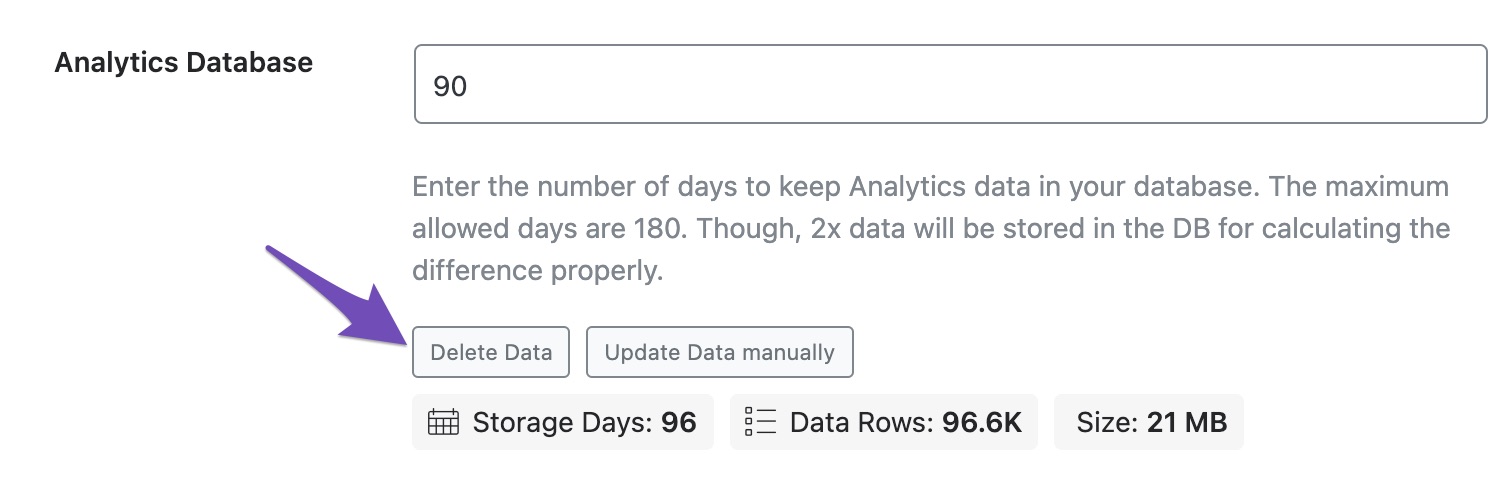
- Click on the Delete Data button to remove old analytics data.
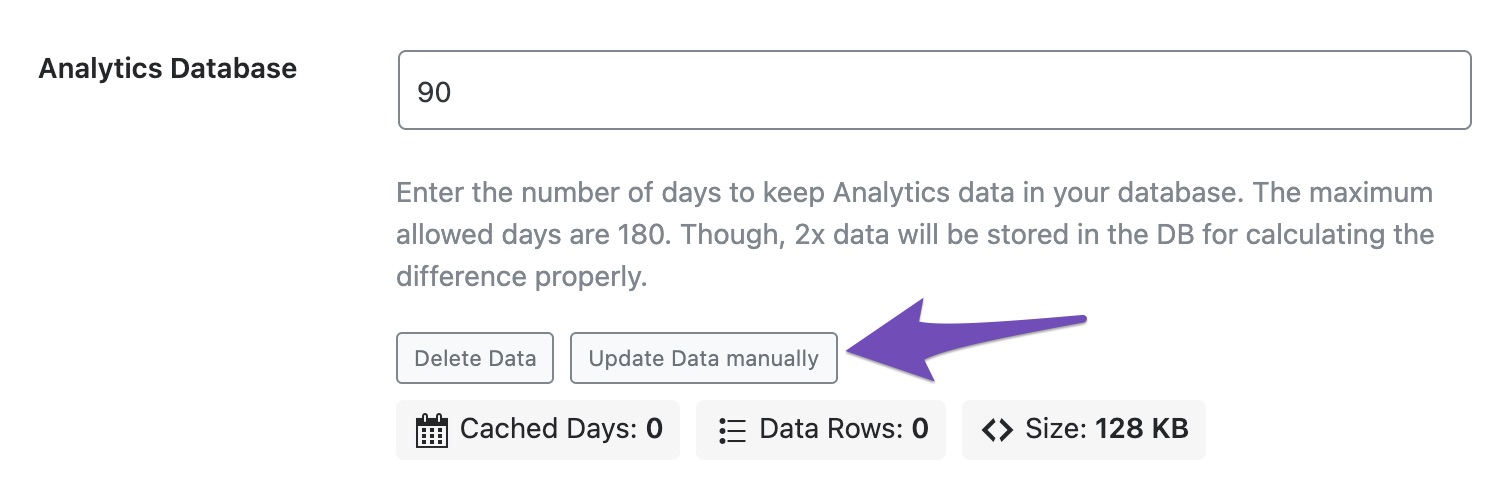
- After that, click on the Update Data manually button to request a fresh import.
If the fetching process is still taking longer than expected, it might be due to the volume of data or other factors related to your website or server performance.
If you continue to experience issues, we recommend replying to this ticket, and a human agent from the Rank Math Support team will assist you further. Thank you for your patience!
Hello,
Thank you for contacting the support, and sorry for any inconvenience that might have been caused due to that.
If you do not see any data inside your Analytics module, this guide might help you.
https://rankmath.com/kb/connect-your-google-account/
In case the data is still not coming in, we have covered some common fixes here: https://rankmath.com/kb/analytics-issues/
But please note that the Advanced Google Analytics 4 Integration is only available in the PRO version.
Hope that helps and please do not hesitate to let us know if you need my assistance with anything else.
Hello,
Since we did not hear back from you for 15 days, we are assuming that you found the solution. We are closing this support ticket.
If you still need assistance or any other help, please feel free to open a new support ticket, and we will be more than happy to assist.
Thank you.



