Hello,
Thank you for contacting us and we apologize for any trouble you may have experienced with Rank Math.
To fix the issue, please make sure you have the latest version of the Rank Math plugin installed on your site. You can check the latest version here: https://rankmath.com/changelog/free/
Once you have updated the plugin, please follow these steps to reconnect Rank Math with your Google account and grant all the necessary permissions:
First of all, check to make sure that you have a verified Google Search Console and Google Analytics properties, if not follow the attached link to create one.
If you already have verified properties and you’re still unable to connect them – then follow these steps
1) Remove Rank Math’s access from Google Please remove RankMath’s app from your Google apps permissions: https://myaccount.google.com/permissions

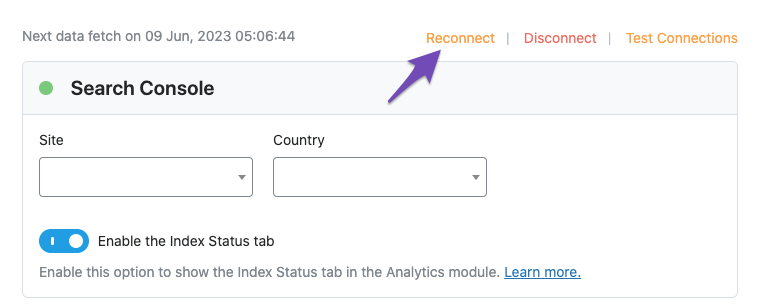
2) Re-connect to regenerate auth token from Google
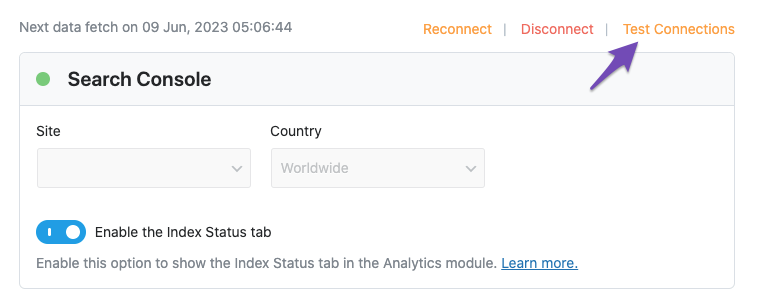
After that, reconnect the Google account again, to regenerate the auth token from Google, by going to WordPress Dashboard > Rank Math > General Settings > Analytics and configure the Search Console and Analytics settings again:

3) Grant all necessary permissions
Kindly check all necessary checkboxes to allow Rank Math to access some of the Google Services. Please check my screenshot below for reference:

4) Follow the instructions to sign in with your Google account and allow Rank Math to access your data. https://rankmath.com/kb/connect-your-google-account/
You can also refer to this guide for more details: https://rankmath.com/kb/analytics-issues/#expired-google-oauth-token
We hope this resolves the issue for you. If you still face any problems or have any questions, please let us know. We’re always here to help.