Hello,
We apologize for the issue you are facing with the "Alternate page with proper canonical tag" status in Google Search Console after updating to v3.0.70. This status indicates that Google has found multiple pages with the same canonical URL, which is generally a good thing as it helps manage duplicate content. However, it’s important to ensure that the canonical tags are set correctly.
Here are some steps you can take to resolve this issue:
-
Check the Canonical Tags: Verify that the canonical tags on the affected pages point to the correct version of the page. You can do this by inspecting the pages in your website’s source code or using tools like Google Search Console.
-
Update Canonical URLs in Rank Math: If you find that the canonical URLs are incorrect, you can update them using Rank Math. To do this:
- Go to the Pages section of Google Search Console and click on the Not indexed tab.
- Click on the “Alternate page with proper canonical tag” status to see a list of affected pages.
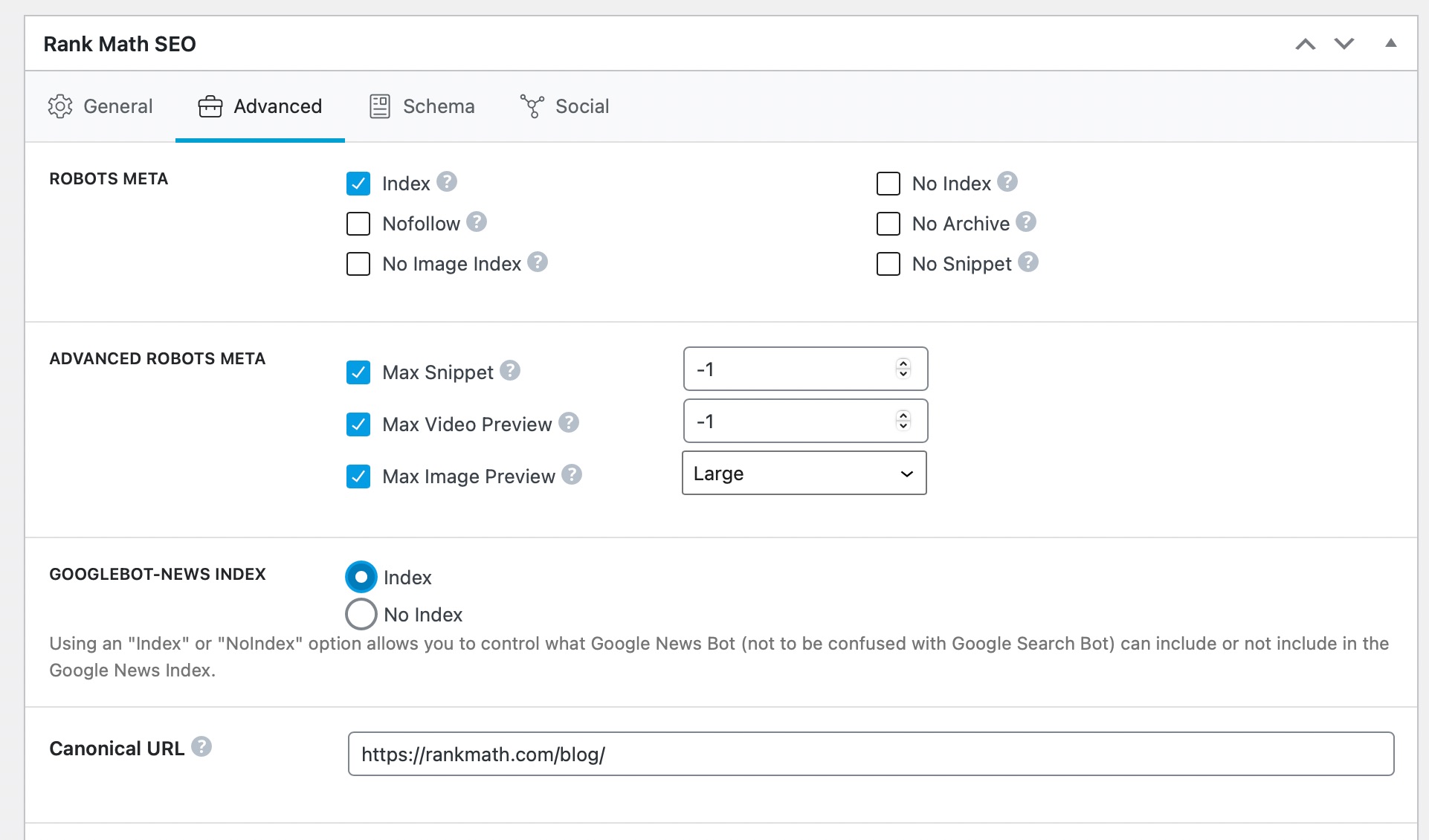
- Use the Rank Math meta box to change the canonical URL for each affected page as needed. By default, Rank Math uses the current post/page URL as the canonical URL, so you would only need to alter this if you wish to change it to something else.
-
Use 301 Redirects: If there are pages you no longer want to keep, consider using 301 redirects instead of canonical tags. This will help direct traffic from those URLs to the desired page.
-
Monitor Changes: After making these changes, monitor your Google Search Console for updates on the indexing status of your pages.
For more detailed information, you can check our article on Alternate Page with Proper Canonical Tag Status in Google Search Console.
If you have any further questions or need assistance, please feel free to reply to this ticket, and a human agent from our support team will assist you further.
Thank you for raising this concern!
Sources:
Alternate Page with Proper Canonical Tag Status in Google Search Console » Rank Math
After update of v3.0.70, several pages of our website appearing in google search console as “Alternate page with proper canonical tag”. Examples of affected pages/ Urls are appearing like this https://xyz.com/product/perfume-1/?add-to-cart=2971, https://xyz.com/category/french-perfume/?add-to-cart=3623, https://xyz.com/?add-to-cart=7542.
Kindly advise resolution.
Hello,
Thank you for your query and we are so sorry about the trouble this must have caused.
We don’t have any changes on our canonical feature in our recent update so the update shouldn’t cause such an issue in GSC.
The error means that you have multiple page versions of a single content in your website. Here’s how you address the issue: https://rankmath.com/kb/alternate-page-with-proper-canonical-tag/
If want us to check the issue further, please share some of the affected URL in the sensitive data section.
Looking forward to helping you.
Hello,
Since we did not hear back from you for 15 days, we are assuming that you found the solution. We are closing this support ticket.
If you still need assistance or any other help, please feel free to open a new support ticket, and we will be more than happy to assist.
Thank you.



