Hello,
We apologize for the issue you are facing with the Image Alt tags not functioning correctly. Thank you for raising this concern.
It seems like you’ve already taken several steps to resolve the issue, such as toggling the "Add Missing ALT Attributes" option and purging your website. Here are a few additional suggestions:
-
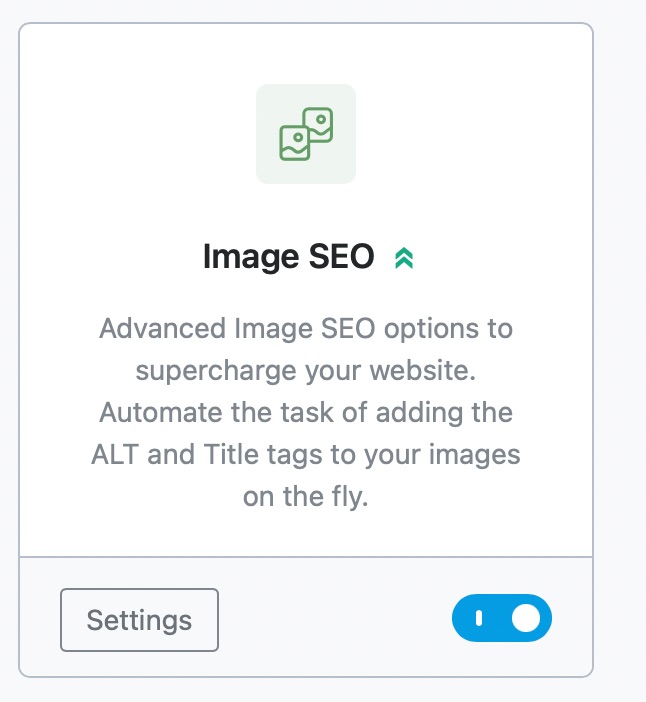
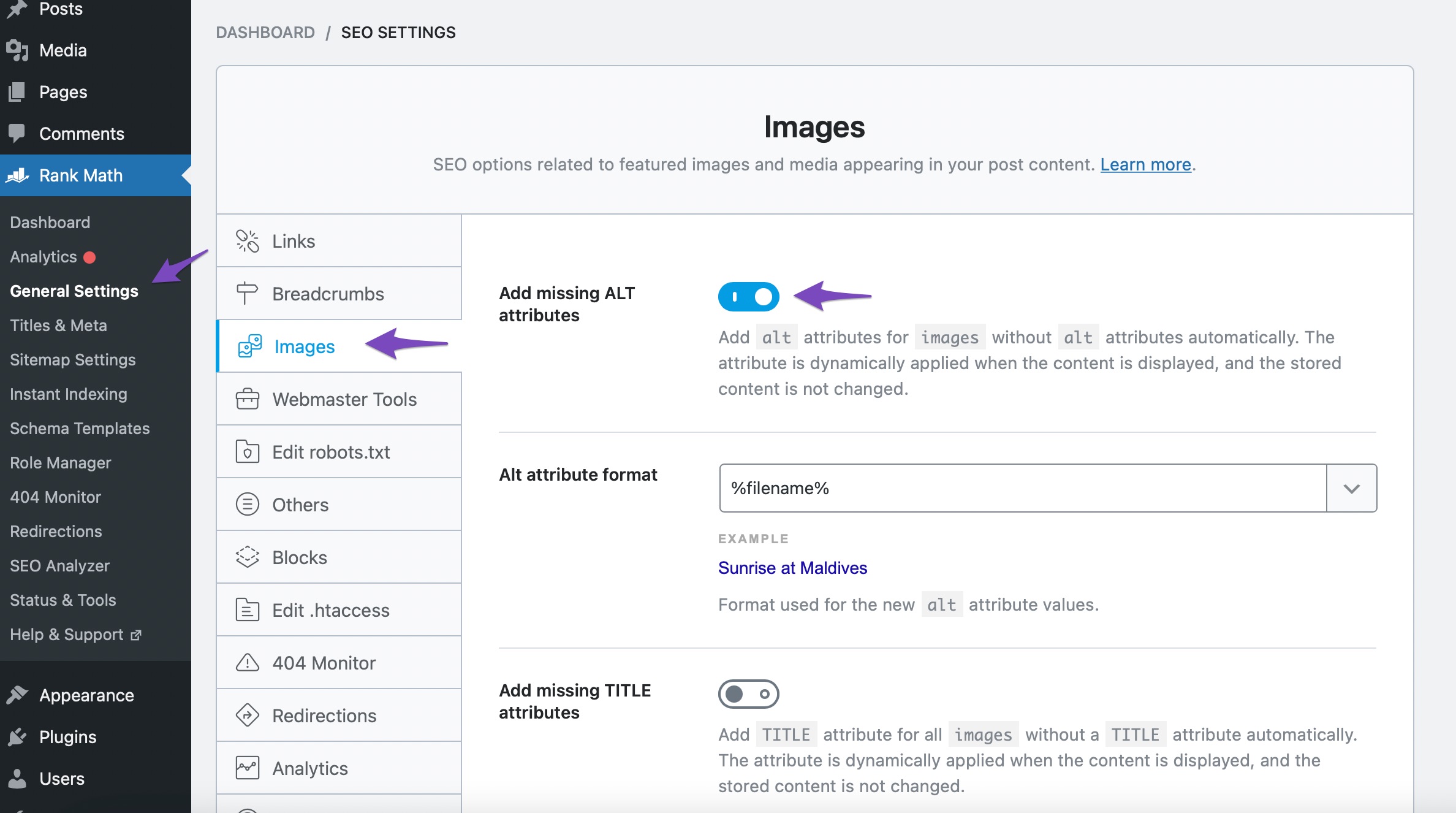
Ensure the Image SEO Module is Enabled: Make sure that the Image SEO module is enabled in Rank Math. You can do this by navigating to Rank Math SEO → General Settings → Images and confirming that the module is active.
-
Check Image Settings: After enabling the module, ensure that the option to add missing ALT attributes is toggled on. This will automatically add ALT text to images that do not have it.
-
Verify Image Placement: Remember that Rank Math only adds missing ALT attributes for images added in post or page content, not for images used in headers, sidebars, footers, etc.
-
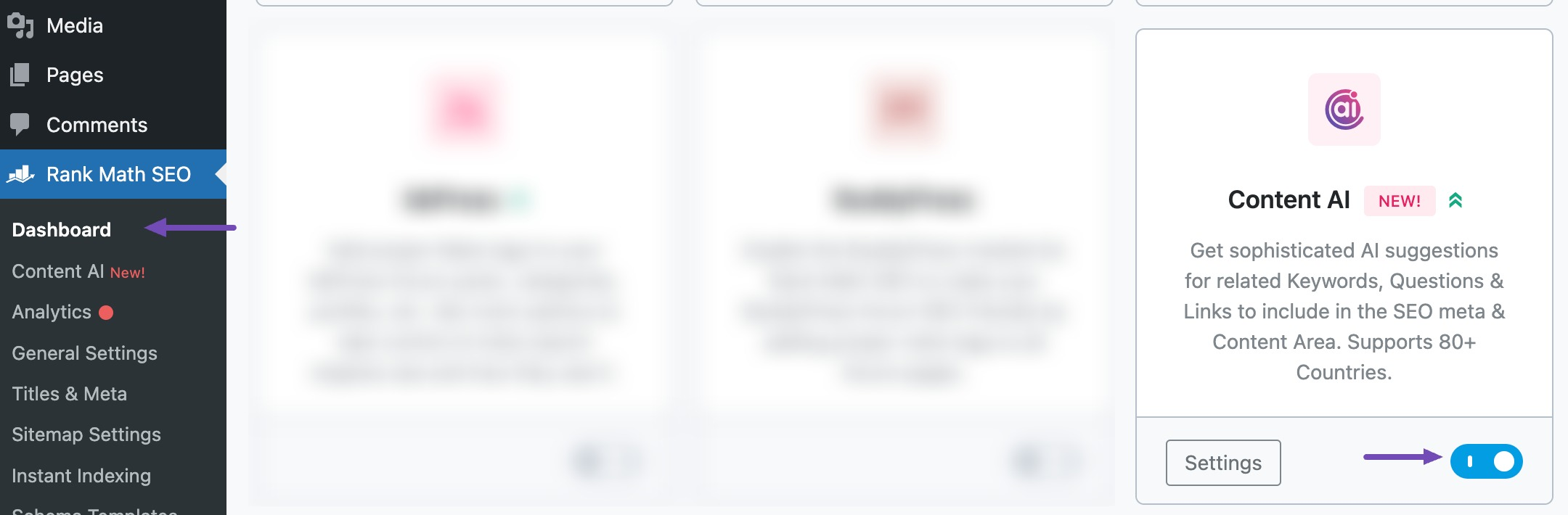
Use Content AI for Alt Text Generation: If you have access to Content AI, you can use it to generate ALT text for your images automatically. Ensure that the Content AI module is enabled and follow the instructions to generate ALT text from your Media Library or post editor.
If you’ve checked all these settings and the issue persists, please reply to this ticket, and a human agent from the Rank Math Support team will take over and assist you further.
Thank you for your patience, and we look forward to resolving this issue for you!
Sources:
How to Show Images in the Search Results » Rank Math
Image SEO Options in Rank Math
How to Automatically Generate Image Alt Text with Content AI » Rank Math
I have all these switches correct, and all the images had alt text.
Sorry to bother you, but I can’t the error messages go away in SEO analysis.
PS– I really love the product!
Hello,
Thanks for contacting us, and sorry for any inconvenience this might have caused you.
Please share the URL where this issue is occurring so we can check for you.
Meanwhile, please note that the Add missing ALT attributes and Add missing TITLE attributes options in Rank Math are not added to your images in the media gallery as the feature works only on the fly (applied on the front end when your page loads on the browser).
This option only works for images added in post or page content, it will not do so for images added by your WordPress theme or page builder to various sections like your sliders, thumbnails, icons, headers, sidebars, footers, etc. as they only apply to images added directly on your content.
Looking forward to helping you.
Hello,
We might need to take a closer look at the settings. Please edit the first post on this ticket and include your WordPress login in the designated Sensitive Data section.
Please do take a complete backup of your website before sharing the information with us.

It is completely secure and only our support staff has access to that section. If you want, you can use the below plugin to generate a temporary login URL to your website and share that with us instead:
https://wordpress.org/plugins/temporary-login-without-password/
You can use the above plugin in conjunction with the WP Security Audit Log to monitor what changes our staff might make on your website (if any):
https://wordpress.org/plugins/wp-security-audit-log/
We really look forward to helping you.
I don’t really feel safe doing that.
I’ll continue to work on it and close out the ticket.
Thanks
Hello,
That’s alright.
If you look closely at the images highlighted by the Rank Math SEO analyzer you will notice that these images are images located in the header of the page which is controlled by the theme. For instance one of them is https://www.faulknerfiction.com/wp-content/uploads/2024/06/FFLOGOFInal-300×178.png which is the URL of the logo on your site.
You should contact your theme’s support team for advice on how to add alt text to those images.
Please note that search engines are more particular about the images in the main post content. Our tool searches through the frontend source code and flags any image element/tag without an alt text. However, search engines are advanced enough to identify where the images appear on the front end and to appropriate it correctly.
Hope that helps, and please do not hesitate to let us know if you need our assistance with anything else.
Thanks.
Hello,
Glad that helped.
If you have any other concerns, please don’t hesitate to contact us anytime so we can assist you further.
Looking forward to helping you.





