Hello,
We apologize for the issue you are facing with Google not indexing all pages of your website. Thank you for raising this concern.
Since you’ve mentioned that the reading settings in WordPress are correctly set to allow indexing and that your robots.txt file appears fine, here are a few additional things you can check:
-
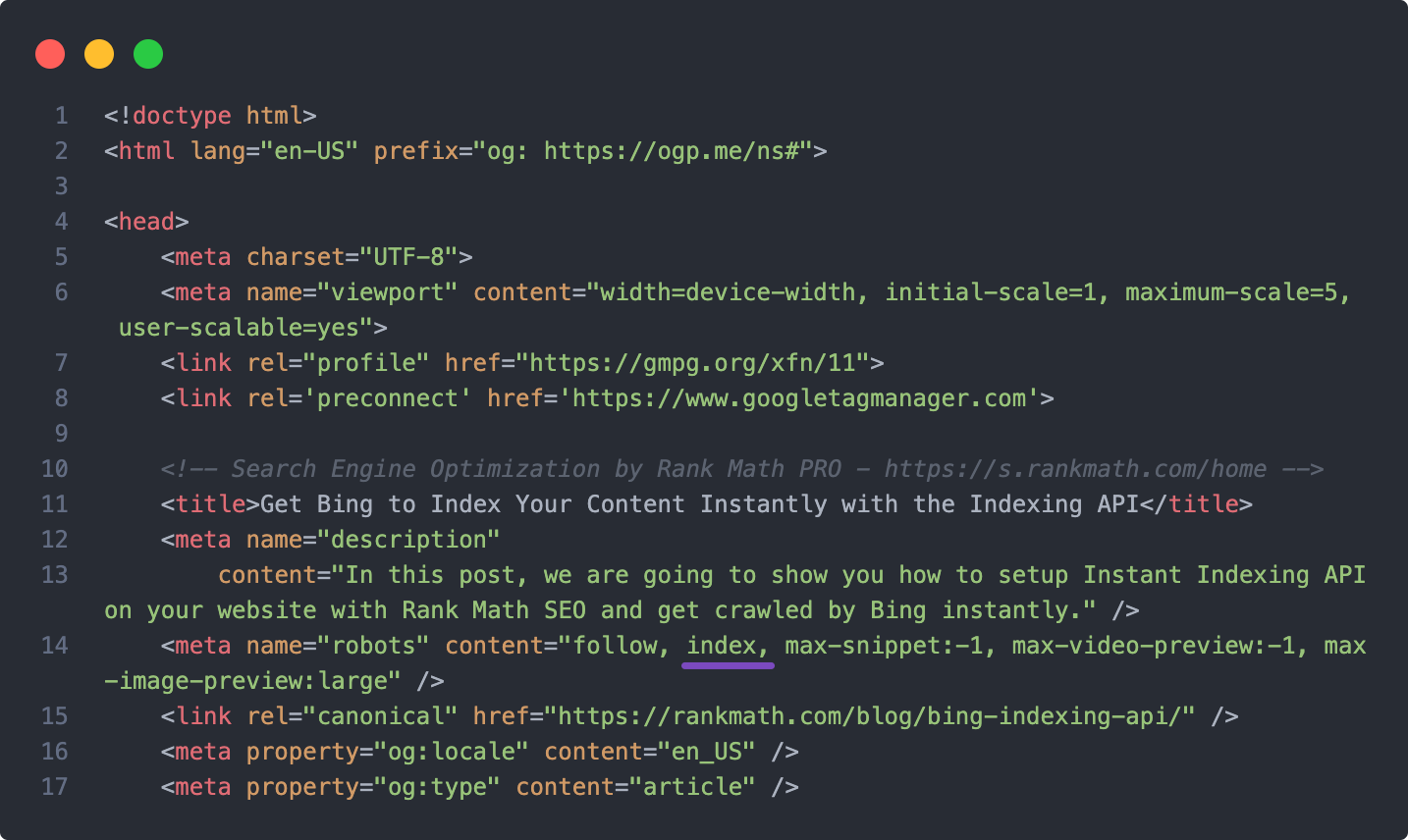
Noindex Attribute: Ensure that none of your posts or pages have the noindex attribute set. You can check this in the Rank Math settings for each post or page.
-
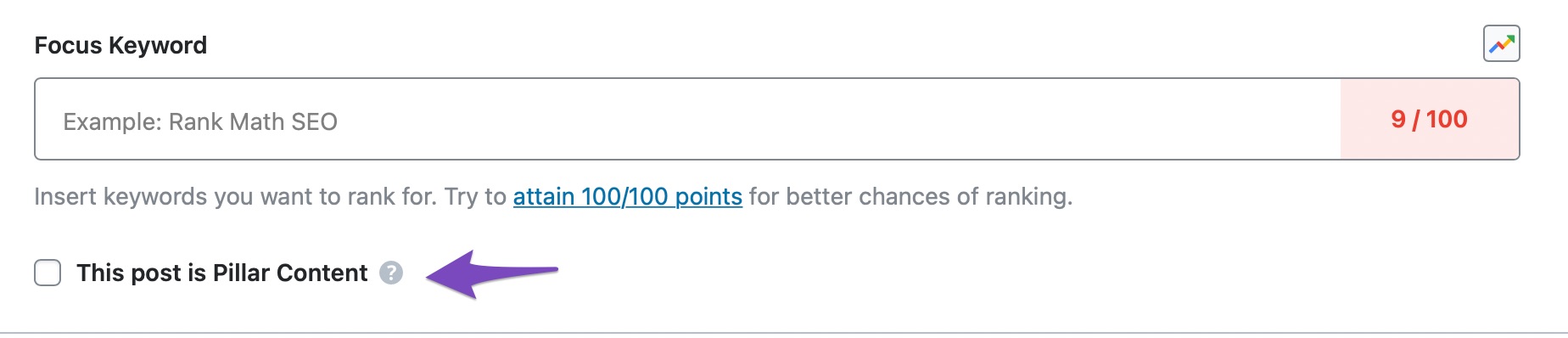
Internal Link Structure: A poor internal link structure can also affect indexing. Make sure that your pages are well-linked internally, as this helps Google understand the relationship between them. Rank Math can help you identify if any of your posts/pages lack internal links.
-
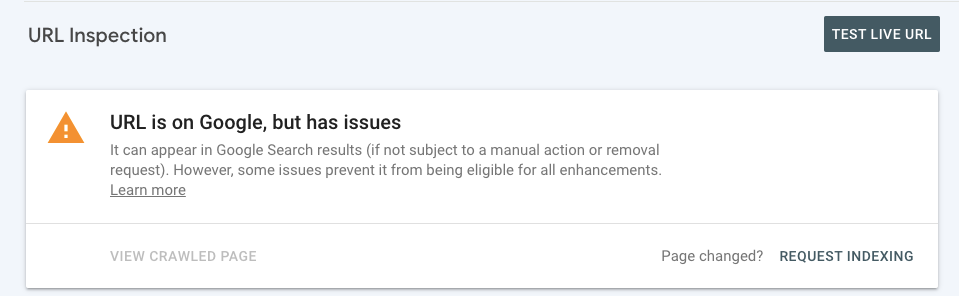
Request Indexing: If you’ve made changes and want to prompt Google to recrawl your pages, you can use the URL Inspection tool in Google Search Console to request indexing for specific URLs.
If you’ve checked all these aspects and the issue persists, please feel free to reply to this ticket with any screenshots or further details, and a human agent from the Rank Math Support team will assist you further.
Thank you for your patience!
Sources:
Why Google Hasn’t Indexed Your Post, Page, and/or Website? » Rank Math
Discovered – Currently Not Indexed in Google Search Console » Rank Math
Hello,
Thank you for contacting us and sorry for any inconvenience that might have been caused due to that.
Could you please share some affected URLs with us so that we can check the issue further for you?
Meanwhile, please check your Google Search Console Page Indexing report to determine any issues reported on your site: https://support.google.com/webmasters/answer/7440203?hl=en
You can share the error message or take a screenshot using this tool and add the link here so we can check as well.
Looking forward to helping you.
Thank you.
Hello,
Since we did not hear back from you for 15 days, we are assuming that you found the solution. We are closing this support ticket.
If you still need assistance or any other help, please feel free to open a new support ticket, and we will be more than happy to assist.
Thank you.



