Hello,
We apologize for the issue you are facing with your website’s snippets in Google search results. To address your concern, the display of snippets in Google is primarily influenced by the Schema Markup you have set up for your content, rather than the sitemaps directly.
You can configure the Schema Markup using Rank Math to enhance how your content appears in search results. Here are some steps you can take:
-
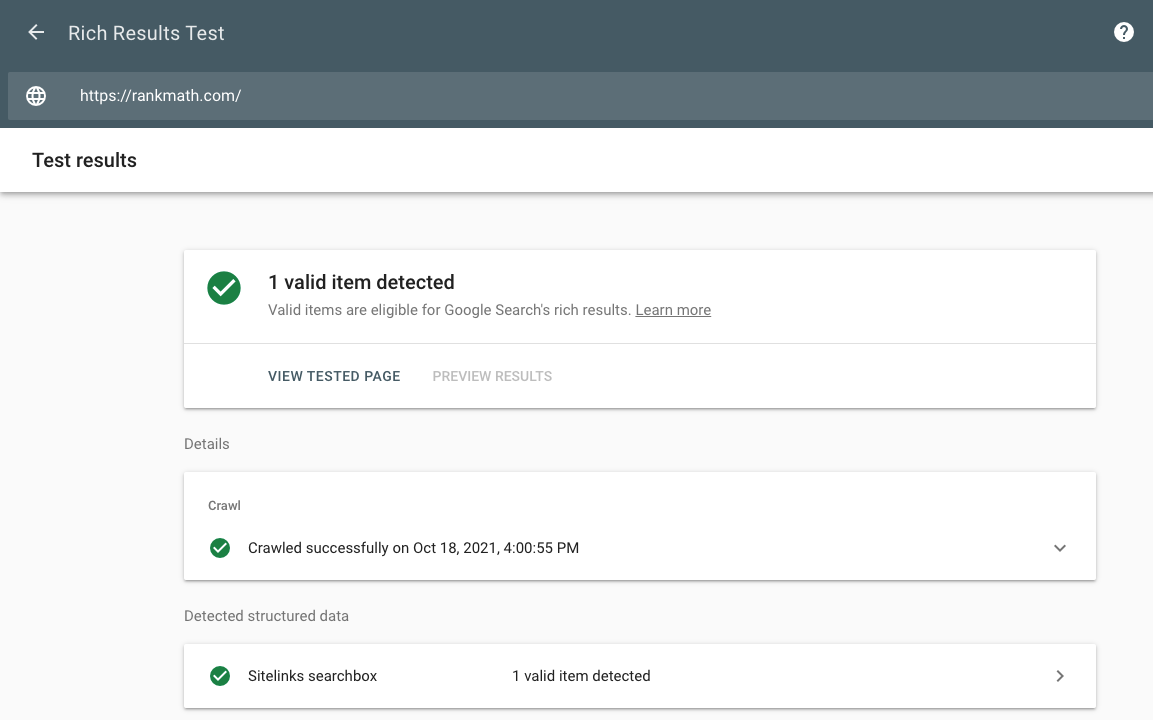
Test Your Rich Snippets: Use Google’s Rich Results Testing Tool to check if your current Schema Markup is set up correctly.
-
Configure Schema Markup: In Rank Math, you can configure the Schema Markup for your pages and posts. Make sure to select the appropriate Schema type that best represents your content (e.g., Article, Product, etc.). You can find more information on configuring Schema in our guide on Rich Snippets.
-
Wait for Re-indexing: After making changes to your Schema Markup, it may take some time for Google to re-index your pages and reflect those changes in search results. You can check if your pages are indexed using Google Search Console.
If you need further assistance with specific configurations or have additional questions, please reply to this ticket, and a human agent from the Rank Math Support team will assist you further.
Thank you for raising this concern!
Sources:
Why Are My Rich Snippets Not Showing Up in Google Search? » Rank Math
Configuring “Schema Markup” in Rank Math » Rank Math
Hello,
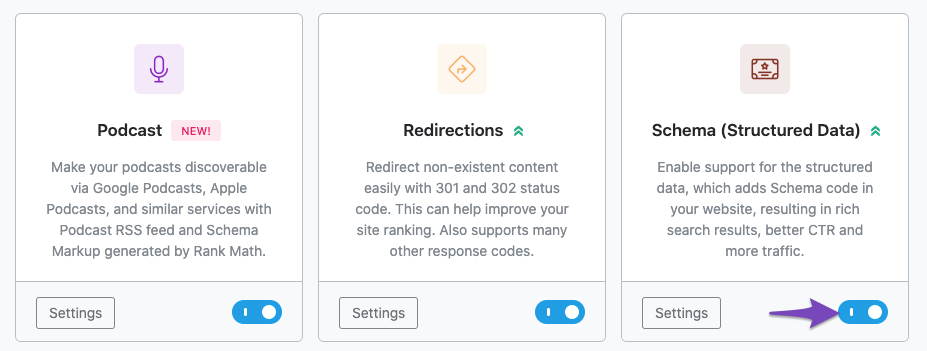
Please ensure that the Schema Markup module is enabled on your WordPress dashboard > Rank Math > Dashboard
Looking forward to helping you.
Hello,
Since we did not hear back from you for 15 days, we are assuming that you found the solution. We are closing this support ticket.
If you still need assistance or any other help, please feel free to open a new support ticket, and we will be more than happy to assist.
Thank you.



