Hello,
We apologize for the issue you are facing with the Event Schema. It sounds like you have filled in the Venue Name field, but there are additional fields that need to be completed when the event is set to offline.
In addition to the Venue Name, you also need to provide the following information:
- Venue URL: The website URL of the venue.
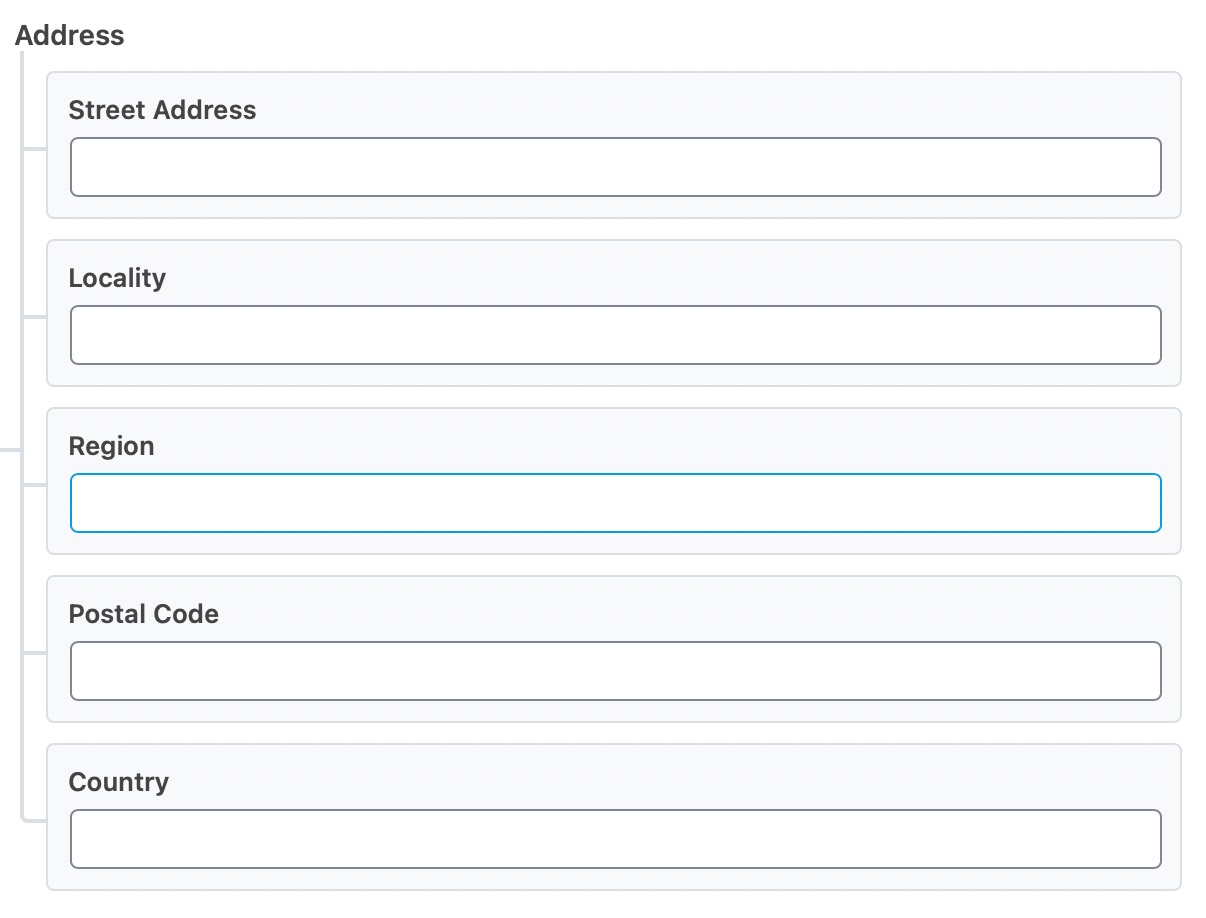
- Address: This should include the Street Address, Locality, Region, Postal Code, and Country of the venue. Make sure to specify the country using the two-letter ISO 3166-1 alpha-2 format (e.g.,
US for the United States).
Please ensure that all these fields are filled out correctly. Here’s a visual reference for the Address field:
If you have already filled in these fields and are still encountering issues, please reply to this ticket, and a human agent from the Rank Math Support team will assist you further.
Thank you for raising this concern!
Sources:
Event Schema Type » Rank Math
Configuring “Schema Markup” in Rank Math » Rank Math
This requested fields all have data in them in the correct format.
Hello,
Thank you for contacting Rank Math support.
Please share an affected URL so we can check and assist you further.
Looking forward to helping you.
Hello,
We checked your page and we can see the invalid Event schema markups are not added by Rank Math.

All the Schema from our plugin goes inside a script tag with the class rank-math-schema.
It seems like the invalid Schema markups are added by your theme or any other plugin you’re using on your website. To determine that, please follow this troubleshooting guide: https://rankmath.com/kb/check-plugin-conflicts/
Hope that helps and please don’t hesitate to let us know if you have any other questions.
Thank you.
Hello,
Since we did not hear back from you for 15 days, we are assuming that you found the solution. We are closing this support ticket.
If you still need assistance or any other help, please feel free to open a new support ticket, and we will be more than happy to assist.
Thank you.




