Hello,
We apologize for the issue you are facing with connecting Google services to your Rank Math account. To connect your Google Account with Rank Math, please follow these steps:
-
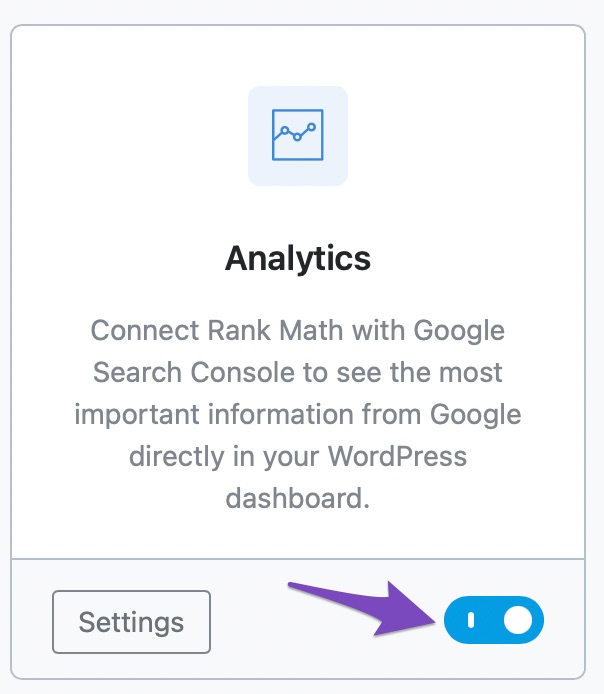
Enable Rank Math’s Analytics Module: Go to Rank Math SEO → Dashboard → Analytics in your WordPress dashboard and enable the Analytics module.
-
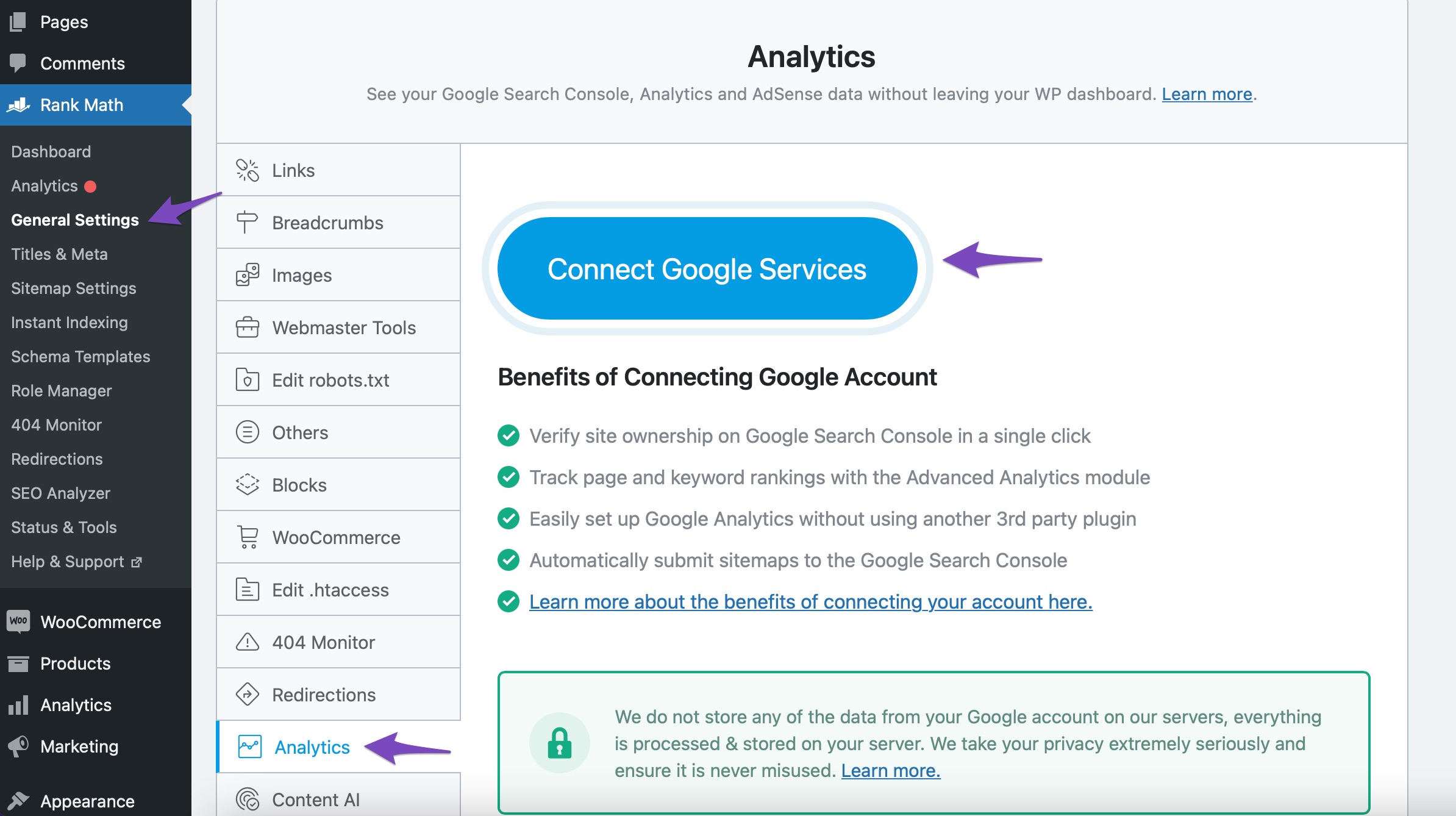
Connect Your Rank Math Account: Navigate to Rank Math SEO → Analytics → Connect Your Rank Math Account. Choose the email account you want to connect and grant the necessary permissions by clicking on Allow.
-
Test Connections: After connecting, you can test the connection by going to Rank Math SEO → General Settings → Analytics and clicking on the Test Connections option. A green signal indicates a valid connection, while a red signal indicates an issue.
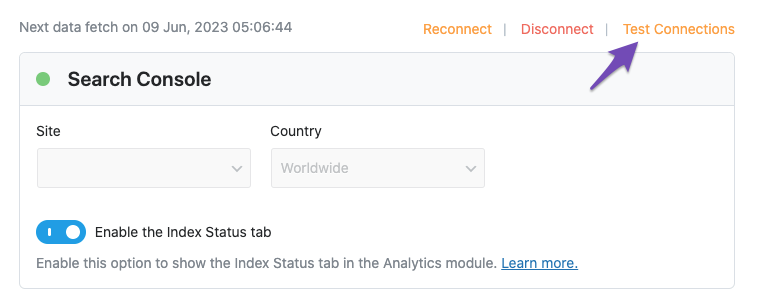
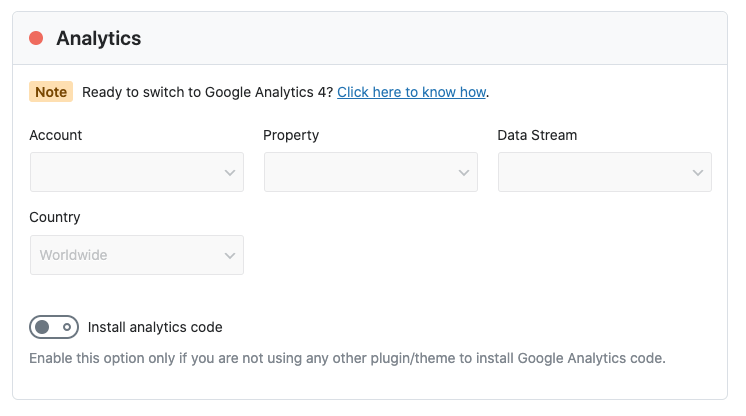
If you see a red signal, try reconnecting your Google account. If the problem persists, we recommend replying to this ticket, and a human agent from the Rank Math Support team will assist you further.
Thank you for raising this concern!
Sources:
How to Connect Your Google Account With Rank Math SEO » Rank Math
Resolving Rank Math Analytics Related Issues » Rank Math
What to Do When Rank Math Analytics Shows Zero Search Traffic » Rank Math
Hello,
Thank you for contacting us and sorry for any inconvenience that might have been caused due to that.
We’ve already replied to your previous ticket on this issue. Please refer to this ticket:
https://support.rankmath.com/ticket/no-results-found-5/?view=all
We are closing this ticket to avoid duplicate replies.
Looking forward to helping you there.



