
-
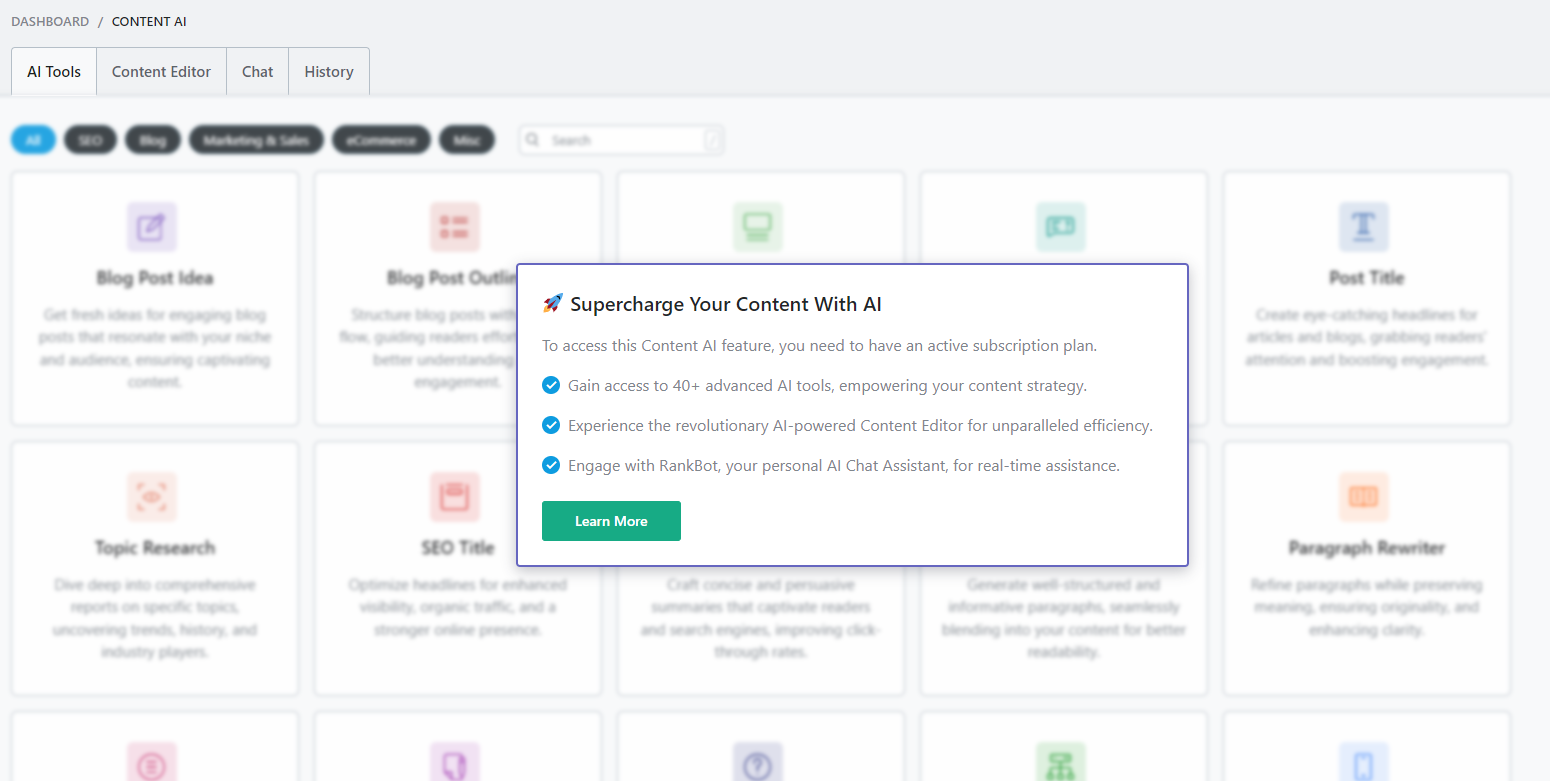
We have paid for a subscription to Content AI and have the Rank Math SEO plugin installed. The Content AI toggle is enabled in the settings, but we are not able to access Content AI from the admin panel. It still says: Supercharge Your Content With AI. What could be the possible reason for this?

-
Hello,
We apologize for the issue you are facing with the activation of Content AI. There are a few possible reasons why you might still be seeing the message "Supercharge Your Content With AI" despite having a subscription and enabling the toggle:
-
Content AI Subscription is Not Active: Ensure that your subscription is active. If it’s not, you may see messages indicating that you need an active plan. You can check your subscription status on the Content AI plans page.
-
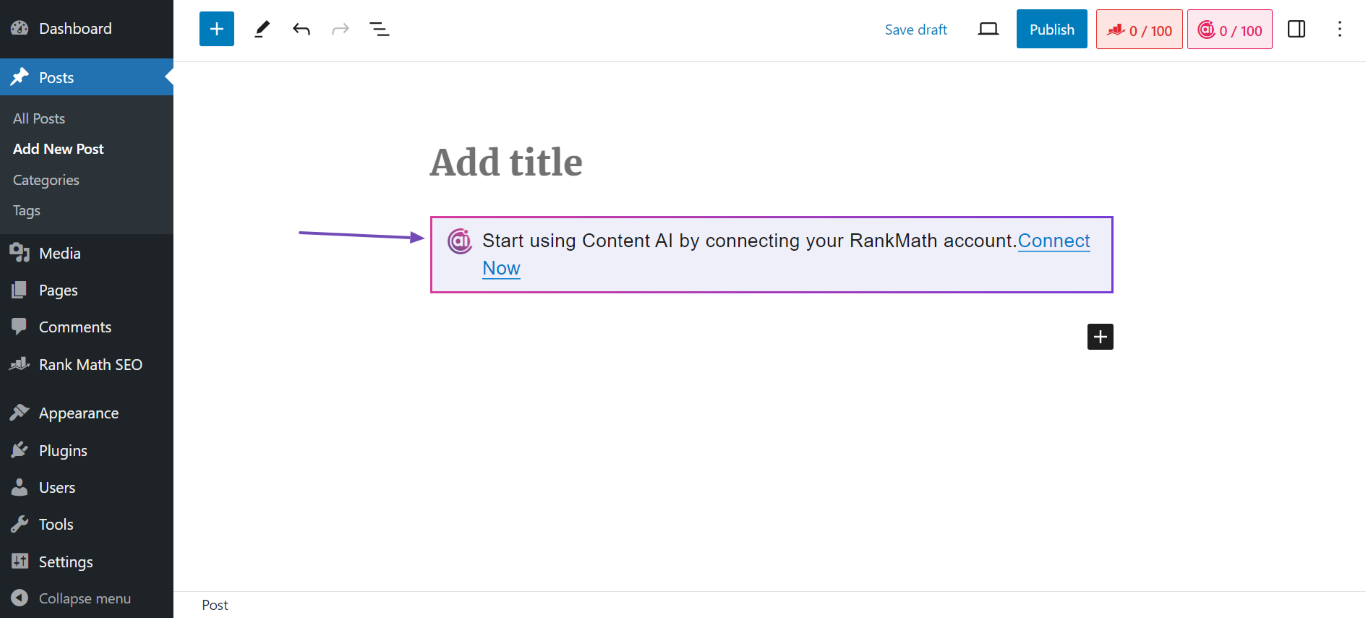
Website is Not Connected to Rank Math: You may need to connect your Rank Math account to your website. If you see a message prompting you to connect, click on the Connect Now button in the admin panel. This will redirect you to the activation page where you can log in with the email linked to your Rank Math account.
-
Rank Math is Not Updated to the Latest Version: Make sure that you are using the latest version of the Rank Math plugin. If you see a message indicating that an update is required, go to WordPress Dashboard → Plugins and click Update Now for Rank Math.
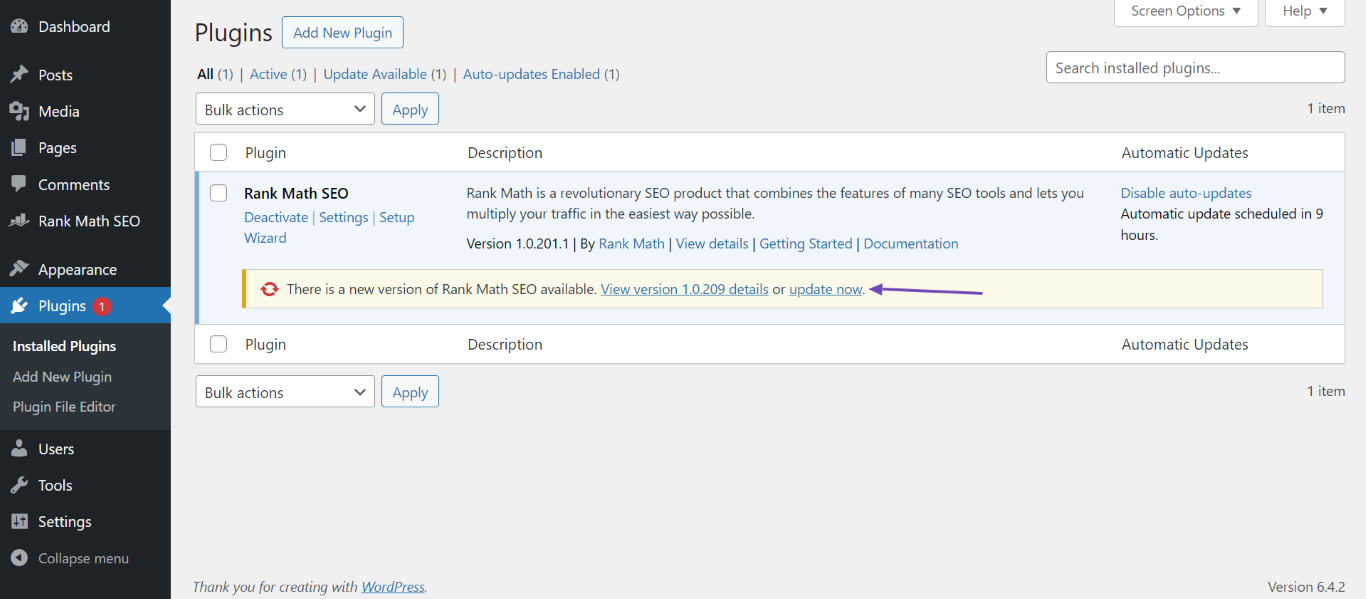
If you’ve checked all these points and are still experiencing issues, please reply to this ticket, and a human agent from the Rank Math Support team will assist you further.
Thank you for raising this concern! We hope to resolve it quickly for you.
Sources:
Resolving Content AI Related Issues » Rank Math
Content AI Overview » Rank MathHello,
Thank you for your query and we are so sorry about the trouble this must have caused.
Please make sure you have connected your website to the correct Rank Math account.
You may refer to this guide to help you further with your issue: https://rankmath.com/kb/how-to-restore-missing-content-ai-credits/
Hope that helps.
Hello Jeremy,
thank you for the link. I’ve followed the steps described in the article, but issue is still there.
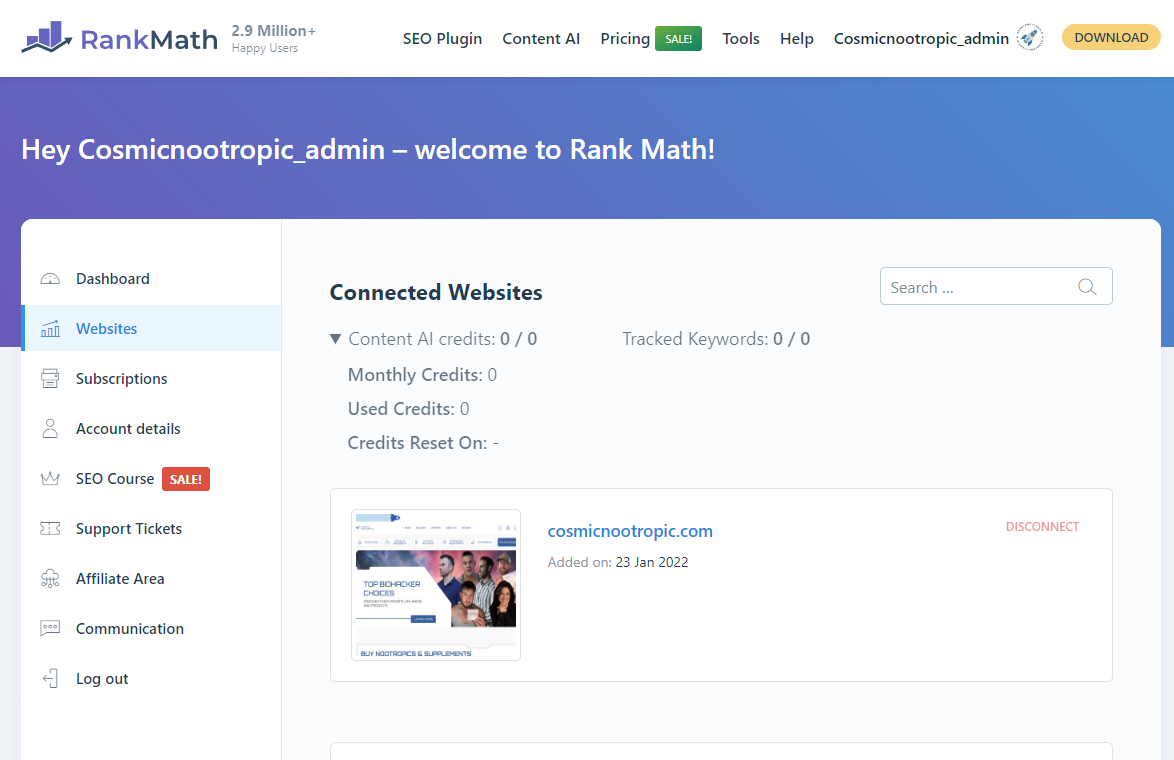
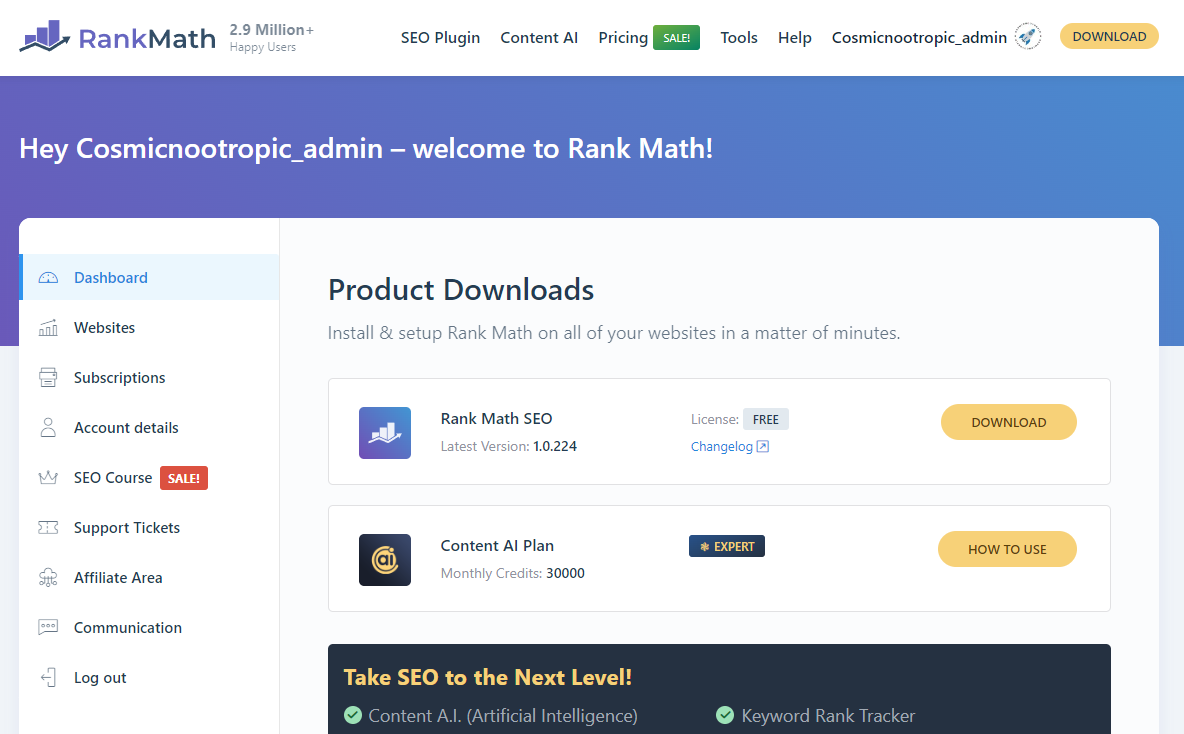
Please see attached screenshots https://i.gyazo.com/c656d87c72b294ddad60f89f0e464172.png – website is connected, https://i.gyazo.com/ae1e75638720c0f702fddd84b6191e62.png – Content AI is purchased.
https://i.gyazo.com/313614c6e9e5cbe5113584932ceb71ac.png – I still see this image and there are 0 credits available https://i.gyazo.com/7deeefda2041af9e544b9e10a18954be.png
Please look into it.Hello,
We might need to take a closer look at the settings. Please edit the first post on this ticket and include your WordPress login in the designated Sensitive Data section.
Please do take a complete backup of your website before sharing the information with us.
It is completely secure and only our support staff has access to that section. If you want, you can use the below plugin to generate a temporary login URL to your website and share that with us instead:
https://wordpress.org/plugins/temporary-login-without-password/
You can use the above plugin in conjunction with the WP Security Audit Log to monitor what changes our staff might make on your website (if any):
https://wordpress.org/plugins/wp-security-audit-log/
We really look forward to helping you.
Hello,
I have updated the sensitive data as requested. Can you please check further?
Thank you.
Hello,
The issue here is that the account with the subscription actually has a PRO subscription and the PRO plugin is not installed on the website. Also, the free plugin is way to outdated which is why the credits aren’t loaded.
We tried updating the plugin first but it seems to generate a critical error.
To resolve this further, can you please share your website’s FTP login here as well so we can remove the corrupted Rank Math folder and install a fresh one?
Looking forward to hearing back form you.
Hello,
I have updated the sensitive data as requested. Can you please check further?
Thank you.
Hello,
Don’t worry, all your Rank Math settings and meta data are kept safe in your website database. You will not lose all this data even if we re-install the plugin.
However, we just discovered that you are using an old version of WordPress (
v6.2) whereas we require at leastv6.3. See this page here: https://rankmath.com/kb/requirements/We suggest you update the WordPress version first before we proceed with installing Rank Math Free and PRO.
Also, before anything else, please try conducting a full backup of your website.
Looking forward to helping you.
Okay, thank you. We will do the update shortly. I will let you know once it is done.
Hello,
That is fine.
Please let us know when the update has been done.
We also recommend that you update all other outdated plugins on your site. Using outdated plugins can cause conflicts and can compromise the security of your website, making it more vulnerable to potential security risks.
Please take a complete backup of your site before doing this.
Let us know how it goes. We look forward to hearing from you.
Thank you.
Hello,
Since we did not hear back from you for 15 days, we are assuming that you found the solution. We are closing this support ticket.
If you still need assistance or any other help, please feel free to open a new support ticket, and we will be more than happy to assist.
Thank you.
-




The ticket ‘Issue with Content AI activation’ is closed to new replies.