Hello,
We apologize for the issue you are facing with the SEO title and description not matching in the source code. Thank you for providing the examples and images, which help us understand your concern better.
To troubleshoot this issue, please follow these steps:
-
Check What You Have Set Using Rank Math: Ensure that you have correctly set the SEO title and description in the Rank Math settings for your product categories. You can refer to this guide on how to check your settings: Editing Meta Title and Description.
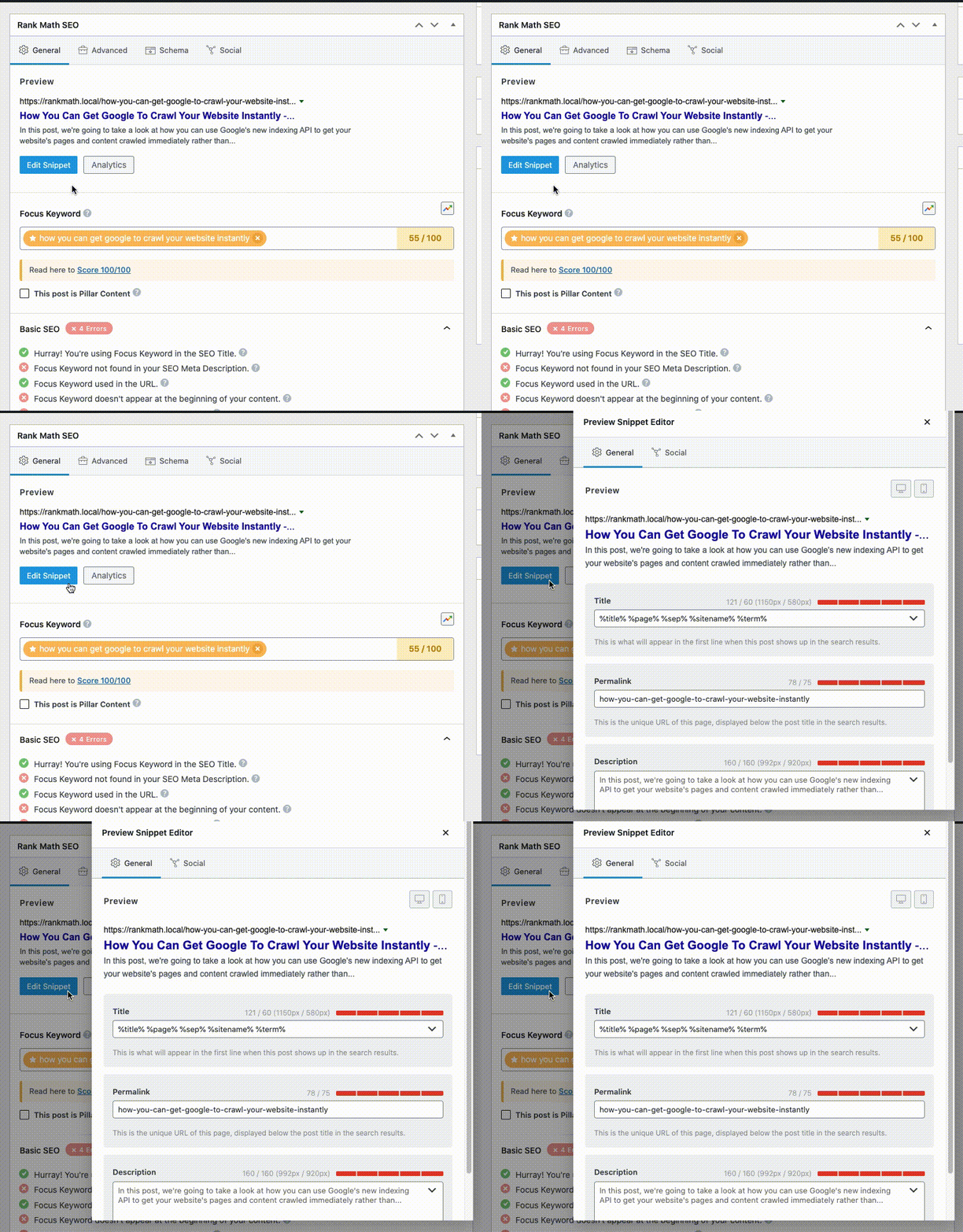
-
Ensure Your Schema Settings Are Valid: Make sure that the Schema settings for your product categories are correctly configured. The Headline in the Schema Builder should show %seo_title% and the Description should show %seo_description%. This ensures that your SEO title and description are used in the structured data as well.

-
Check the Title/Description Set in the Page’s Source Code: You can verify if the title and description are set properly in the page source by right-clicking on your page and selecting View page source. Alternatively, you can use an online tool like HeyMeta to check.
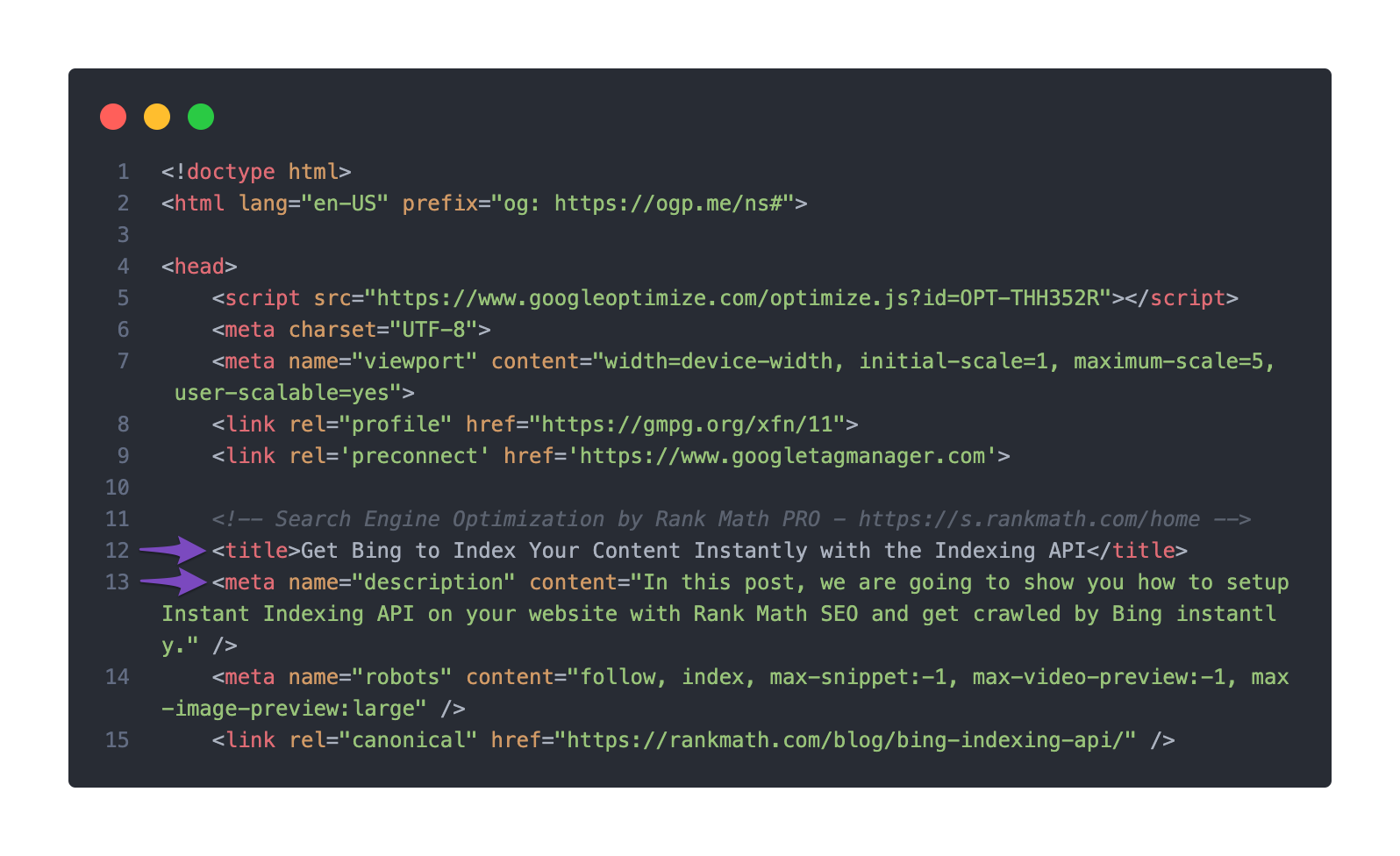
If after following these steps, the issue persists, please reply to this ticket, and a human agent from our support team will assist you further.
Looking forward to resolving this for you!
Sources:
Google Shows A Different Meta Title/Description For My Site » Rank Math
Hello,
I have updated the sensitive data as requested. Can you please check further?
Thank you.
I will open a new ticket, so I closed this
Hello,
We have replied to your other ticket about the same issue. We are closing this one in favor of that.
Looking forward to helping you.




