Issue with Open Graph Description on WordPress Pages

#846879
  • Resolved Educa En Vivo
    Rank Math free

    Hello everyone,

    I’m facing a problem with Open Graph integration on my WordPress site. Although the <meta property=”og:description” content=”Write your page description here.” /> tag seems to be correctly set up in my source code, the descriptions are not displaying properly on Facebook or Telegram posts.

    For standard posts, the description shows up without any issues. However, for individual WordPress pages, Facebook is not capturing the Open Graph description correctly. I’ve tried using Facebook’s debugger to scrape the URL, but the results are still the same: the Open Graph description is displaying incorrect information.

    I’ve reviewed the Rank Math settings, and everything seems to be in order. Here’s what I’ve tried so far:

    1. Source Code Verification: I’ve confirmed that the <meta property=”og:description” … /> tag is present in the source code of the problematic WordPress pages.

    2. Facebook Debugger: I’ve used Facebook’s debugging tool to update the cache, but the issue persists.

    3. Rank Math Configuration: I’ve reviewed all Open Graph-related settings in Rank Math, and they appear to be correct.
    I would appreciate any advice or solutions you can provide.

    Thank you in advance for your help!
Viewing 4 replies - 1 through 4 (of 4 total)
  • Hello,

    We apologize for the issue you are facing with the Open Graph description on your WordPress pages. Thank you for providing detailed information about the steps you’ve already taken.

    Here are a few additional troubleshooting steps you can consider:

    1. Check for Plugin Conflicts: Sometimes, other plugins can interfere with how Rank Math outputs Open Graph tags. You can follow our troubleshooting guide to identify any possible conflicts.

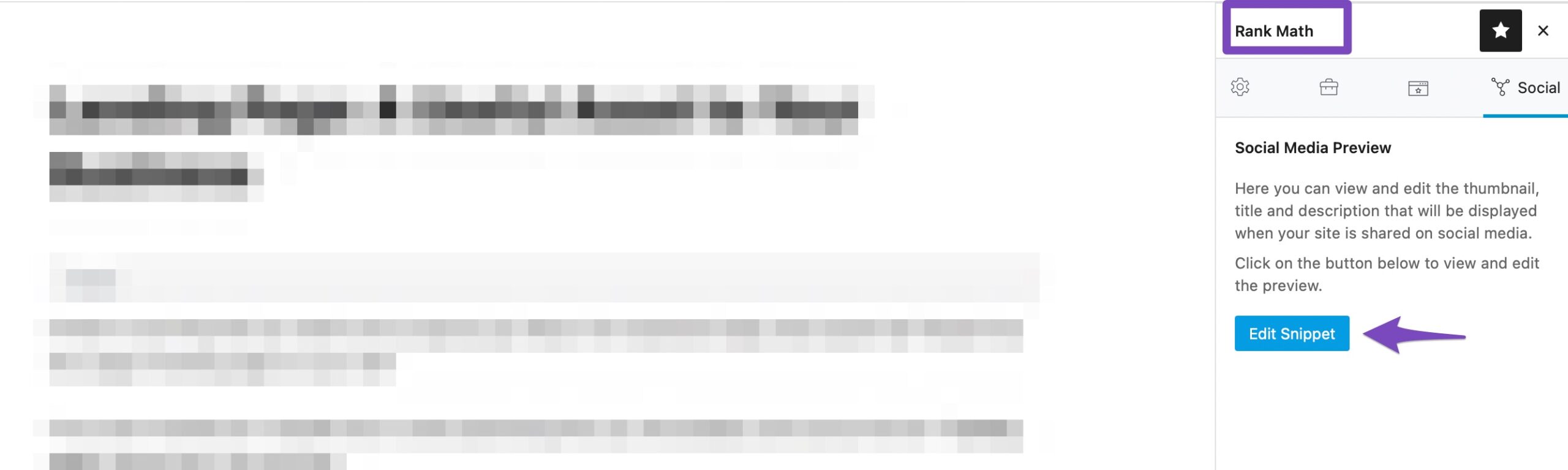
    2. Ensure Correct og:description Tag: Double-check that the og:description tag is correctly set for each individual page in the Rank Math social settings. You can access this by editing the page and looking for the Rank Math social meta box.
      Rank Math Social Sharing Settings

    3. Clear Cache: If you are using a caching plugin, ensure that you clear your website and server cache after making changes. This includes any CDN caches if you are using one.

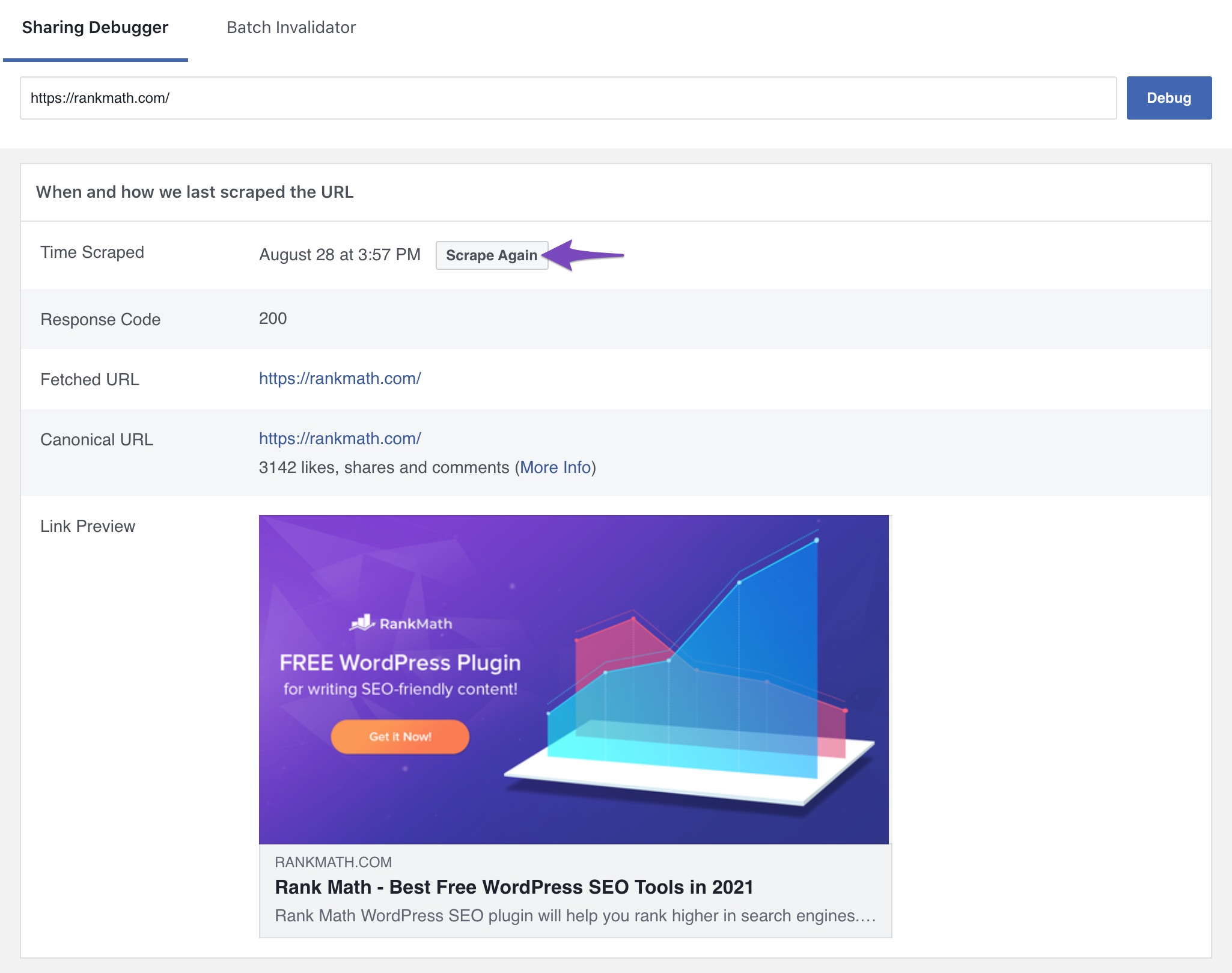
    4. Test with Facebook Debugger Again: After clearing the cache, use Facebook’s Open Graph Object Debugger again to scrape the URL. Click on the Scrape Again button to see if the updated description appears.
      Scrape again in Facebook sharing debugger

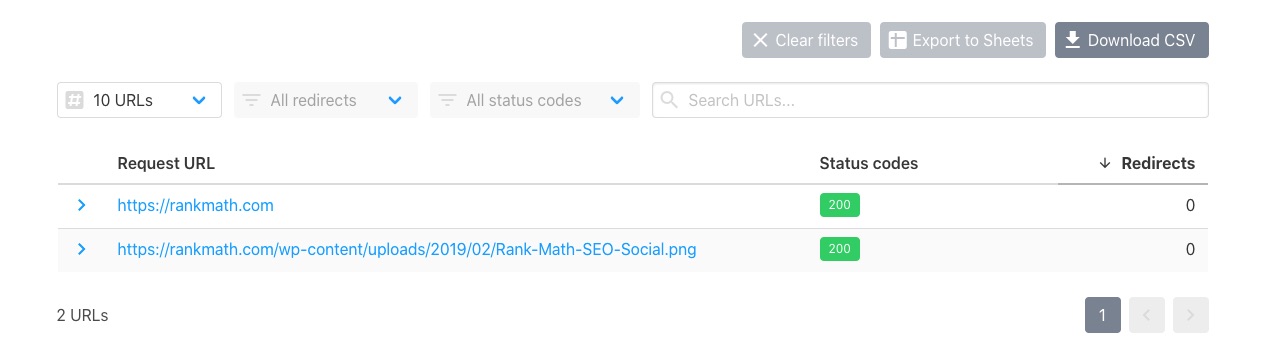
    5. Check Accessibility of URLs: Ensure that the page URL and Open Graph image are accessible without any restrictions. You can use the URL checker to verify that your URLs return a status code HTTP 200.
      Check if URL is accessible

    If you have tried all these steps and the issue persists, please reply to this ticket, and a human agent from the Rank Math Support team will take over and assist you further.

    We hope this helps resolve your issue!

    Sources:
    Open Graph/Social Preview Image Is Not Displayed » Rank Math
    Analyzing Your Site’s SEO with Rank Math’s SEO Analysis Tool
    Open Graph Meta Tags » Rank Math

    Hello,

    Thank you for contacting Rank Math support, and sorry for the inconvenience this may have caused.

    We checked the website URL you shared and can see that the open graph meta tag is added by another plugin called the Simple Social Buttons plugin (5.2.0)

    Assuming you are using the latest version of all the plugins and the themes (please update if not yet), it would seem like a conflict with one of the plugins or the theme you are using.

    To check for plugin conflicts, you can follow this guide: https://rankmath.com/kb/check-plugin-conflicts. This will help you identify and deactivate the conflicting plugin which we believe is the AI Globe Plus plugin.

    Here is a video you can follow as well:

    Note that only the site admin would know and your users won’t be affected by this troubleshooting.

    We suggest you turn off the option to generate open graph tags in that plugin temporarily on your website and see if the issue happens again or not.

    Let us know how it goes. Looking forward to helping you.

    Thank you.

    Hello there,

    Thank you Adetayo! That solved the issue perfectly. Thank you for your cool attention!!

    Hello,

    We are glad to know that this issue has been resolved. Thank you for letting us know.

    This ticket will be closed now, but you can always open a new one if you have any other questions or concerns. We are here to help you with anything related to Rank Math.

    We appreciate your patience and cooperation throughout this process.

    Thank you for choosing Rank Math.

Viewing 4 replies - 1 through 4 (of 4 total)

The ticket ‘Issue with Open Graph Description on WordPress Pages’ is closed to new replies.