Hello,
We apologize for the issue you are facing with validating Rich Pins. It can be frustrating when the tools don’t provide the expected functionality.
To ensure that your Rank Math settings are correct for Rich Pins, you can follow these steps:
-
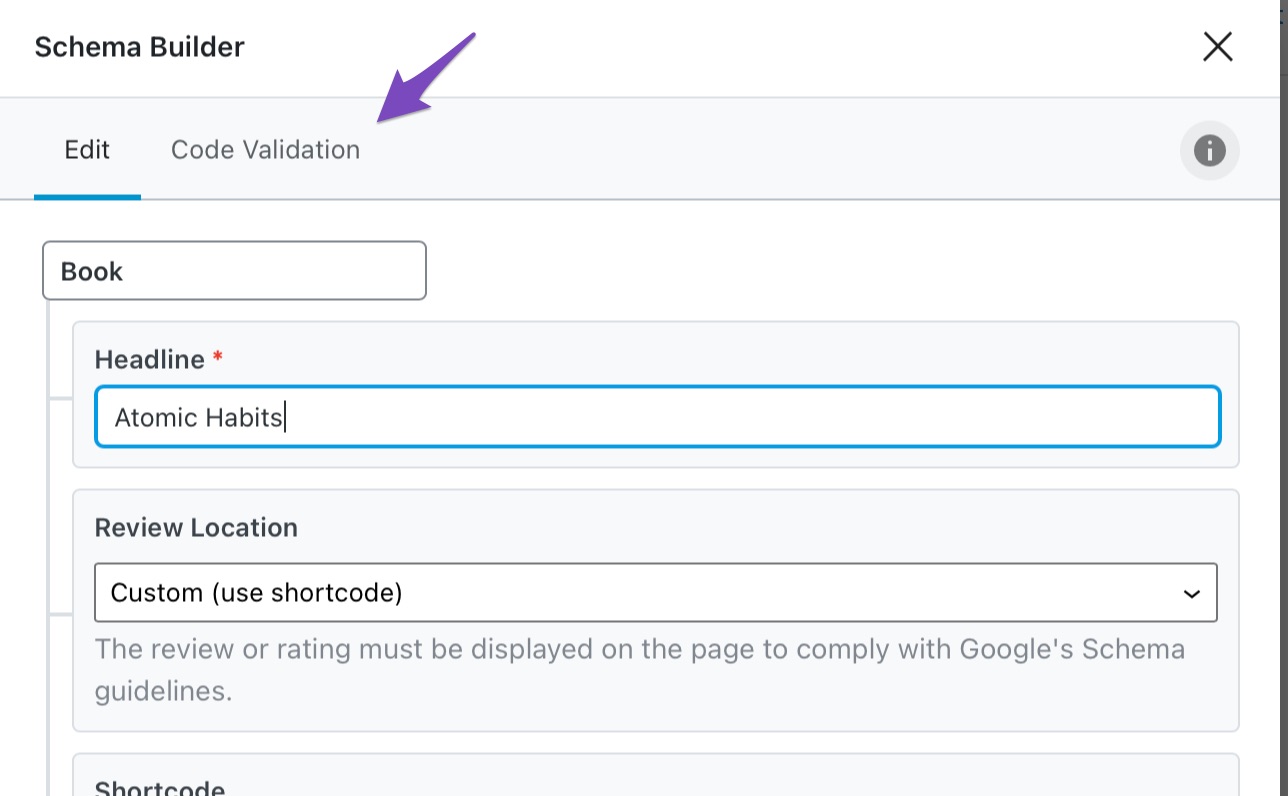
Check Schema Markup: Make sure that you have configured the correct Schema Markup for your posts or pages. You can use the Code Validation feature in Rank Math to identify any issues with your Schema before publishing. This feature helps ensure that the Schema is valid and correctly set up.
- To access Code Validation, open up the Schema settings in Rank Math and click on the Code Validation tab. Here, you can see the actual JSON-LD code for the Schema on the page.
-
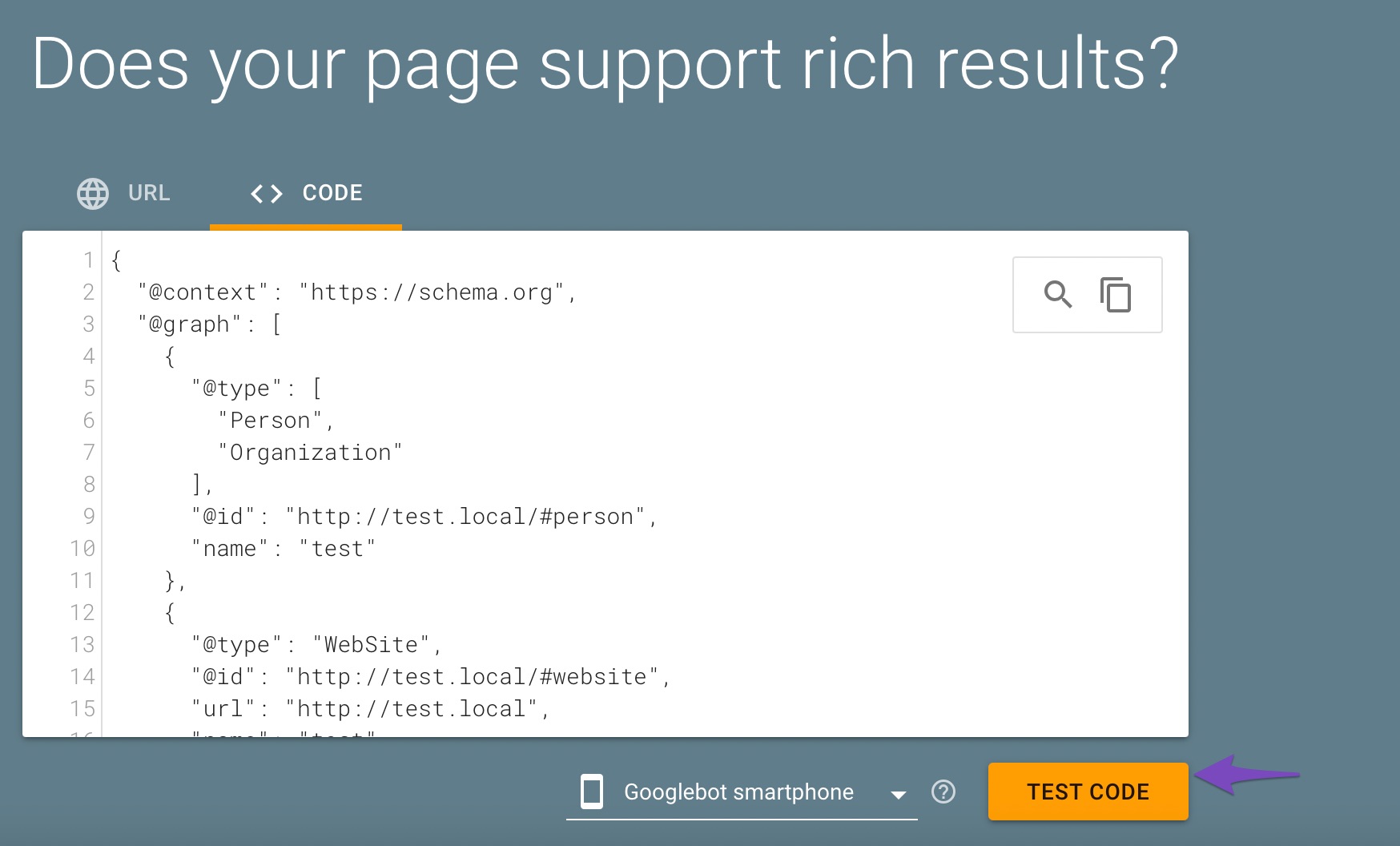
Use Google’s Rich Results Testing Tool: After ensuring your Schema is set up correctly, you can test it using Google’s Rich Results Testing Tool. This tool will help you verify if your structured data is implemented correctly.
-
Review Pinterest Requirements: Ensure that your content meets Pinterest’s requirements for Rich Pins. This includes having high-quality images, proper metadata, and relevant content.
-
Claim Your Website: Make sure that you have claimed your website on Pinterest, as this is a necessary step for Rich Pins to work.
If you continue to experience issues or have specific questions about your settings, please feel free to reply to this ticket, and a human agent from the Rank Math Support team will assist you further.
Thank you for raising this concern, and we’re here to help!
Sources:
Configuring “Schema Markup” in Rank Math » Rank Math
Why Are My Rich Snippets Not Showing Up in Google Search? » Rank Math
Hi, I cant see the validation tab under schema settings
Hello,
Thank you for contacting Rank Math support.
The Rich Pin Validator is no longer available. Please share the site URL so we can confirm if the OpenGraph tags are setup correctly on your site.
Looking forward to helping you.
Hello,
Since we did not hear back from you for 15 days, we are assuming that you found the solution. We are closing this support ticket.
If you still need assistance or any other help, please feel free to open a new support ticket, and we will be more than happy to assist.
Thank you.



