
-
Insted of our website logo some other company logo found in our website.

-
Hello,
We apologize for the issue you are facing with your website logo. It seems that the logo displayed is not the one you intended to use.
To resolve this, you can follow these steps to update your logo in Rank Math:
- Navigate to Local SEO Settings: Go to your WordPress Dashboard and find the Local SEO settings in Rank Math.
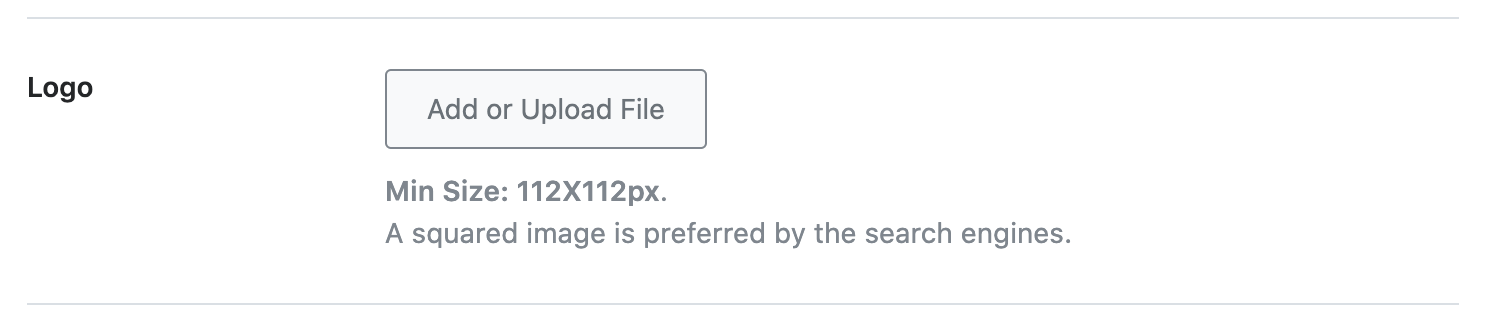
- Add or Upload Your Logo: Click on the “Add or Upload File” button to upload your desired logo. If you already have it in your media library, select it from there.
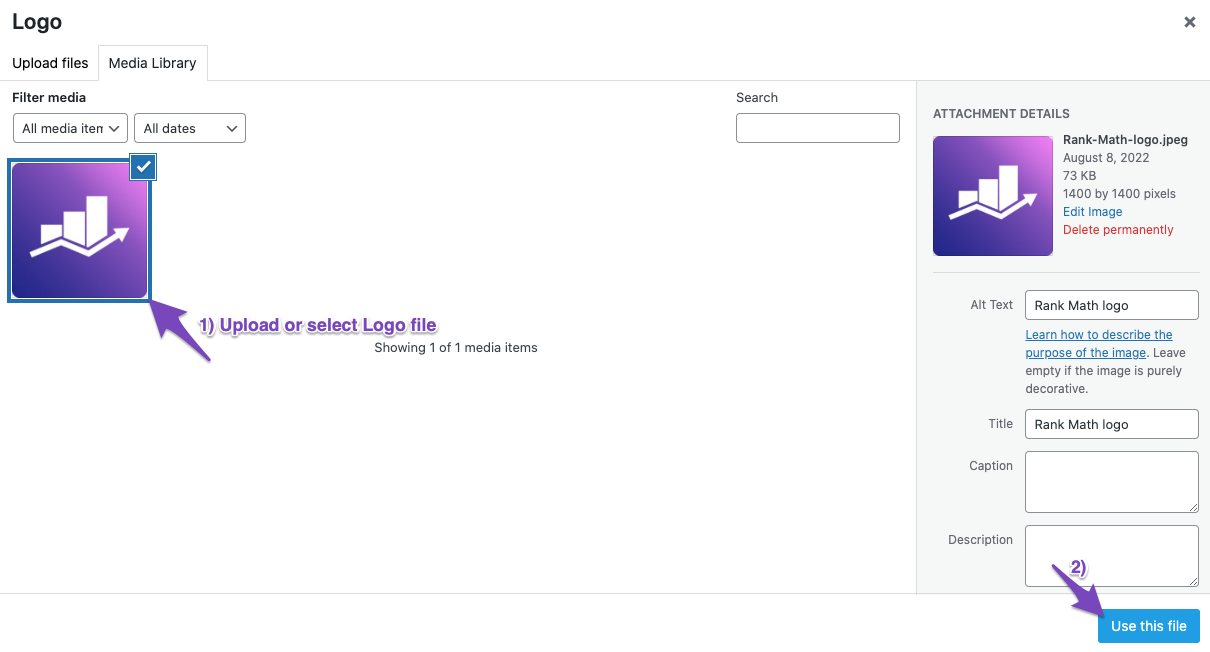
- Select Your Logo: After uploading, click on the “Use This File” button.
- Check the Logo Display: Ensure that the logo appears correctly in the settings.
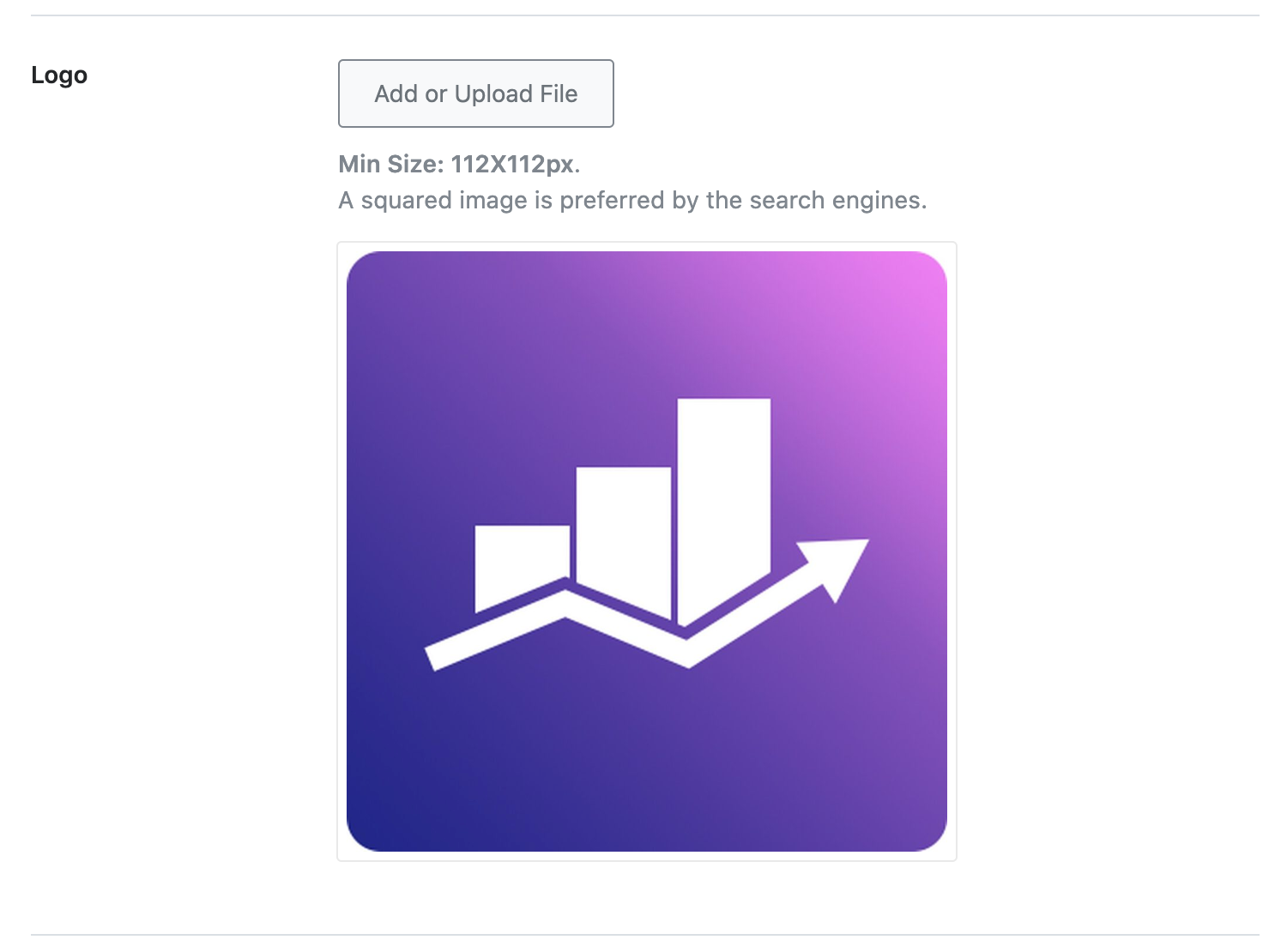
Remember, the minimum resolution for your logo should be 112 by 112 pixels, and a squared logo is preferred. If you change the logo in the future, you can repeat these steps to update it.
If the issue persists after updating, please reply to this ticket, and a human agent from the Rank Math Support team will assist you further.
Thank you for raising this concern!
yes I updated the above things but still my logo was not found
Hello,
Can you please share your website URL here so we can take a closer look at it?
Looking forward to helping you.
We solved the logo issues. But now we found different issues like we changed our meta title and meta description on 2 days before and our page crawled after changes but the changes where not appeared live in google.
Hello,
To investigate this new issue, we will need the affected URL as well. If you have privacy concerns, you can share the URL using the sensitive data section, where only you and the Rank Math team can see it.
We look forward to hearing back from you.
I shared the url please check and give me the solution for meta title and meta description
https://bizmagnets.ai/best-wati-alternatives/Hello,
Google is showing the same title & description you have set when searching the URL using the site operator:
If you’re facing the issue when searching with a specific keyword, it is a pretty common thing with Google these days. It happens with 70% of the results and we even have a KB dedicated to this problem and a few solutions we recommend:
https://rankmath.com/kb/different-meta-title-and-description/
Please check the KB and you will understand the reasons Google does this.
Google has made some changes to their algorithm which automatically changes the titles, discarding the one you have set in your SEO title meta tag. This happens regardless of the SEO plugin you are using. We have covered this Google update here:
https://rankmath.com/google-update/google-title-rewrite-update/
Hope that helps and please do not hesitate to let us know if you need our assistance with anything else.
Thanks for the reply just use our keyword like wati alternative and in the 3rd page you will find our page and you just focus the meta title. The title looks different
Hello,
This is the current page we saw from our end if we use that keyword:
This page:
https://bizmagnets.ai/best-alternative-to-wati-why-bizmagnets-is-the-superior-whatsapp-business-api-platform/is currently redirecting to
https://bizmagnets.ai/best-wati-alternatives/Which contains this title:
#1 Best Wati Alternatives in 2024 - BizMagnetsIn this case, Google may have been serving an old version of that URL. Please submit that URL in your GSC’s URL inspection tool for validation and since it is redirecting to another page, you need to focus on indexing the new page instead of the old one.
Looking forward to helping you.
Hello,
Since we did not hear back from you for 15 days, we are assuming that you found the solution. We are closing this support ticket.
If you still need assistance or any other help, please feel free to open a new support ticket, and we will be more than happy to assist.
Thank you.



The ticket ‘Website logo problems’ is closed to new replies.