Hello,
We apologize for the issue you are facing with the alt text not being displayed for your images. Thank you for raising this concern.
Here are a few things you can check to troubleshoot this issue:
-
Ensure ALT Text is Added Correctly: Double-check that the alt text is indeed added in the WordPress Media Library or in the image settings of your posts/pages. You can do this by editing the image and confirming the alt text field is filled.
-
Check Rank Math Settings: Make sure that the Add Missing ALT Attributes feature is enabled in Rank Math. You can find this setting under Rank Math SEO → General Settings → Images. If it’s not enabled, toggle it on to allow Rank Math to automatically add missing alt attributes.
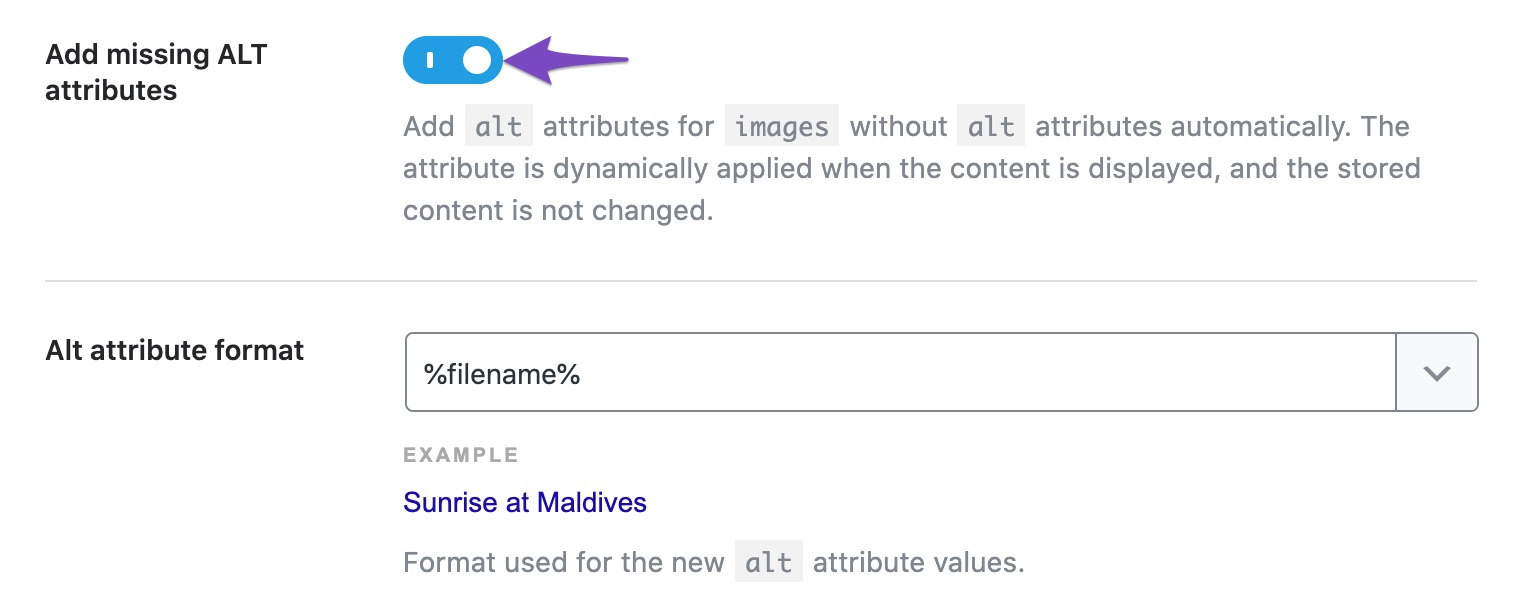
-
Image SEO Module: Ensure that the Image SEO module is enabled in Rank Math. You can do this by navigating to Rank Math SEO → Dashboard and checking if the module is active.
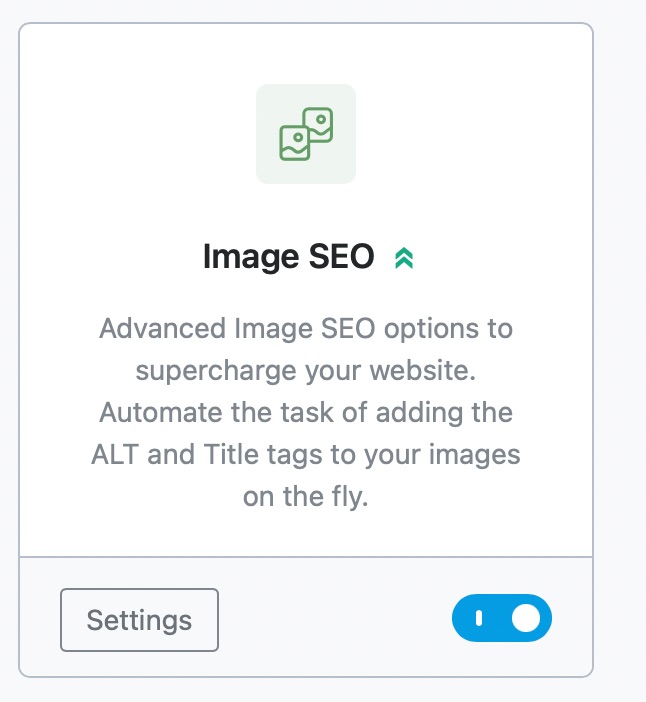
-
Dynamic ALT Text: Remember that Rank Math adds ALT text dynamically, which means that while the actual image files may not show the alt text in the media library, it should appear in the source code of your posts/pages when viewed on the front end.
-
Caching Issues: If you are using any caching plugins, clear your cache to ensure that you are viewing the most recent version of your site.
-
Theme or Plugin Conflicts: Sometimes, themes or other plugins can interfere with how images are displayed. Try switching to a default theme temporarily to see if the issue persists.
If after checking these points the issue still exists, please reply to this ticket, and a human agent from the Rank Math Support team will take over and assist you further.
Thank you for your patience, and we hope to resolve this issue for you soon!
Sources:
How to Show Images in the Search Results » Rank Math
Image SEO Options in Rank Math
Hello,
Thank you for contacting us and sorry for any inconvenience that might have been caused due to that.
We checked the images on your page and we can see the ALT text is showing there properly:

However, please note that Rank Math adds missing ALT attributes only for images added in post or page content, it will not do so for images added by your WordPress theme or page builder to various sections like your sliders, thumbnails, icons, headers, sidebars, footers, etc. as they only apply to images added directly on your content, and added on the fly.
Hope that helps and please don’t hesitate to let us know if you have any other questions.
Thank you.
Hello,
Since we did not hear back from you for 15 days, we are assuming that you found the solution. We are closing this support ticket.
If you still need assistance or any other help, please feel free to open a new support ticket, and we will be more than happy to assist.
Thank you.



