Hello,
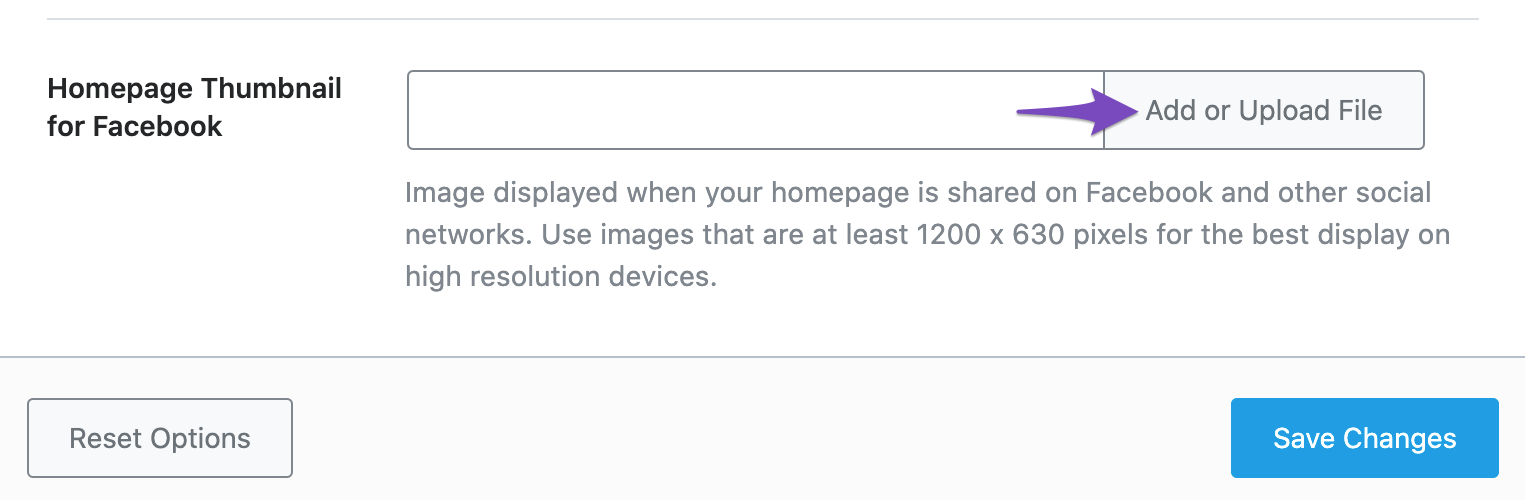
I apologize for the issue you are facing with the "Homepage" settings section in Rank Math. Based on the screenshot you provided, it seems that the "Homepage" settings section is blank.
To address this issue, please try the following steps:
- Ensure that you have selected a specific page as your homepage under WordPress Dashboard > Settings > Readings > Your homepage displays.
- Check if there are any conflicts with other plugins or themes by temporarily deactivating them and checking if the issue persists.
- Clear your browser cache and cookies or try accessing the Rank Math settings in an incognito window to rule out any browser-related issues.
If after trying these steps the issue persists, please reach out to the Rank Math support team for further assistance by visiting their support page: Rank Math Support.
Thank you for bringing this to our attention, and we appreciate your patience while we resolve this issue for you.
Kind regards.
Sources:
Rank Math ‘Titles and Meta’ Options and Settings
Open Graph/Social Preview Image Is Not Displayed » Rank Math
This is an automated reply from Rank Math Support Bot. If you need further assistance, please reply to this topic and a human support agent will reply to you shortly.
Hello,
Since we did not hear back from you for 15 days, we are assuming that you found the solution. We are closing this support ticket.
If you still need assistance or any other help, please feel free to open a new support ticket, and we will be more than happy to assist.
Thank you.