Hello,
Thank you for contacting Rank Math and bringing your concern to our attention. I’m sorry for any inconvenience this issue may have caused you.
Could you please confirm which overlay icon you have used in the Social Meta box so we can test it as well?
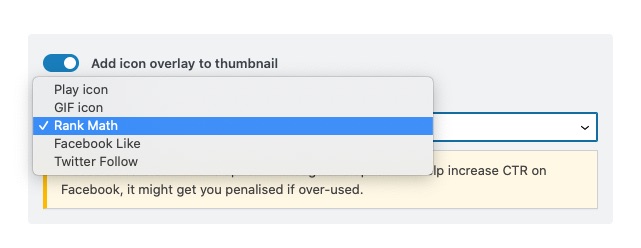
Meanwhile, please try clearing your website’s cache and check again.
Looking forward to helping you.
Thank you.
Hi Reinelle,
I want to update the overlay image or I should say the display image on Facebook post, not the overlay icon.
If you open the link you can see that I cropped the 1st image where 3 people are sitting. I used the same image to update in the Rank Math SEO. But I’d didn’t change as you can see there are four people in the image.
I tried to clear the website cache from my Bluehost account. Still I am facing the problem
Hello,
I checked the affected URL in Facebook’s Sharing Debugger and it seems it shows the image with 3 people sitting.

Also, there’s a watermark already added to the image so I assume you don’t need Rank Math’s watermark overlay anymore.
Can you please clear your browser cache or load the page using a different browser, and check if you are able to see the correct thumbnail?
Looking forward to helping you on this one.
It worked. Thank you! all.
Hello,
We are super happy that it is now sorted.
If you have another question in the future, please feel free to create a new forum topic, and it will be our pleasure to assist you again.
Thank you.



