Hello,
We apologize for the issue you are facing with the missing Schema options on your taxonomy pages. It sounds like you have already enabled the Schema module in Rank Math, but it’s not appearing for your custom taxonomies or built-in categories and tags.
To add or customize Schema for taxonomy pages, you can follow these steps:
-
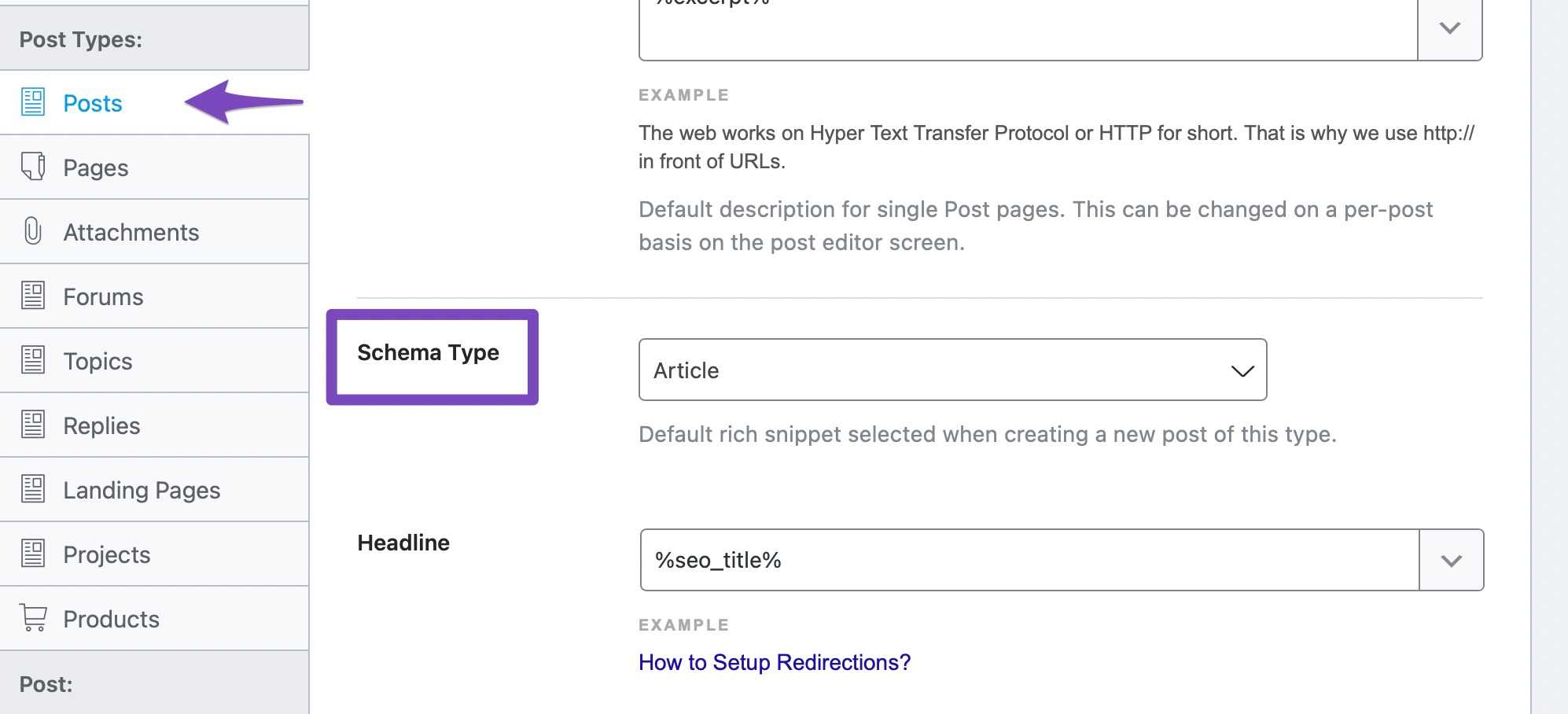
Check Rank Math Settings: Ensure that you have set up the default Schema for your taxonomies. You can do this by navigating to Rank Math SEO → Titles and Meta and then selecting the Taxonomies tab. Here, you can choose the default Schema type for your categories and tags.
-
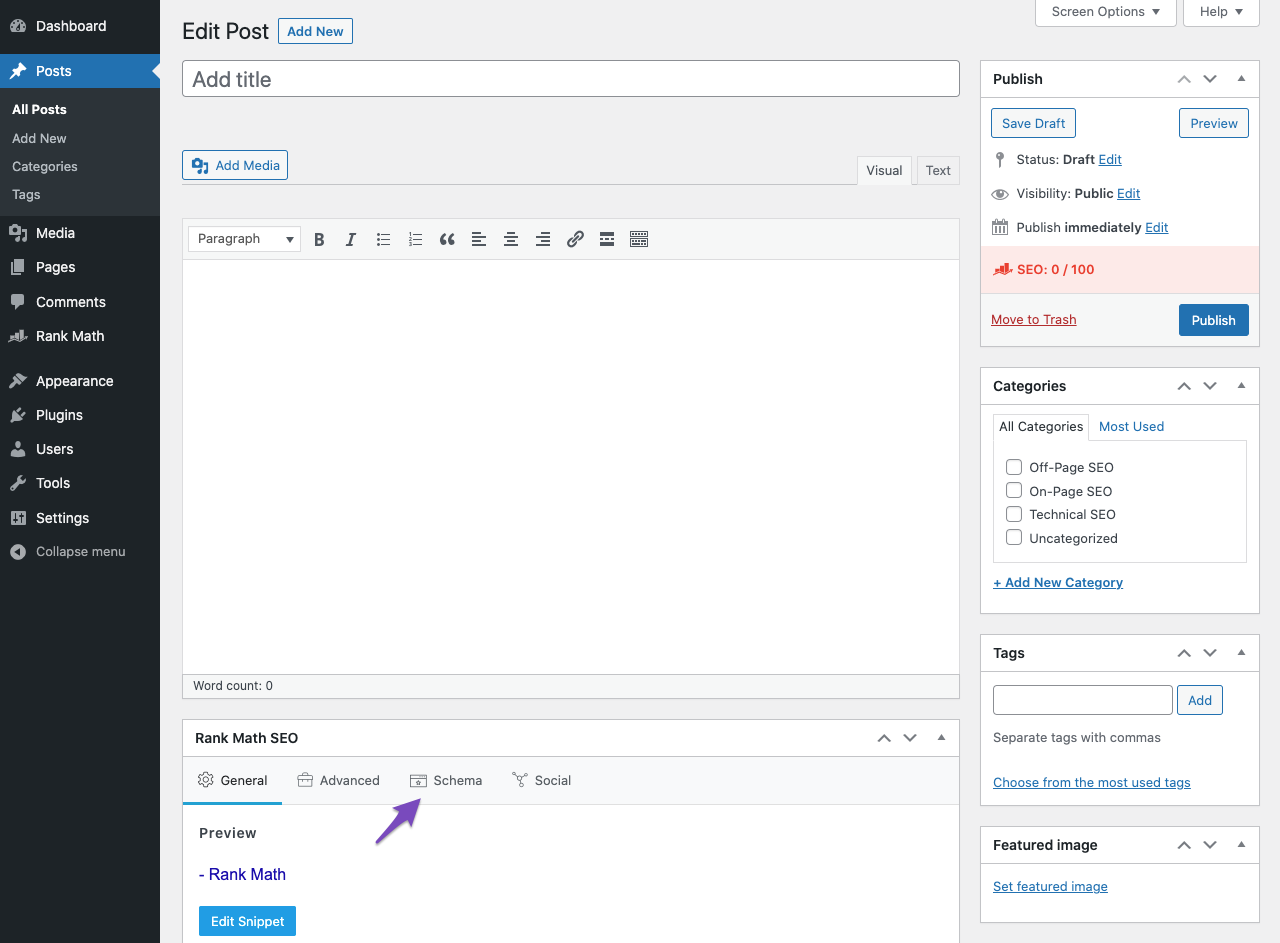
Editing Taxonomy Pages: When editing a taxonomy page (like a category or tag), you should see the Rank Math Meta Box. If it’s not visible, make sure to check the Screen Options at the top of the page and ensure that the Rank Math SEO option is checked.
-
Custom Taxonomies: If you are using custom taxonomies, ensure that they are registered correctly and that Rank Math is set to recognize them. You may need to check the code where the custom taxonomy is registered to ensure it supports the necessary features.
If you have followed these steps and still do not see the Schema options for your taxonomies, it may be beneficial to reply to your ticket with your site URL so that a human agent from the Rank Math Support team can assist you further.
Thank you for raising this concern, and we hope this helps you resolve the issue!
Sources:
Configuring “Schema Markup” in Rank Math for Rich Snippets » Rank Math
Understanding Rank Math’s Meta Box Appearing in Single Posts & Pages
Custom taxonomies are properly registered and show up in RankMath. However, the schema option is missing specifically.
In addition, this issue does not only apply to custom taxonomy, but also to WordPress’ default categories and tags.
Hello,
Please ensure that you are using the latest version of the Rank Math plugin on your website: https://rankmath.com/changelog/
Once done, please head over to your WP Dashboard > Rank Math > Titles & Meta and from your taxonomies, disable the Remove Snippet Data option:

Let us know how it goes. Looking forward to helping you.
Thank you.
Hello,
We might need to take a closer look at the settings. Please edit the first post on this ticket and include your WordPress & FTP logins in the designated Sensitive Data section.
Please do take a complete backup of your website before sharing the information with us.
It is completely secure and only our support staff has access to that section. If you want, you can use the below plugin to generate a temporary login URL to your website and share that with us instead:
https://wordpress.org/plugins/temporary-login-without-password/
You can use the above plugin in conjunction with the WP Security Audit Log to monitor what changes our staff might make on your website (if any):
https://wordpress.org/plugins/wp-security-audit-log/
Looking forward to helping you.
Thank you.
Hello,
Since we did not hear back from you for 15 days, we are assuming that you found the solution. We are closing this support ticket.
If you still need assistance or any other help, please feel free to open a new support ticket, and we will be more than happy to assist.
Thank you.



