Hello,
We apologize for the issues you are facing with the configuration of Rank Math. The error message regarding scheduling the recurring action for Analytics typically indicates a problem with WP-Cron on your site. Here are some steps you can take to troubleshoot this issue:
-
Check WP-Cron Settings: Ensure that in your wp-config.php file, the line define('DISABLE_WP_CRON', false); is set correctly. This allows WP-Cron to function properly.
-
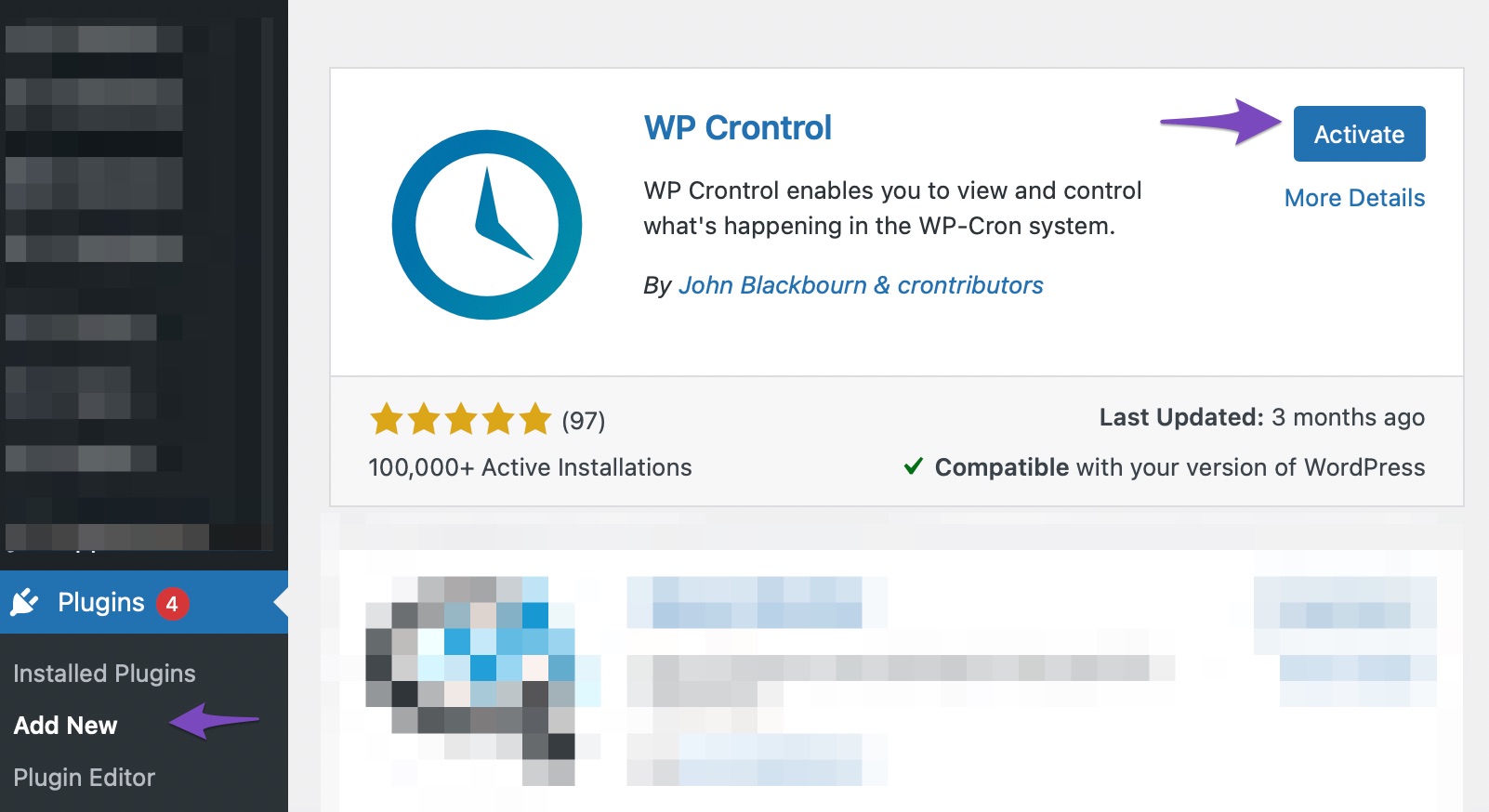
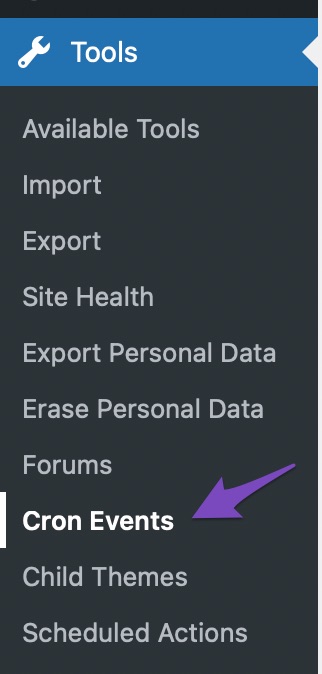
Install WP Crontrol Plugin: You can install and activate the WP Crontrol plugin to manage and monitor your Cron jobs. After activation, navigate to Tools → Cron Events in your WordPress dashboard to check for any errors.
-
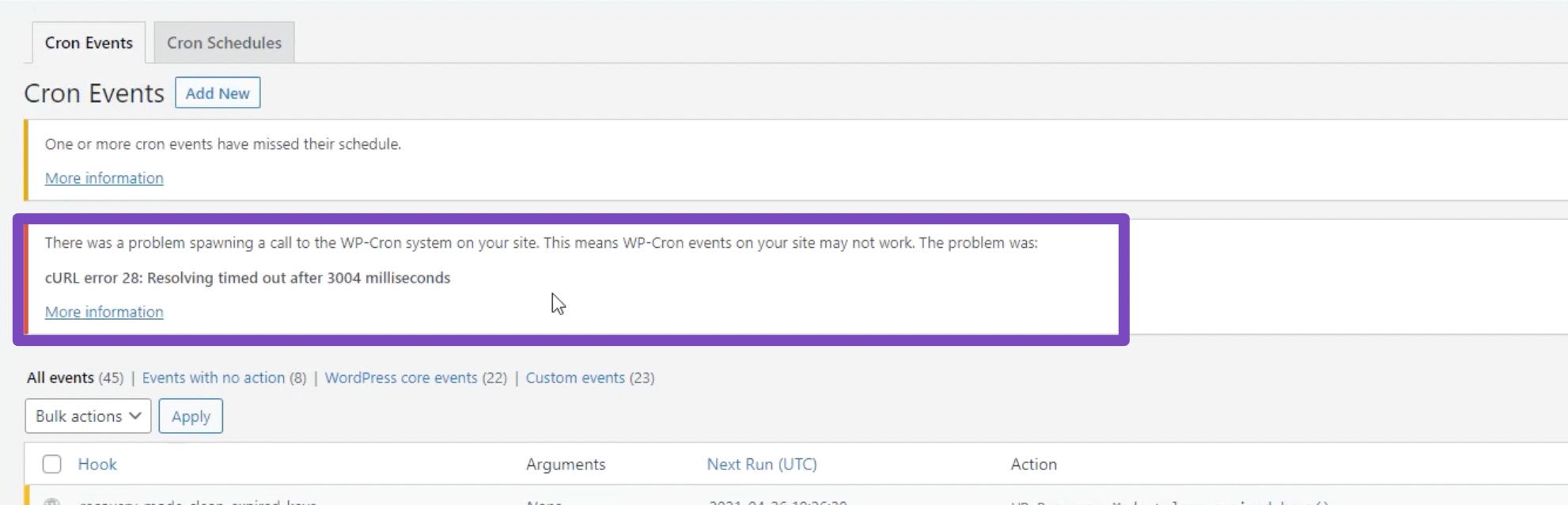
Check for Errors: Look for any errors listed above the Cron Events page. If you find any, click on the "More Information" link for details.
Regarding the sitemap issue, ensure that your sitemap is correctly generated and accessible at `https://www.youtube.com/watch?v=cQLvCBVev3I&list=PLsq48xCzb38l8zI2Vdypr96TZzpPUe1_1&t=420s. If it’s not accessible, it could be due to a misconfiguration or a conflict with another plugin.
If you would like more detailed assistance with setting up Rank Math or troubleshooting these issues, we recommend checking out our complete Rank Math tutorial for step-by-step guidance.
Additionally, if you prefer a more hands-on approach, you can consider our professional setup service available at Rank Math Services. This service requires a PRO subscription and ensures that your plugin setup is fully correct and adheres to the latest SEO standards.
Thank you for raising your concerns, and we hope this helps resolve your issues! Please feel free to reply to this ticket if you need further assistance or if you have specific questions about your site configuration.
Sources:
Resolving Rank Math Analytics Related Issues » Rank Math
[Official] Complete Rank Math Tutorial 2024 – SEO Tutorial For Beginners (Step-by-Step)! – Rank Math SEO
hello,
I dont’ have define(‘DISABLE_WP_CRON’, false); in my wp-config.php.
What lust i do?
Hello,
If that line is missing, you should add it to your wp-config.php file.
However, we recommend getting in touch with your web host first to ensure that your website’s Cron jobs are working, and they can add it to your wp-config.php file.
Looking forward to helping you.
Hello,
Since we did not hear back from you for 15 days, we are assuming that you found the solution. We are closing this support ticket.
If you still need assistance or any other help, please feel free to open a new support ticket, and we will be more than happy to assist.
Thank you.



